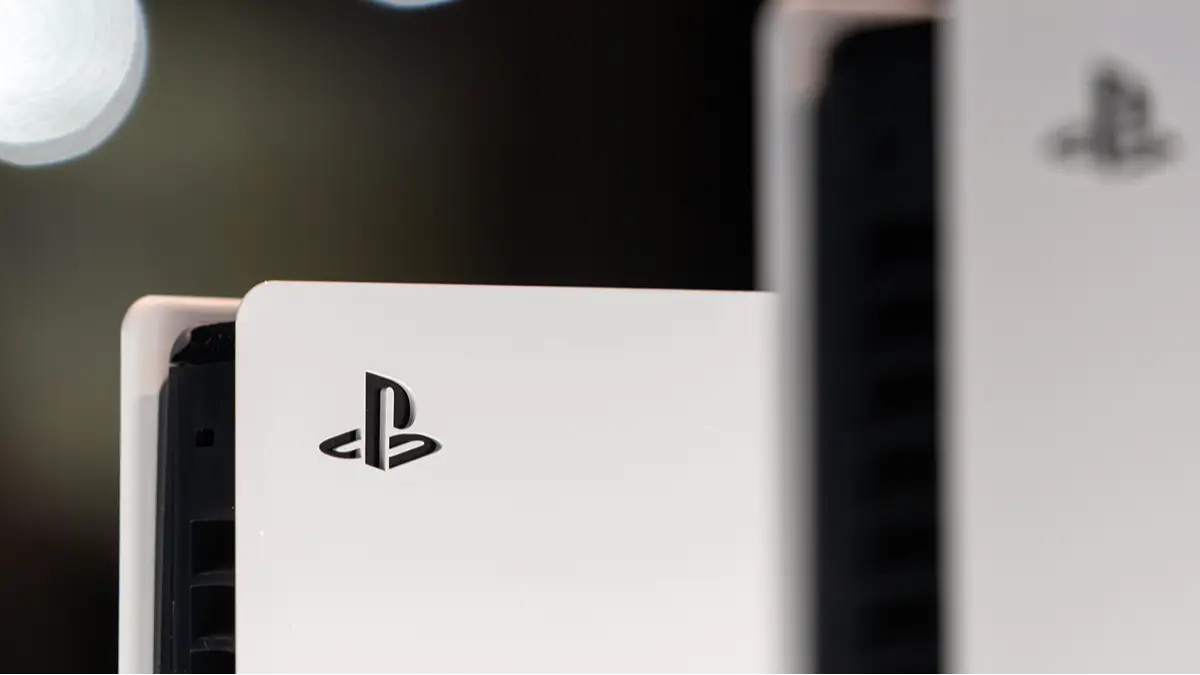
6 Hidden PS5 Hacks Most Players Still Don’t Know About


The PlayStation 5 has tons of features that we might not know about or even forgotten about, and we’ll let you know what some of them are.
Arguably, in terms of a technical perspective, Sony’s PlayStation 5 is its best machine to date. It’s capable of an 8K resolution at 120 frames-per-second, it can play and stream 4K movies, has all the entertainment apps we could ever need, and above all else, it has some fantastic video games.
However, it also has tons of features that we might not know about or some hacks that can make a gaming life a little easier and fun, and I’ll run through just six of them here.
6. How To Free up Precious PS5 Storage Space
Modern video games can take up so much storage space that it feels like we’re constantly juggling what can and can’t remain on our hard drive. But there are several ways that we can free up tons of space on our PS5 hard drive, and deleting games or buying more storage isn't the only way.
5. You Can Emulate PS3 Games on PS5
And no, we’re not talking about PS3 games that are exclusively available to stream to those who subscribe to PlayStation Plus Premium. A modder was able to emulate PS3 games on the PS5 by using a cryptocurrency mining card. Yes, really. This hack was reportedly able to run RPCS3 emulation software and play games such as Gran Turismo 5 and LittleBigPlanet.
4. Give Your PS5 Games a Big Graphics Boost
The most conventional way to give your PS5 games a graphics boost is by going into your console settings to toggle the HDR. You can also choose game pre-sets in the console settings to favour ‘Resolution Mode’ or ‘Performance Mode’. Furthermore, by ensuring that your Smart TV has ‘deep colour’ enabled in the picture settings, it will instantly boost your PS5 graphics, making them look more vibrant and colourful. Of course, this feature might not be available on all Smart TVs, but it’s worth taking a few seconds of your time to find out.
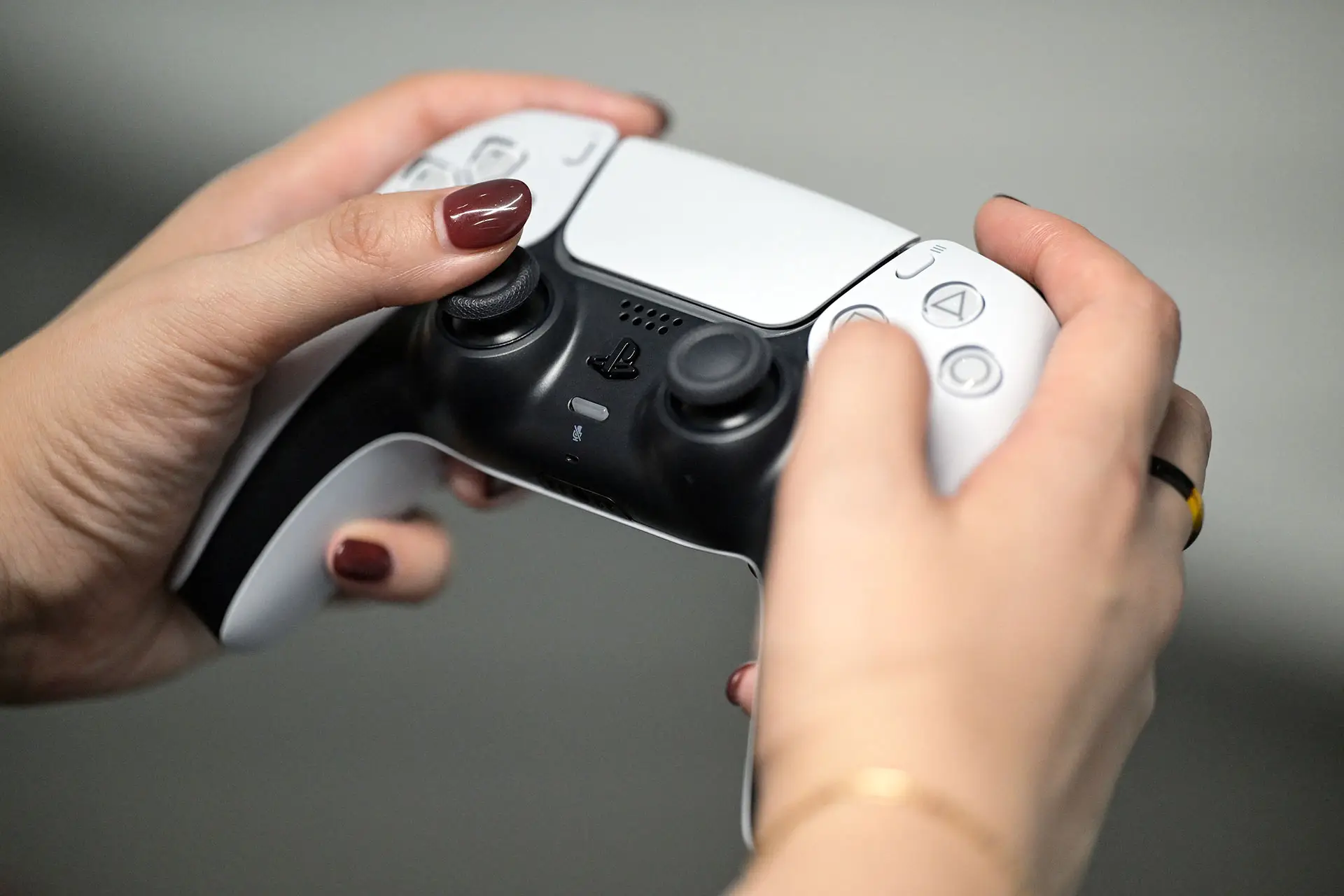
3. Give the DualSense Controller Battery a Big Boost
We all know that, as great a controller as the DualSense is, its battery life sucks, and it seems that after a year of continuous use, that battery life becomes increasingly shorter. Thankfully, there are a few tricks to squeeze a bit more juice.
Advert
By simply lowering the intensity of the adaptive triggers and haptic feedback, it can drastically increase the battery life of the DualSense. Adjusting the brightness of the lights on the controller also helps out a ton. Additionally, be sure to select the setting that makes the controller turn off after 10 minutes of not being used. There’s no point using its battery when you’re not gaming!
If you want to see more from GAMINGbible, make us a preferred source on Google.
2. How to Fix Dreaded DualSense Stick Drift
To put it simply, stick drift is a pain in the backside, and there’s a good chance we’ve all experienced it at some point. If you haven't, it’s basically when an analogue stick continually moves to one side without you touching it, often caused by wear over time. This, of course, can severely impact in-game accuracy.
The only way to 100% fix that issue is to replace the modules, preferably with something like Hall Effect, that can drastically reduce stick drift or simply buy a new controller, but the latter still runs the risk of encountering the problem again.
There is another potential fix that requires you to simply connect your DualSense to your PC/laptop via Bluetooth, and by using a free app, you can easily recalibrate the deadzone of the analogue stick. I found that this helped a little when I tested it on my faulty controller, but it had mixed results. However, it might work for you. If it works, it can save you some money.
1. Give Your PS5 Homescreen More Personality
We know that by simply pressing the share button on the DualSense controller, we can instantly save screenshots and gameplay clips. Those screenshots can then be used to display on our PlayStation 5 home screen, if we want something more unique, rather than the default theme options available. However, you might not know that you can also take screenshots from trailers.
Typically, the share button is blocked when using apps such as YouTube to prevent the use of copyrighted material without permission. But you can take screenshots from a game’s dedicated page on the PlayStation Store. This includes screenshots on the store page and even trailers. Happy Days!
So, there you have it, hopefully you can make use of at least one of the tips above to either improve your gaming experience or just to make your console look a bit more snazzy.
Topics: Tech, Sony, PlayStation, PlayStation 5