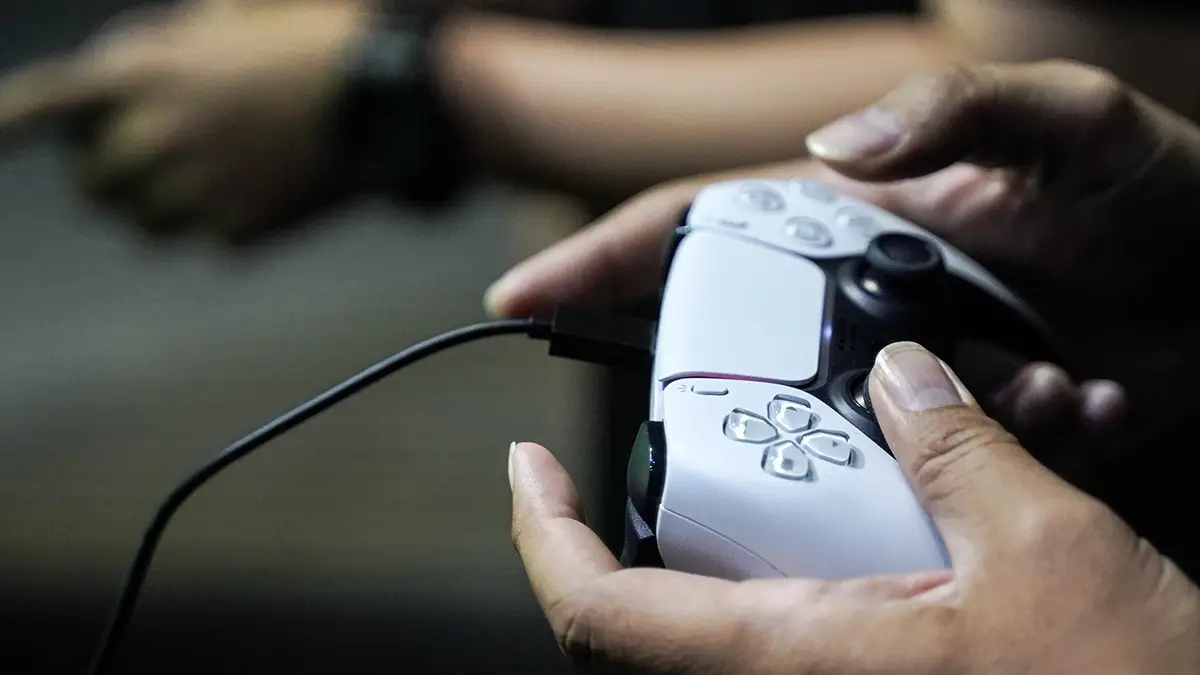
PS5's DualSense Stick Drift Issue is Finally Solved, How to Fix


Finally, there’s an easy way to fix the dreaded PlayStation 5 DualSense stick drift.
We all hate stick drift, and it’s probably been encountered by most of us who game many hours a week. It doesn't matter whether it's PlayStation, Xbox or Nintendo Switch; stick drift is a pain in the backside, to put it mildly.
Both my son and I have encountered stick drift in the last month or so, befittingly with our PlayStation 5 DualSense controllers. My experience occurred while playing Ghost of Yotei, when the protagonist Atsu decided to go on a little horseback ride without me even touching the controller.
Just to confirm it wasn't the game playing up, I then went to the PlayStation 5 dashboard to see if my controller would relentlessly scroll to the left, as it did with Ghost of Yōtei. Lo and behold, it did.
Advert
So, I took that DualSense controller out of commission and retired it into storage. However, now that I’ve learned of this quick and easy remedy, I’m going to give it a whirl to see if it works for me.
How You Can (Hopefully) Fix DualSense Stick Drift
As demonstrated in a short video by Twitter user Modyfikator89, by visiting the free ‘Driftguard’ app and following the simple steps in the video, you should, with a bit of luck, fix the drift in your DualSense controller stick.
It’s worth keeping in mind that as soon as you load up the ‘Driftguard’ website app on PC, it warns you that it’s in the alpha phase of testing. You’ll use it at your own risk from here on out.
In a nutshell, you fire up the website app with your DualSense controller connected to your PC or laptop.
The app will show which analogue stick has drift.
Click a button to fix the drift and save. That’s pretty much it.
Of course, it may not work with your DualSense controller, as it could depend on whether it’s a software or hardware issue.
I haven't tested the app for myself using my faulty controller at the time of writing, but I will try it out at some point this week.
“This seems like it just calibrates the sticks to whatever the drift point is, essentially hiding the issue,” pointed out Baz_L. “I’m guessing you’ll have a dead zone where the drift was. Nothing can fix physical drift in moving parts.”
Hopefully, if you have DualSense controller stick drift, this handy app will work for you. Because it’s certainly a better alternative than having to splash the cash on a new controller.
Topics: PlayStation, PlayStation 5, Sony, Tech