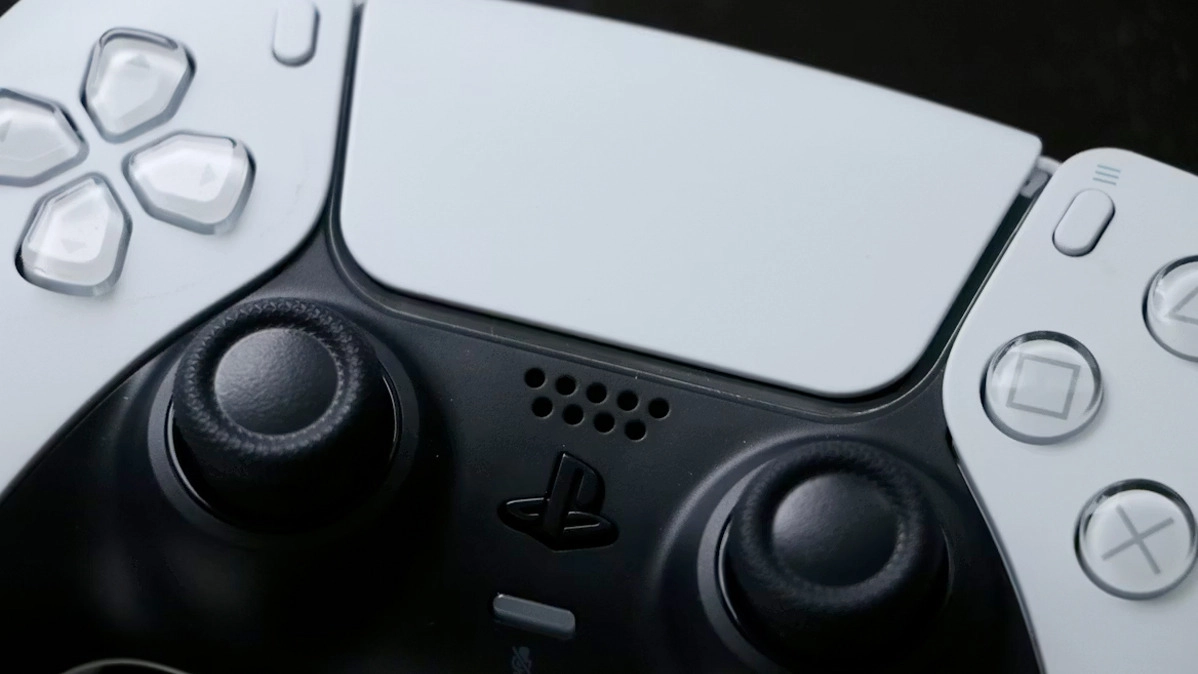
PS5 DualSense Hidden Settings Change Massively Improves Battery Life


I'm notoriously bad for charging up my PS5 controller, so this battery-saving setting change a friend told me about over this weekend is actually going to change my life. Am I just daft for not knowing these, or does PlayStation hide them away in menus upon menus? Either way, game for longer, you're welcome.
Now, I've always found the the DualShock of past PlayStation generations was a rather excellent controller, with a better battery life. But Sony went all out to add a tonne of new features to the DualSense when the PS5 came around.
With the DualSense adding many new features to the controller like adaptive triggers, enhanced haptic feedback, and a built-in microphone, the battery life of such a gamepad has obviously become a lot more strained compared to earlier generations.
There Are Several Ways To Improve PS5 Battery Life
If you’d like a few ways to increase the battery life of your controller though, there are a few handy ways of doing this.
For starters, you can disable the adaptive triggers. This is a feature which simulates certain movements by adding dynamic resistance to the trigger buttons L2 and R2. For example, it’ll emulate the feeling of pulling the drawstrings on a bow, or pulling the trigger of a firearm.
Advert
Sony includes an option to disable this feature for comfort reasons (I absolutely hate it, so have had it turned off for years), but a side effect of this is the fact it’ll also save you some battery life.

The downside to that, of course, is if you're into it, it's a massive step down in immersion.
But another option for you is to decrease the light bar on the DualSense.
By turning down the light levels on the controller, the battery won’t be straining itself to light up the bar. That blew my mind. I hadn't even considered such a small change would save me about 30 minutes of battery life, according to the testing I did.
Here's another PS5 DualSense Battery Hack
One final thing you can do is change the setting Set Time Until Controllers Turn Off, which can be found in Power Saving of your PS5 options.
By changing the controllers to turn off at a shorter time interval, it’ll mean less wasted battery when leaving your console sitting idle.
You could change the setting to “After 10 Minutes”, which we reckon is a decent enough time where the controller is only going to turn off if you’ve left it idle after ten minutes.
Of course, this won’t really affect you if you’re not one to leave your game idle for that amount of time, but it will mean your controller switches off to preserve battery if you’re playing a game with long cutscenes, such as Death Stranding 2, or watching a film using one of the streaming apps.
Be sure to take on this advice if you’re finding yourself wanting to reduce battery consumption in your DualSense PS5 controller.
There's one more trick we found a while ago that people still don't realise you can do, keep scrolling to find out more.
Topics: PlayStation, PlayStation 5, Sony, Tech