
PS5 Setting Change is a DualSense Battery Lifesaver


There is nothing more frustrating than being heavily invested in the game that you are playing, only to be hit with the death of your DualSense controller after ignoring that ‘Battery Low’ warning one too many times.
It is an issue that has plagued gamers since the wireless peripherals became the norm. Yes, we can now play games without having to worry about sitting inches away from the screen, but we will have to keep track of our battery life.
That was definitely the case with the arrival of PlayStation’s DualSense controller that may have offered the longest battery life so far but that does not mean that its power lasts forever.
That is why PlayStation 5 users have been trying to find ways to boost the battery power of the DualSense controller and luckily, one Twitter user may just have the answer.
Advert
According to console and controller technician modyfikatorcasper on X (formerly Twitter), there is one simple setting that “Sony probably wishes you didn’t change”.
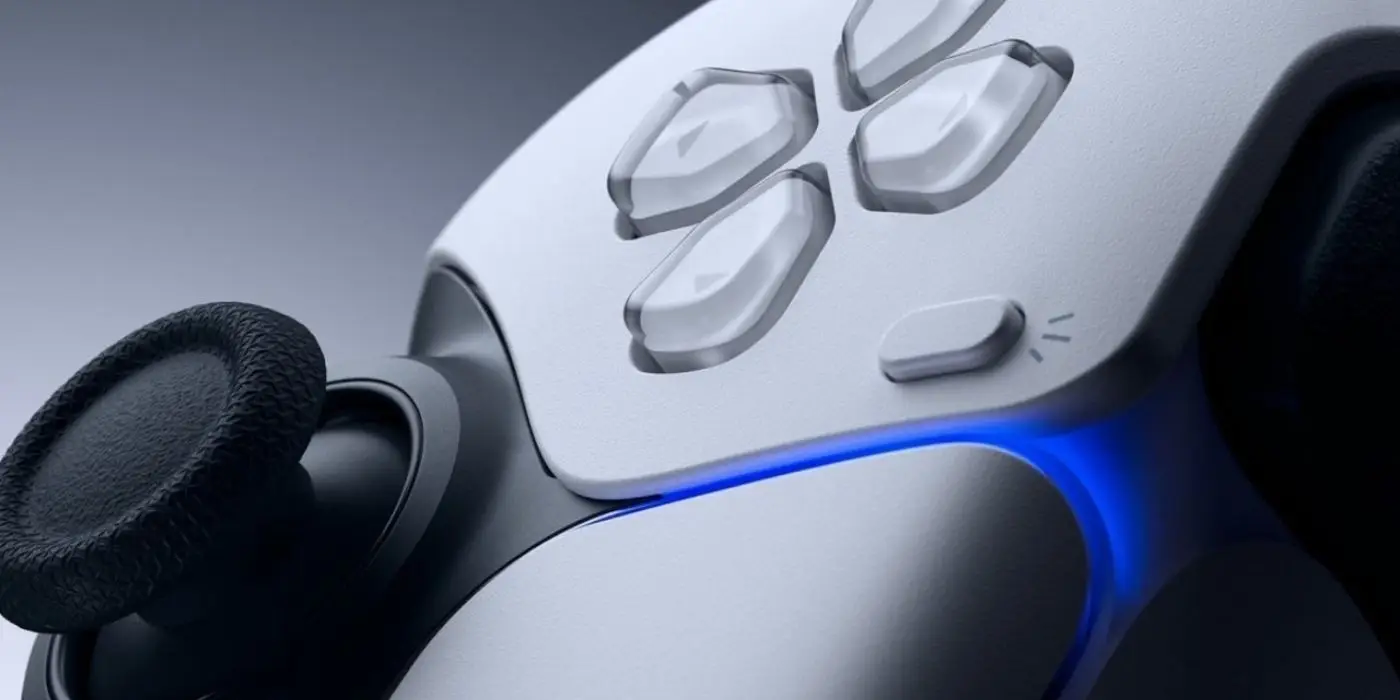
After all, with DualSense controllers costing around £60 to replace, it would suit Sony more if we just bought a new one each time our current ones started malfunctioning.
However, by following this simple guide, your DualSense battery should last a lot longer.
How To Make the Setting Change
In a video shared to the social media platform, we can see the user head to the PlayStation 5’s Settings before heading to the ‘Power Saving’ tab.
Whilst here, you will see the option to ‘Set Time Until Controllers Turn Off’ and you will want to change it to ‘After 10 Minutes’.
Put simply, if you are suddenly called away from your PS5 for a long period of time, your controller will stay on for the amount of time selected here.
As a result, staying away for quite some time will see your DualSense rapidly lose battery.
However, if you set it to turn off after just 10 minutes, you will save battery until you return and simply turn it back on again.
It is a setting that not many of us would have thought about but it is one that will make quite a significant difference over time, especially if you often like to wander away from your PS5 and get distracted by everything like me.
So there you have it! If you are searching for ways to extend your DualSense’s battery life, make sure to tweak this simple setting.
Topics: PlayStation, PlayStation 5, Sony