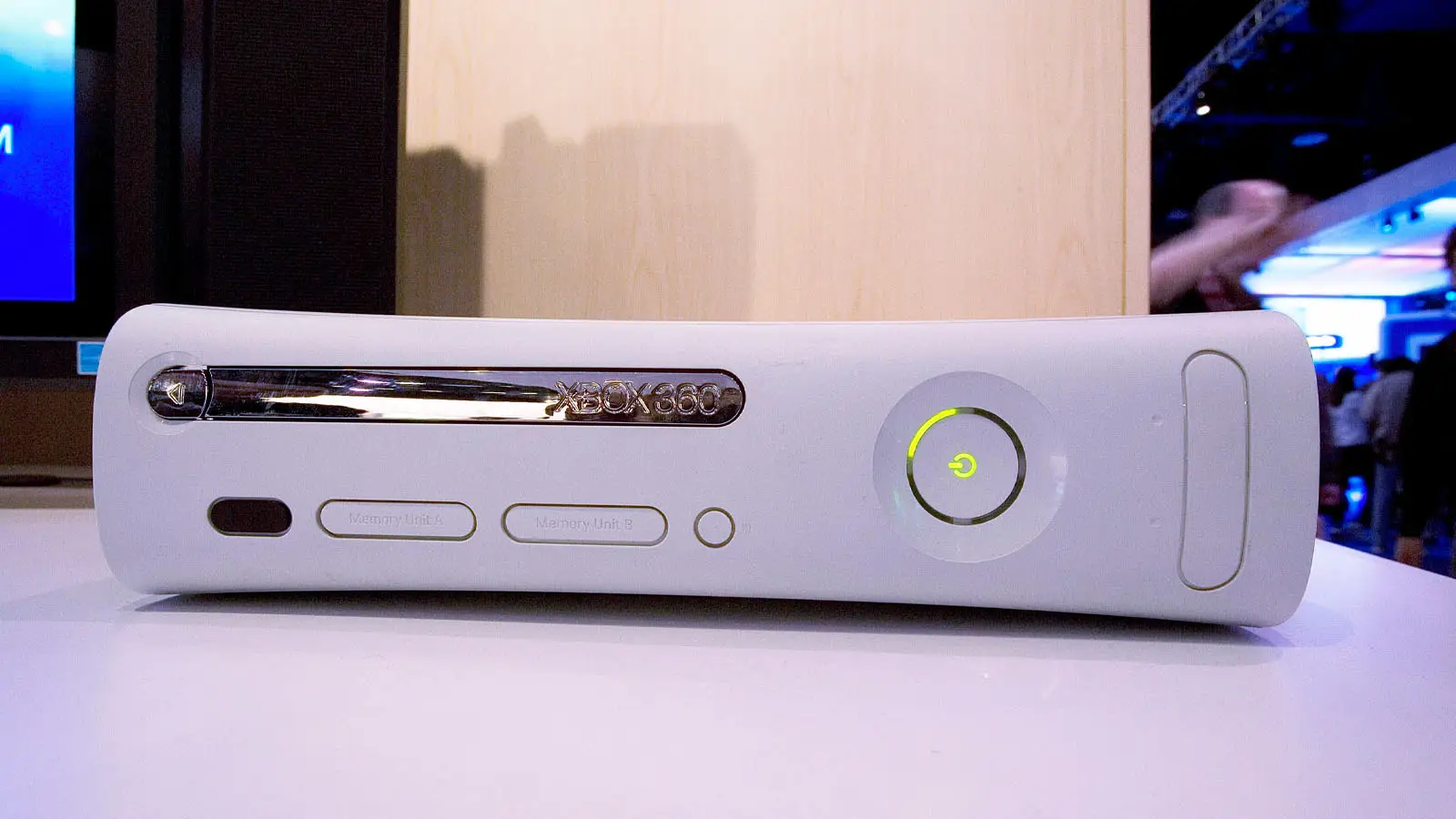
Xbox 360 Returns In New Free Download For PC Users


The Xbox 360 is often regarded as one of the greatest video game consoles of all time, being an affordable, robust console with a series of incredible first-party exclusives.
Software developer and YouTuber ZivvoZ has created a custom dashboard for Windows that is themed after the Xbox 360’s metro design.
Featuring controller support, working menus, and an in-game Guide overlay, the dashboard clearly emulates the features and navigation that the Xbox 360 featured.
The full list of features included with the dashboard is pretty massive, but I’ll go through some of the most notable additions.
Advert
For starters, the dashboard features tabs for Bing Search, Home, Social, Video, Games, Music, Apps, and Settings. You’ll be able to access all of your Windows games from here, as well as search from Bing and access your music.
In the case of the music app, you won’t be able to see a visualiser, but will be able to play and control your music directly from the menu.
With full controller support, the dashboard also comes with a functional Xbox Guide overlay, which can be opened while a game is running and the dashboard is minimised, allowing you to access different features of your PC while playing games.
The open tray option launches a game of your choosing as if a disc is inserted, and it also allows you to switch them out on the fly.
Some other settings you can change include tweaking game cover art in settings, as well as the home tile artwork.
If you’d like to check it out, you can download the Xbox 360 Dashboard from ZivvoZ’s GitHub page, where it’s been made available for anyone to install.
The Xbox 360 Dashboard Is Something A Lot Of Gamers Have Big Nostalgia For
The Xbox 360 Dashboard went through several iterations over the years between 2005 and 2014, adding and changing plenty of new features as they came in.
The first version, retroactively called the “Blades” dashboard, allowed you to switch between different tabs that were known as blades.
This was replaced in 2008 with the “New Xbox Experience”, an update to the console which introduced a brand new look and way to navigate the dashboard. It also added features like party chat, the ability to install games onto the Xbox 360 hard drive from the disc, and the infamous Xbox 360 avatars, which would stay on the system for the rest of its lifespan.
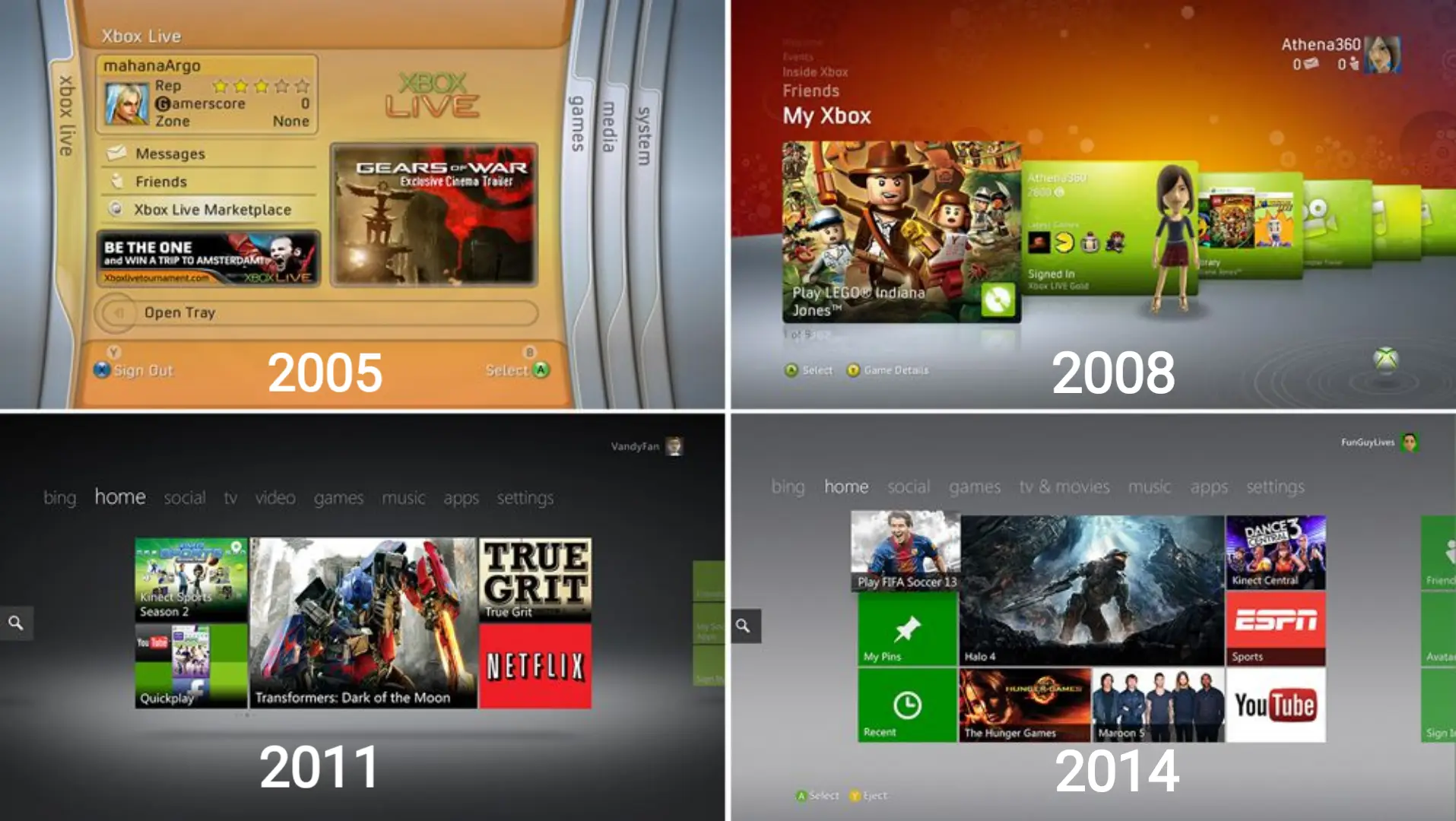
This was then updated again in 2010, using the more modern ‘Metro’ look, which it still has to this day. The dashboard fit with the design Microsoft had in mind for Windows 8, which was released in 2012, as well as the interface used on the Zune HD and Windows Phone.
Of each Xbox 360 dashboard design, the Blades is often regarded as the one that fans have the most nostalgia for, and it’s something that is repeatedly requested for Microsoft to bring back.
Read Next: Xbox Game Pass Confirms 14 More Free Games Added This Month
Topics: PC, Tech, Xbox, Retro Gaming