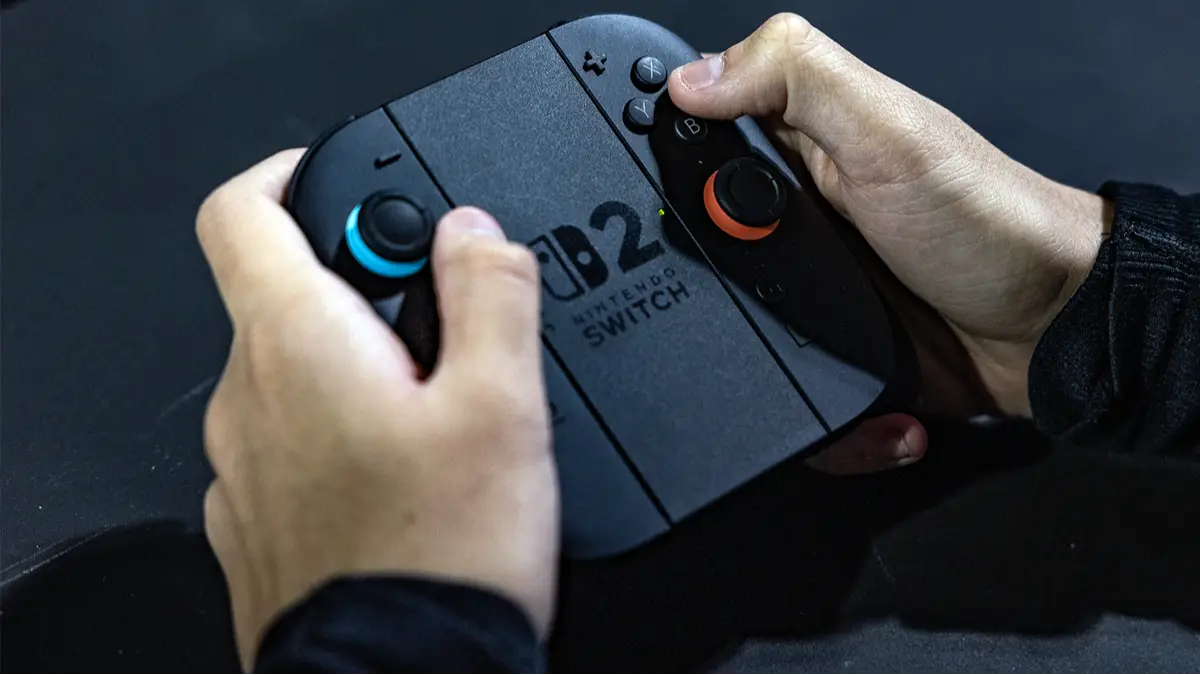
Nintendo Switch 2 Secret 'Trick' Will Help Save Your Battery


This Nintendo Switch 2 secret ‘trick’ will help you save some of that precious battery life.
After months of rumours and leaks, the Nintendo Switch 2 finally graced us with its presence on 5 June 2025. The new handheld hybrid boasts improved visuals, performance, and an enhanced screen, as well as tons of other fancy bells and whistles.
While not blowing the industry out of the water with its quantity of first-party games, it has treated us to the likes of Mario Kart World and Donkey Kong: Bananza.
Sadly, however, one major franchise entry that launched for the first time on the Nintendo Switch 2, Metroid Prime 4: Beyond, fell way below par when compared to the standards set by previous entries in the series.
Advert
“Metroid Prime 4: Beyond has been eight years in the making, and yet it unfortunately misses the mark in several ways,” said GAMINGbible’s Sam in his review. “As the biggest Metroid Prime game to date, it’s fallen into the trap that many open-world games succumb to, having an overwhelming feeling of emptiness.”
The Nintendo Switch 2 Is a Snazzy Console
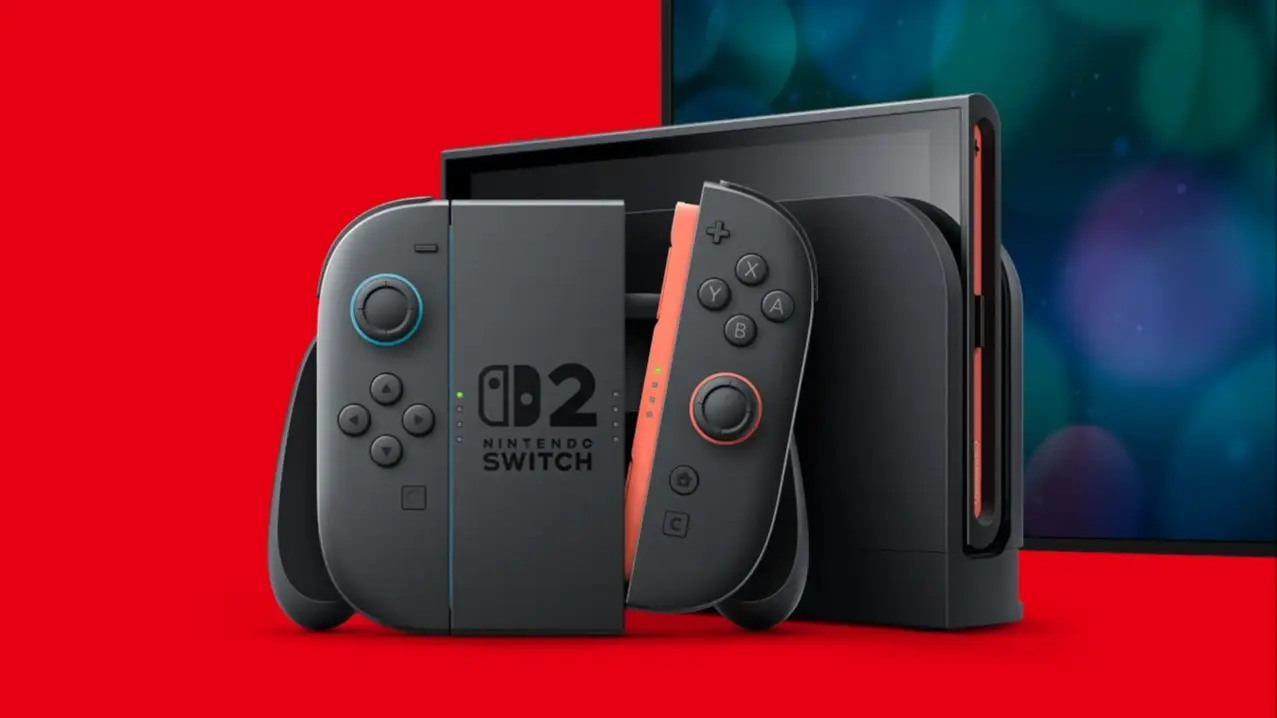
As for the Nintendo Switch 2 console itself, it has some impressive features, such as its improved Joy-Cons with magnetic connectors that can also be used as a mouse, enhanced rumble, improved game chat functionality, and more.
However, the Nintendo Switch 2 has other features that we might have missed, some that could be considered quality-of-life improvements. A particular feature improves the battery life. Typically, the Switch 2 battery can last anywhere between two to six hours, depending on whether the console is in handheld or docked mode, as well as other impacting settings.
As brought to our attention by the YouTube channel Lougle in a video explaining some of the best features of the Nintendo Switch 2, it was explained how easy it is to extend the console's battery life.
Now, this isn't an extension in terms of how long a gaming session might last. Well, it will impact that aspect in the long term, but this trick should help get longer battery life for the years ahead.
This trick is similar to mobile phones. By not charging your phone’s battery to 100%, you may not get as much out of your battery on that day, but your battery will hold a charge better in the long run.
To help increase the built-in battery of your Nintendo Switch 2, go to ‘Settings’, scroll down to ‘System’, and you will see an option that reads, “Stop Charging Around 80-90%”.
If you toggle this on, gaming sessions won’t be quite as long, but this option can “help reduce the loss of battery capacity over time”.
It’s worth watching the whole video from Lougle, because it has loads of tips and tricks, some of which you may not know about.
Topics: Nintendo, Nintendo Switch 2, Tech, Nintendo Switch