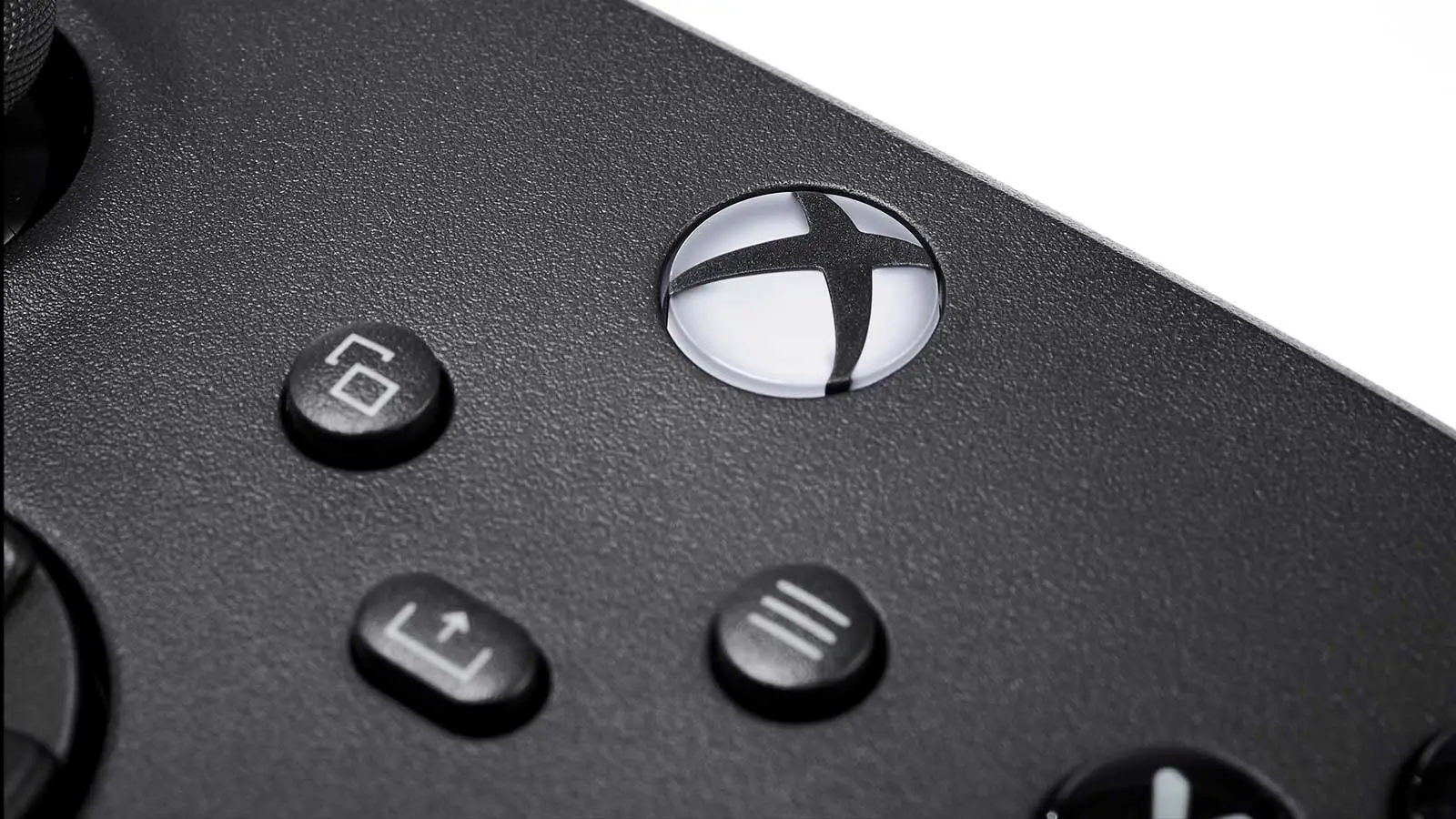
Xbox Controller Hack Is Perfect For PC Owners But You Probably Missed it


Xbox owners have one of the best console controllers going in terms of ergonomics and compatibility.
While it might lack the rechargeable battery and bonus features of the PlayStation 5 DualSense controller, it makes up for it with its universal appeal.
What you might not know though is the Xbox controller is fantastic if you own both an Xbox Series X/S and PC, with the aim of using the controller for both platforms.
The Xbox Controllers Handy Connectivity Trick
Like most of Xbox’s best features, you’d be forgiven if you hadn’t heard of this one as Xbox rarely shouts about it.
It’s called Quick-Swap and can be done with any Xbox controller produced for the Xbox One onwards.
Advert
As all Xbox owners will know, to connect your controller to a console, you need to press the sync button on both pieces of hardware. On PC, you’d need to connect it via Bluetooth provided you have the adaptor, but if not, you could play it wired instead. Wireless is by far the best choice though; gamers don’t need more wires cluttering their space.
Now when you disconnect your controller from your Xbox and connect it to your PC and vice-versa, you might go through the whole rigmarole of messing with the sync buttons and the Bluetooth menus, but there’s an easier way.
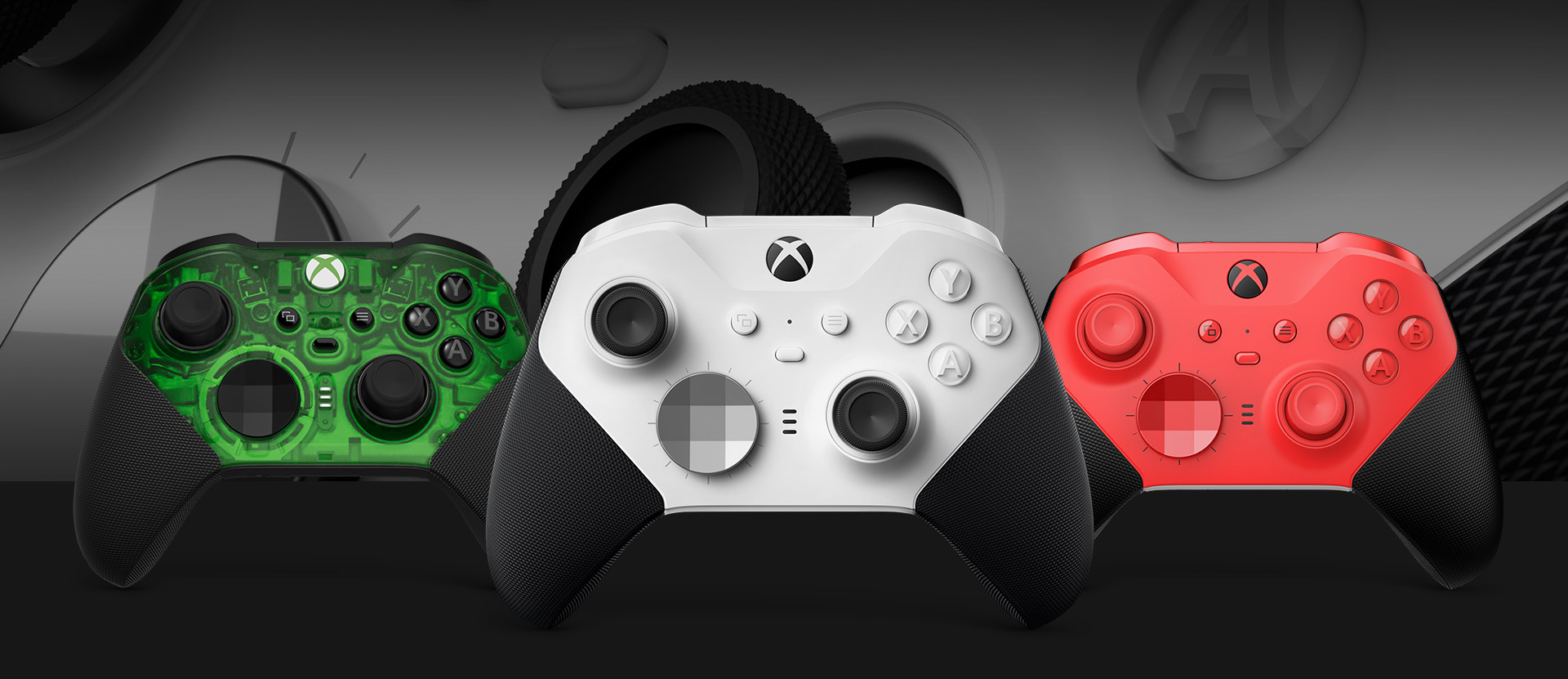
Your controller will remember the last two devices you connected it to, which in a lot of gamers’ cases might be an Xbox and a PC.
When you’ve been connected to both of your setups at least once, you can quick-swap between them by pressing the controller’s sync button twice. That’s it, you don’t need to do anything else.
It’s a simple trick but quite effective, and will save you precious time on setup when you’d rather just jump into a game.
Now while this is handy for those who currently have an Xbox and PC it’s going to become a lot more handy as the years go on.
Xbox’s next console Project Helix is going to be a console and PC hybrid system so those that are hanging onto their Series X/S will be able to use this feature to seamlessly switch between them. While you’ll probably want to use Project Helix the most, there might be someone else in your household who’d benefit from the Series X/S, so it’s good for when you want to play co-op or need to lend your most-used controller.
Those who purchase the Steam Machine will also be benefitted knowing about quick-swap too as Valve’s new console will support Bluetooth controllers.
Chances are you’ll want to use the Steam Controller for the track pads but some games will probably feel better with an Xbox controller, so it’s good to know you can quickly connect one without having to mess around in the settings.
READ MORE: Steam Controller Skyrockets In Value, Prompts Steam Machine Price Hike Fears
Topics: Xbox, PC, Xbox Series X, Xbox Series S