The 8 best improvements in Pokémon Pokopia's free 2.0 update patch notes


After a brief period of dormancy, Pokémon Pokopia has sprung back into the spotlight, thanks to the launch of its free new 2.0 update and phase one of its paid DLC.
If you want that paid DLC, you’ll need to purchase the Pokémon Pokopia Expansion Pass for $34.99 / £29.99.
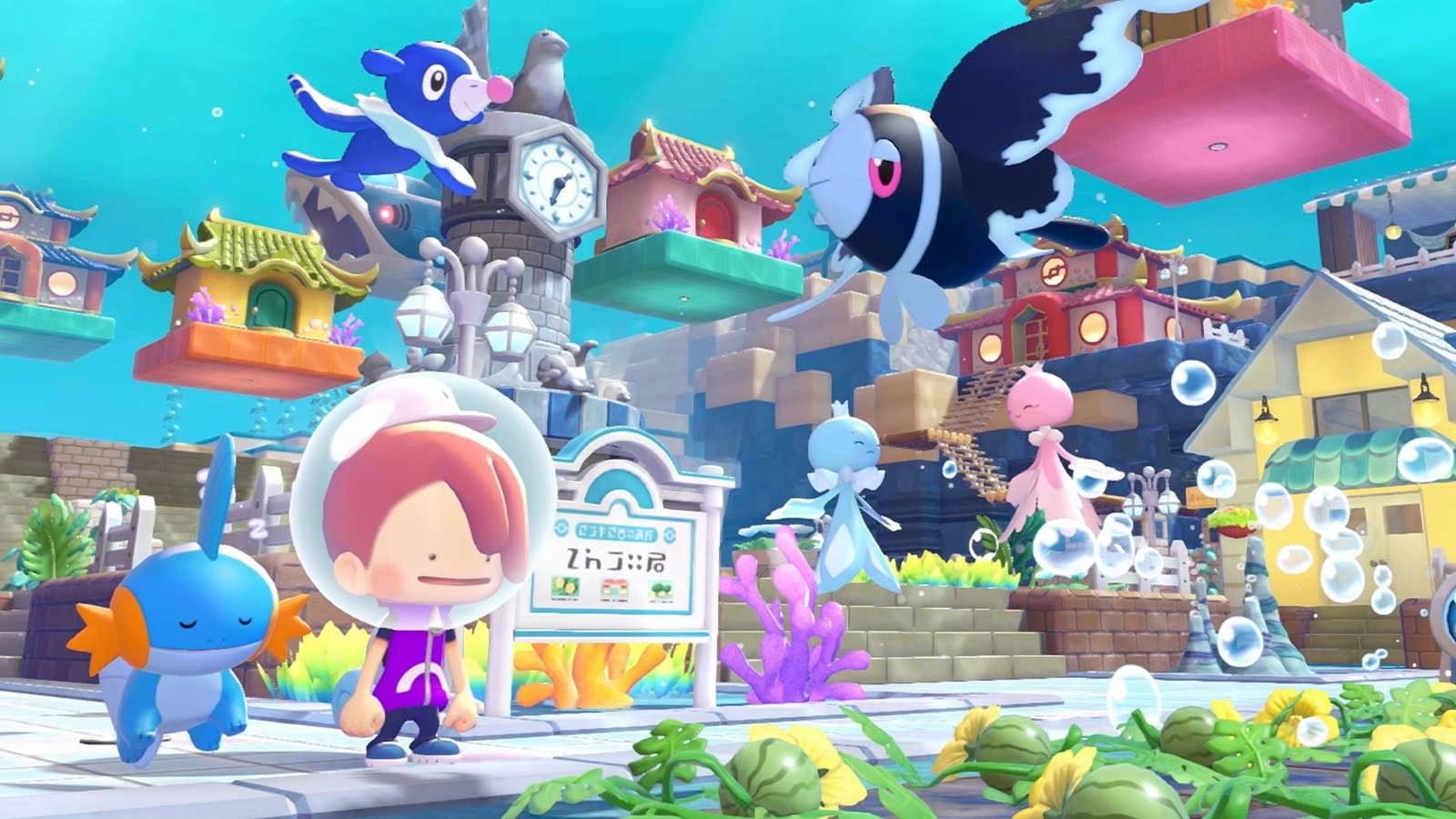
Phase one, which is out now, introduces a new town by the name of Bubbly Basin. Phase two will add “additional new features” in late 2026, with phase three adding yet another new town in 2027.
If you don’t want to splash the cash though, you can now enjoy Pokémon Pokopia’s free 2.0 update which adds tons of new features and quality-of-life improvements.
Advert
If you’ve ever been frustrated by storage, building, or item limitations, there’s a decent chance that you’ll now never feel said frustration again.
While you can peruse Pokémon Pokopia’s full lengthy patch notes, here are the eight best changes and improvements you need to know about.
Players can now dive
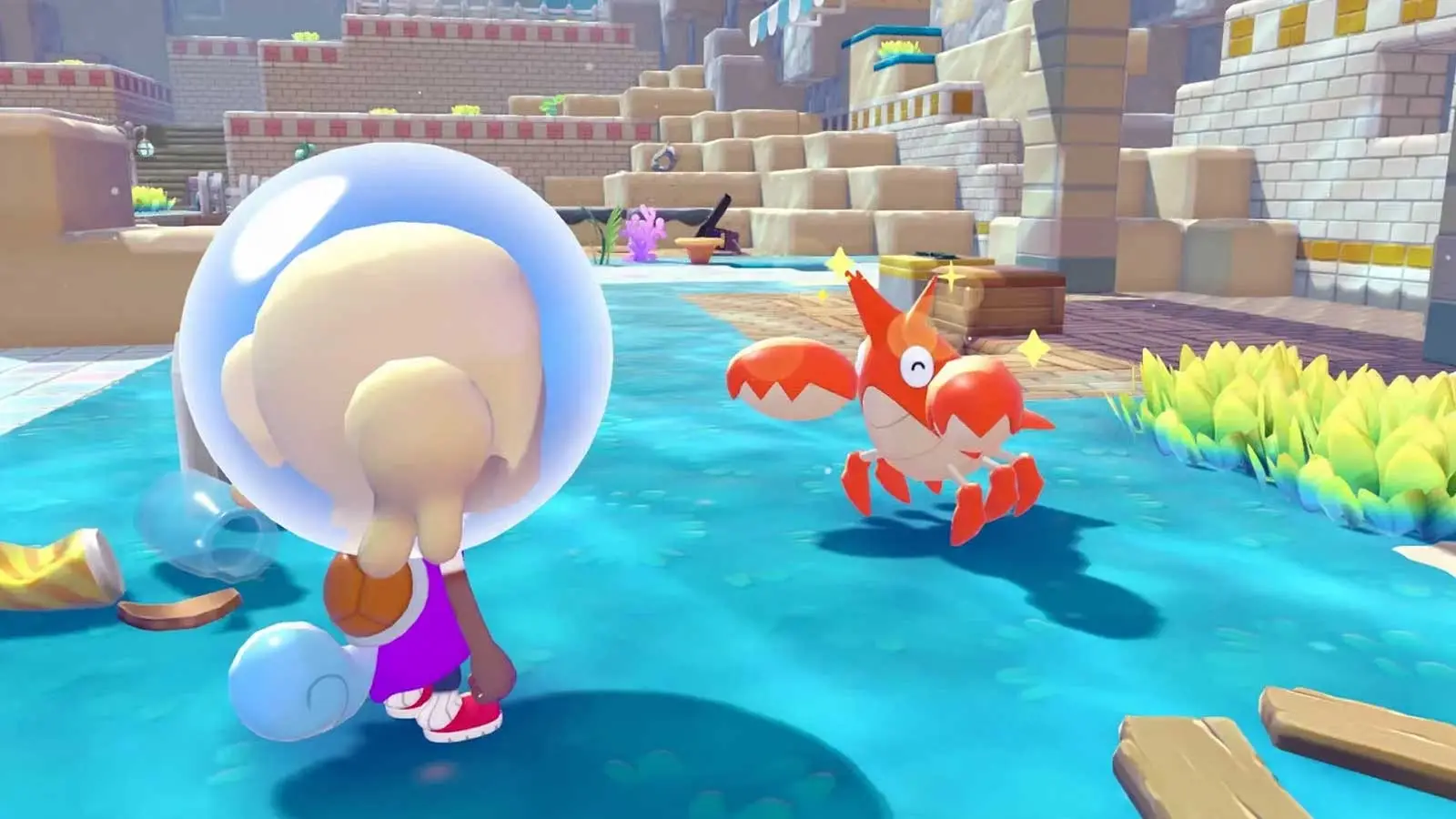
Pokémon Pokopia has introduced a free dive ability for all players. While this will, of course, be useful in the paid DLC Bubbly Basin, which is set underwater, it’ll have its uses outside of that too.
Across all biomes, players can now travel and build underwater. Yes, that also means collecting all of the loot sitting just below the ocean’s surface that’s been out of reach and bothering you since launch.
Portal pods allow for instant transportation
The new update has introduced ‘portal pods’ which’ll seemingly set you back 3,000 Life Coins from the Pokémon Center PC Shop.
The recipe will become available after unlocking a certain environment level in Palette Town, although which level has not been advertised.
Seemingly, building two portal pods will allow you to instantly transport yourself from one area of a specific biome to another area, speeding up travel across a town.
You can now bulk move and permanently rid yourself of items
Storage is a pretty big problem for most players in Pokémon Pokopia, but your woes have been addressed.
Players can now bulk move items from their bag to storage boxes.
If there’s an item you never want to see again, you can now also delete items by placing them within garbage bins; just be absolutely certain that you’re not going to want it further down the line.
Pokémon will adapt to destroyed habitats with slightly less drama
We’ve all had the experience of removing a piece of furniture from a Pokémon’s habitat and having them make you feel terrible about it.
Previously, if you destroyed a habitat, many ‘mon would just aimlessly wonder. Now, if you restore the same habitat within a certain area, the affected ‘mon will automatically move back in.
Lost Relic appraisal just got so much faster
It’s always exciting taking Lost Relics to Professor Tangrowth to be appraised, but if you’ve found a whole horde of items, it can be time consuming to click through the dialogue again and again and again for each new item.
Thankfully, you can now get items appraised in batches of 10 which should massively speed up the process.
READ MORE: 8 Pokémon Pokopia freebies coming to your Nintendo Switch in August
Crafting will now prioritise items in storage
All Pokémon Pokopia players will know that you can attach up to four storage boxes to a workbench with the workbench then able to pull from those boxes for materials.
Previously, however, workbenches would pull from your inventory first. This has now been adjusted so that storage boxes are pulled from as a primary source, saving you from having to restock your own bag after crafting.
Generator and photo limitations have been increased
You can now place way more power generators, allowing for electricity to run throughout your towns.
Previously, you could place 64 power generators but this has now been increased to 128 - although furnaces are excluded.
As for the number of different photos that can be displayed, that’s gone up from 10 to 40, hurray.
Smearguru just got a skill boost
Smearguru is your best point of contact for helping you personalise and decorate items, and he just got a little bit better at his job.
This ‘mon can now learn patterns from the photos you have stored in references, allowing you more easily to diversify how you decorate furniture items.
Topics: Nintendo Switch, Nintendo Switch 2, Pokemon, Nintendo, List