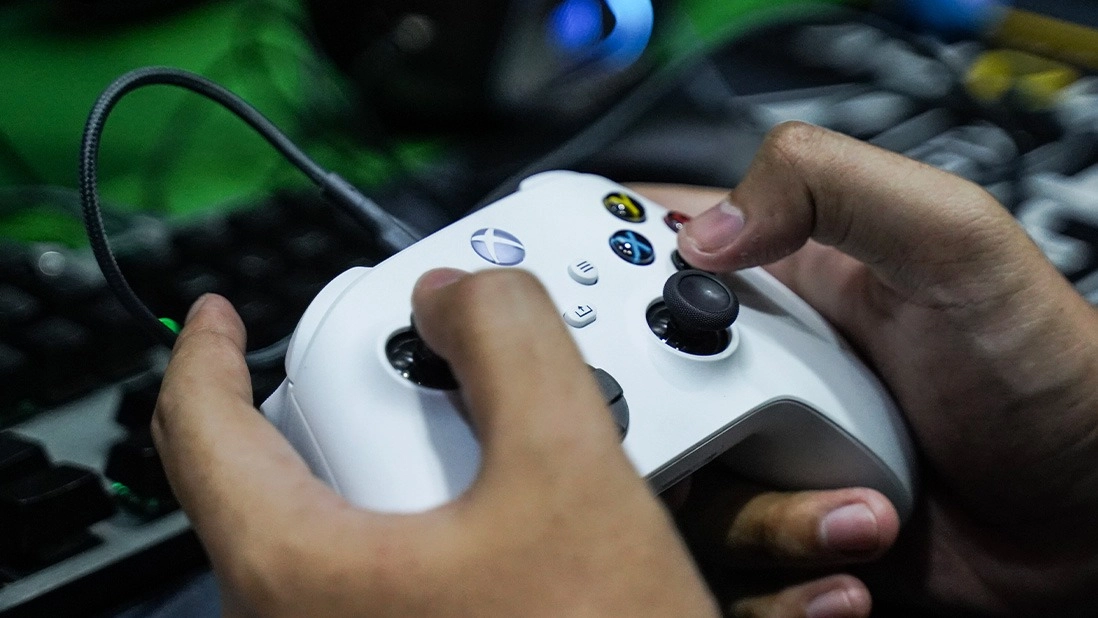
Xbox Hidden Controller Setting Will Make Gaming Much More Seamless


If you’re both a PC and Xbox gamer, you could be overlooking an incredibly helpful feature that’ll make switching between the two platforms far more seamless.
I’m very aware that our consoles are packed with hidden features; ‘hidden’ because most of us are too stuck in our ways to seek out change.
With each system update, new settings are added, with many of us overlooking shortcuts, storage-saving settings, and battery-saving hacks.
It’s well worth a peruse of your console’s settings, as boring as that may sound. If you don’t fancy it, however, I’m here to help highlight one little known tip.
Advert
This is only really going to be of use to those of you who use your Xbox controller both whilst gaming on PC and console.
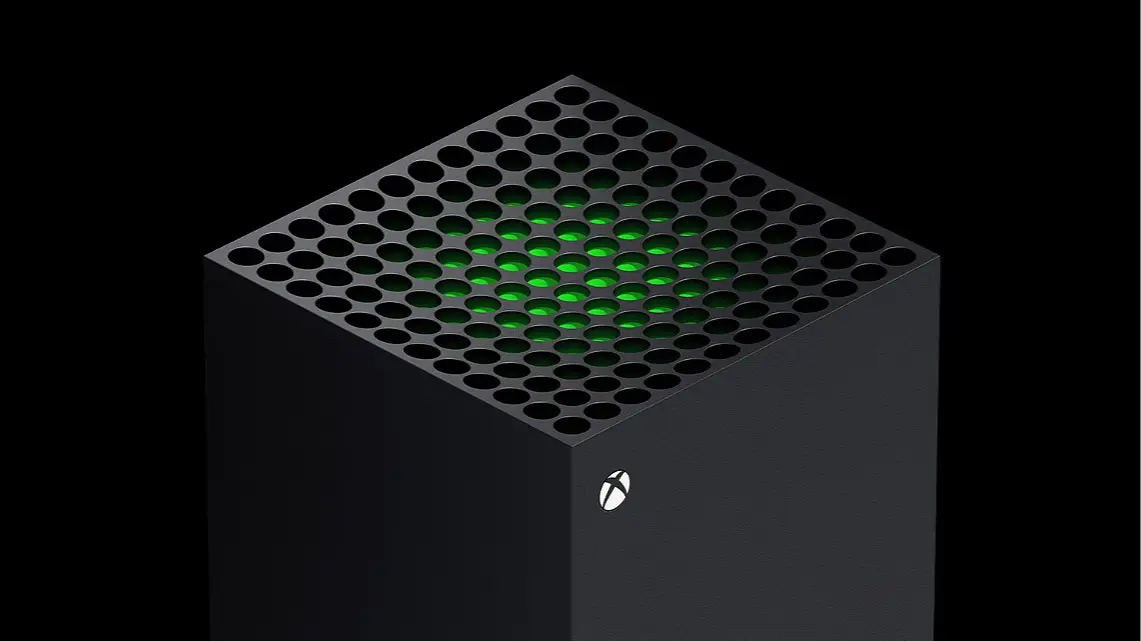
Did you know that you can benefit from multi-device switching?
Yes, your controller can be simultaneously linked to both your Xbox and PC, and you can quick swap using the simple tap of a button.
This tip works with the Series X/S controller as well as pro models like the Elite 2.
Step By Step Instructions
To begin, you’ll want to pair your controller with both of the relevant devices.
On the top of your controller, there should be a small round button located between the back triggers. Hold this until the controller’s Xbox logo flashes.
Your console should then ask if you want to pair the controller, if it isn’t paired already.
As for your Bluetooth device, whilst the controller is still in pairing mode, head into the settings of your PC, phone, or tablet and locate the controller to pair.
Exactly how you do this will depend on the nature of your device, but it’s most likely that you’ll need to navigate to your Bluetooth settings.
From here, you should see a list of devices you can currently pair with. Hopefully, your Xbox controller is on there.
I will add the caveat that this feature only works for a maximum of one Xbox and one Bluetooth device; you cannot add it to a third device.
Even still, I’m sure this little tip is going to prove to be of use for many of you.
Now, the important part. In order to switch from using the controller with your Xbox to your secondary Bluetooth device, simply double tap the pairing button.
You’ll then instantaneously switch over to whichever device you weren’t originally using. How handy is that?
This tip has been around since the Xbox Series X/S’ launch, but it’s one that many people still massively overlook to this day, perhaps because it’s not very well advertised by Xbox.
Now you know though, so get pairing.
Topics: Xbox, Xbox Series S, Xbox Series X, Microsoft, PC, Tech