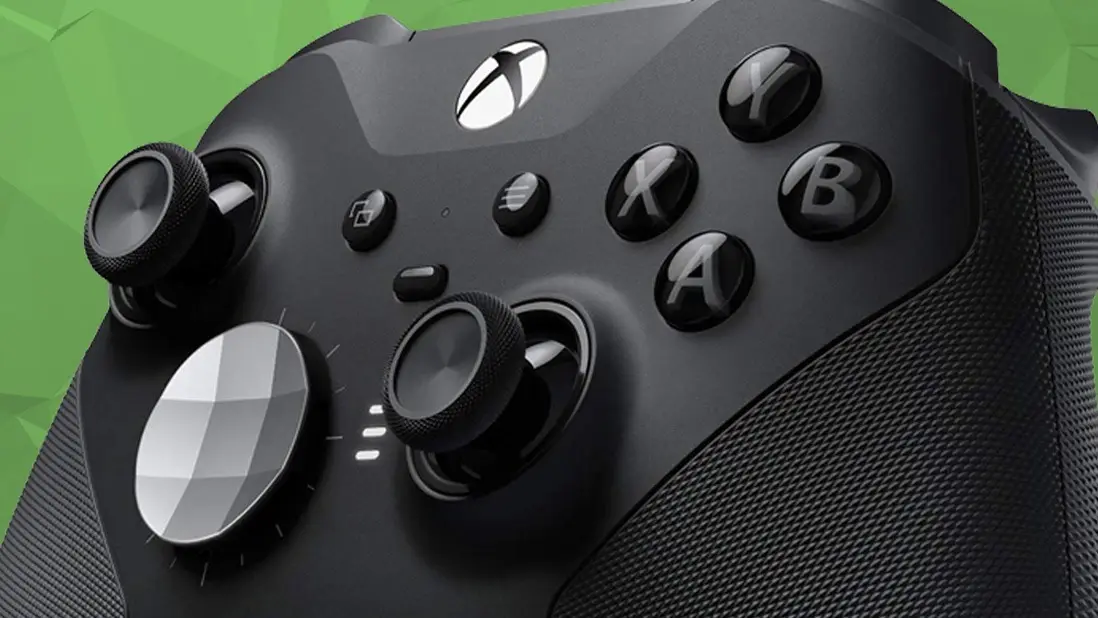
Xbox Controller's Firmware Conversion Unlocks 'Hidden' Features, Free Upgrade


If you have an Xbox One controller but want all the bells and whistles of the Series X/S equivalent, there is a way to do that without splashing the cash.
Is it worth jumping through several technical hoops to avoid spending £50 or $60? You’ll have to be the judge of that one.
This is possible via a firmware conversion made available by X user Modyfikator89, and you’ll probably need to be somewhat technically minded to attempt it.
It’s also worth pointing out that if you attempt something like this with your hardware, you’ll be voiding any sort of warranty you have on your products, so that risk is worth bearing in mind.
Advert
If you don’t feel confident with modifying your controller, you may be better off looking out for deals on the Xbox Wireless Controller.
For those who wish to persist though, this firmware conversation claims to unlock all of the Series X/S controller’s features on the Xbox One controller, including faster response times and an anti-drift fix.

Here’s How To Implement The Upgrade
The firmware conversion centres around the Driftguard app.
I personally haven’t used the app, so I can’t provide any kind of testimony.
According to Modyfikator89’s video tutorial, you’ll need to plug your Xbox One controller into the Driftguard app before proceeding to “downgrade” it.
After that, it’s time to unplug the controller before connecting it again.
You’ll then have to change drivers. All of these instructions are clearly shown via Modyfikator89’s aforementioned tutorial.
These drivers will download and then you’ll want to disconnect and connect your controller again.
Finally, you’ll be met with the option to “convert” your controller. Wait a few moments for this to complete and then press “reconnect”.
Modyfikator89 then walks you through which old drivers you must uninstall from your files. As I said, follow that tutorial closely or you could brick your controller completely.
If all goes well, you’ll unlock those improved response times. Honestly, there aren’t a ton of benefits beyond that. You’re not changing the hardware, after all, and Xbox controllers haven’t really come on leaps and bounds.
As for the anti-drift fix, that pertains more to the Driftguard app than it does the newly installed Series X/S firmware.
My colleague Richard gave it a whirl recently and while it did improve his stick drift, it didn’t rid his controller of the problem entirely.
As I said, for those who aren’t used to modding in this way, this may be a trick to avoid but hey, the option is there if you want it and acknowledge the risk.
Topics: Xbox, Xbox One, Xbox Series S, Xbox Series X, Microsoft, Tech, Mods