Meccha Chameleon suffers huge security breach which can compromise your PC, see if you're affected


Meccha Chameleon players are being urged to check the safety of their PCs following a recent security threat that has hit the game’s Steam Workshop.
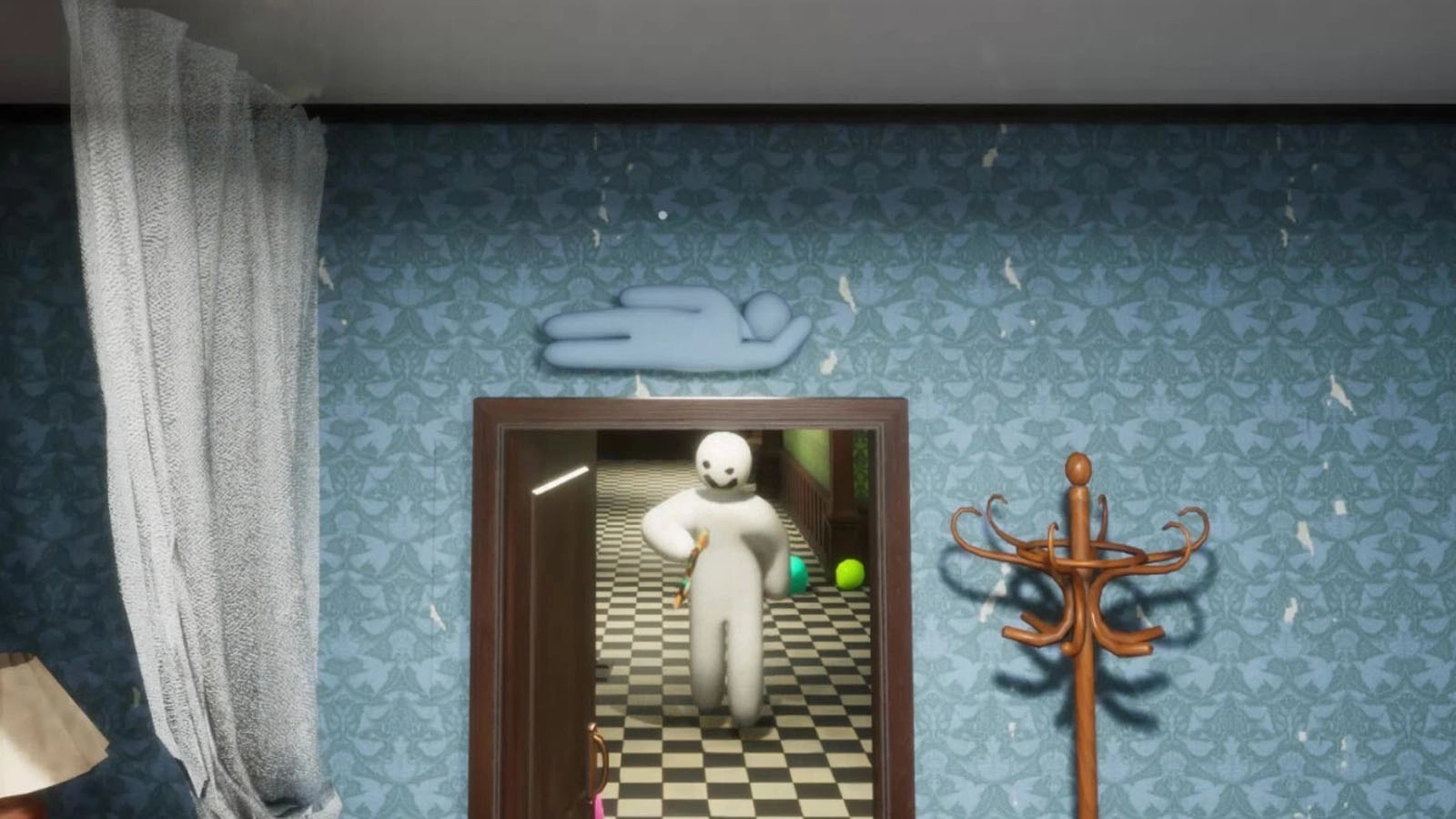
The 2026 twist on the prop hunt genre has become a viral hit due to its casual barrier for entry and whimsical gameplay loop, making it easy to enjoy with friends and family.
With over 15 million copies sold and a daily average of around 45,000 players, the game has got the legs to be one of the biggest releases of the year.
As with any multiplayer game which receive a huge amount of attention though, players are being warned about potential security risks which can arise from playing the game’s custom content.
Advert
As reported by Feint (via Eurogamer), a user who has researched the custom content in the game, user-made maps on the Meccha Chameleon Steam Workshop page are deliberately including malware in the download that users can unknowingly install on their PCs.
“A couple of my friends reported seeing a command prompt window briefly appear while Steam was downloading a custom workshop map,” Feint writes.
“The map was being downloaded through the game’s in-game lobby and, once the download completed, it immediately began loading for the match. Since the command prompt window appeared during this transition, I decided to investigate the workshop files.
“What I found was a seemingly ordinary workshop map that contained what appears to be a malware dropper, despite having passed workshop review.”
Read More: Free Skyrim multiplayer mode supports 700 players, but bad apples aim to ruin it
Which Meccha Chameleon maps are infected with malware?
Feint says the map in question was “Laser Tag Neon”, which has now been removed from the Steam Workshop. However, another map called “Chroma Grid Arena” has taken its place.
Meccha Chameleon developer Lemorion_1224 has responded to the issue, posting several updates on Steam clarifying that the game is safe to use, and to be wary of custom content that can infect your PC with malware.
In order to protect yourself, be sure to check your own Steam Workshop downloads in case you’ve downloaded the Laser Tag Neon or Chroma Grid Arena maps.
If you did install those at any point, Feint has recommended some steps to take in case you suspect your PC might be affected.
“If you played a potentially malicious map, check the following locations for suspicious recently created files, especially .bat files:
- %USERPROFILE%\Documents\
- %TEMP%\
“It’s also a good idea to review your Startup entries and Task Scheduler for anything unfamiliar, as malware commonly uses these mechanisms for persistence.”
As for protecting yourself in the future, Feint also recommends only downloading popular maps from the Steam Workshop with an established playerbase, as well as checking for the age of the uploader’s account, as new accounts are more likely to be a major red flag.
Topics: PC