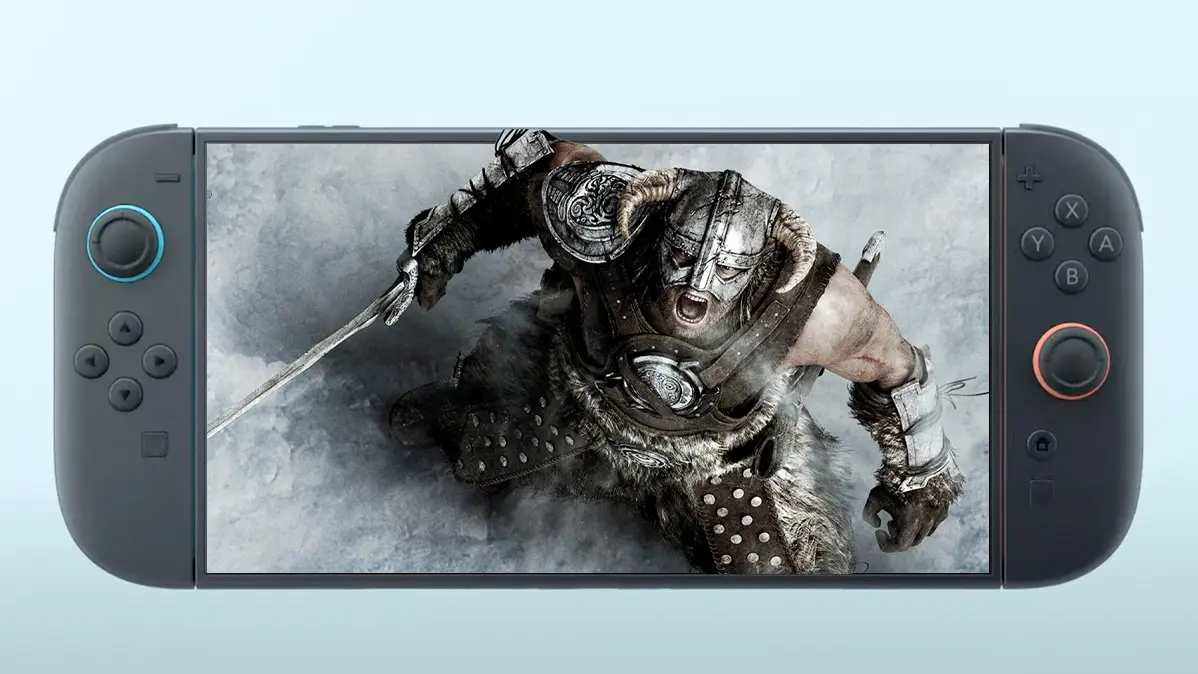
New Skyrim Update Adds Long-Awaited Feature, Here's How To Activate It


A brand new surprise update for The Elder Scrolls V: Skyrim’s Switch 2 version has made a world of difference.
When Bethesda launched The Elder Scrolls V: Skyrim on Switch 2 back in December, players were a little miffed to see the 14 year old game was not performing up to expectations.
I mean, it’s a game designed for the PS3 and Xbox 360, and was still running at 30fps and below in some areas.
In addition to that, attention was called to subpar graphics, bloated install size, and a whole range of technical bugs. With how many times Bethesda has ported the game over to different systems, you’d think it’d have the knack for it by now.
Advert
Still, the company has committed to improving the game with patches over the last few months. It addressed the framerate issues with an earlier patch by adding 60 fps in certain areas, but exteriors were still 30 fps. Players also complained about input lag becoming worse as a result.
Unable to get it just right for everyone, it seems that Bethesda has instead opted to include two new visual modes for Skyrim players to choose between: Prioritise Visuals and Prioritise Performance.
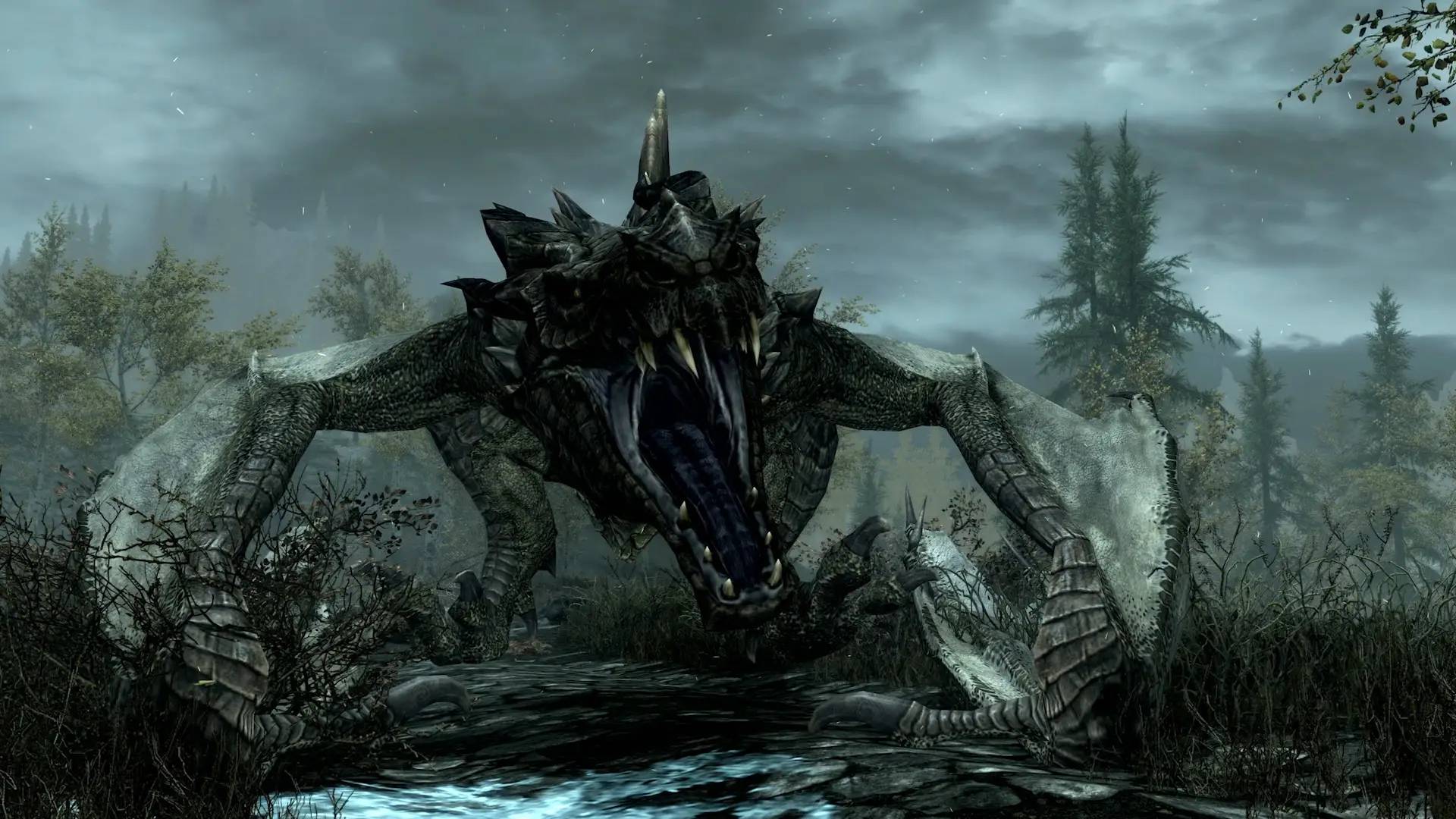
The difference between both is pretty obvious. The patch’s new performance mode includes the option to play at 60 fps. The mode feels a lot better than it did in previous patches, and also features higher frame rates when outdoors this time around.
However, the 60 fps mode comes at the compromise of resolution and graphical quality. Skyrim doesn’t quite look as crisp as it should, and there’s also a rather bad case of pop-in which can be a detriment to players’ experience.
Meanwhile, the Visual mode limits the framerate to 30 fps, instead giving you better graphics quality and resolutions in exchange for this. If you ask me, I’d rather play the game at 30 fps just to get those better visuals, but your preference is your preference.
To activate the setting, you need to head to the options menu in-game and find "Display Settings". Under here, you can toggle between Prioritise Visuals and Prioritise Performance to find the experience that's right for you.
Other things in the patch notes include some crash fixes, performance dips, random visual glitches, and various issues that were specific to the Switch 2 version. Here are the full patch notes:
Full Skyrim Switch 2 Update 1.2 Notes
Features:
- Added a 60 Hz mode under Display settings that allows players to toggle between “Prioritize Visuals” or “Prioritize Performance”.
- In addition, frame rate has been locked at 30 Hz in “Prioritize Visuals” mode for smoother gameplay.
Crashes and Performance Fixes:
- Fixed a crash that occurred when reading “The Crimson Dirks Vol. 4” book for the “Tilted Scales” quest in German.
- Fixed an audio-related crash.
- Fixed a crash, infinite load, and game freeze that sometimes occurred when rapidly selecting “Load” multiple times in the pause menu.
- Fixed a crash that occurred when the “Transmute Ore” spell was repeatedly cast outside of the Haltered Stream Camp.
Improved FPS performance drops that occurred in the following locations:
- During the Hide and Seek quest in Kynesgrove
- During combat at Secunda’s Kiss
- When discovering the “Drelas’ Cottage” location
- When engaged in combat with a giant at the Talking Stone Camp.
Visuals Issues Fixes:
- Viewing water planes from a distance or within menus caused them to shift up and down.
- Distant aspen trees appeared with a blue tint.
- Transitioning out of caves caused an outline of the entrance to linger during the fade-to-back loading screen.
User Interface Fixes:
- Switching between mouse and controller mode while in dialogue or the Help menu, caused different options to be highlighted.
- Switching between mouse and controller mode while in help menus or user hints, did not dynamically update callout prompts.
- The “Ready/Sheathe” option was missing from the Joy-Con 2 Mouse Controls menu.
- The “Delete” prompt remained grayed-out within the Load menu when swapping between mouse and controller mode.
- Deleting a save in the Save/Load menus reset the highlighted selection to the top of the menu list.
- While in mouse mode, the cursor remained stuck within a smaller section of the screen when changing between docked/undocked modes or interfacing with GameChat.
Controls Fixes:
- The “Eagle Eye” Archery perk remained active after switching between mouse and controller mode.
- Holding down the Right Joystick while reassigning a button caused that button to disappear from the Controls list.
- The Joy-Con 2 controllers provided haptic feedback while in mouse mode.
- Buttons became unresponsive when controls were remapped while moving the Joy-Con 2 controllers in mouse mode.
- Rotating the map in mouse mode was slower and less smooth than in controller mode.
Audio Issue Fix:
- Scrolling SFX continued to play while holding up or down on the Left Joystick or buttons at the top or bottom of the Save/Load menus.
Localization Fixes:
- “Amiibo” appeared as plural in Spanish.
Miscellaneous:
- Added new translations for the features listed above and UI updates.
- Updates were made to the game credits.
Topics: Skyrim, Nintendo Switch 2, Bethesda, Nintendo Switch, The Elder Scrolls