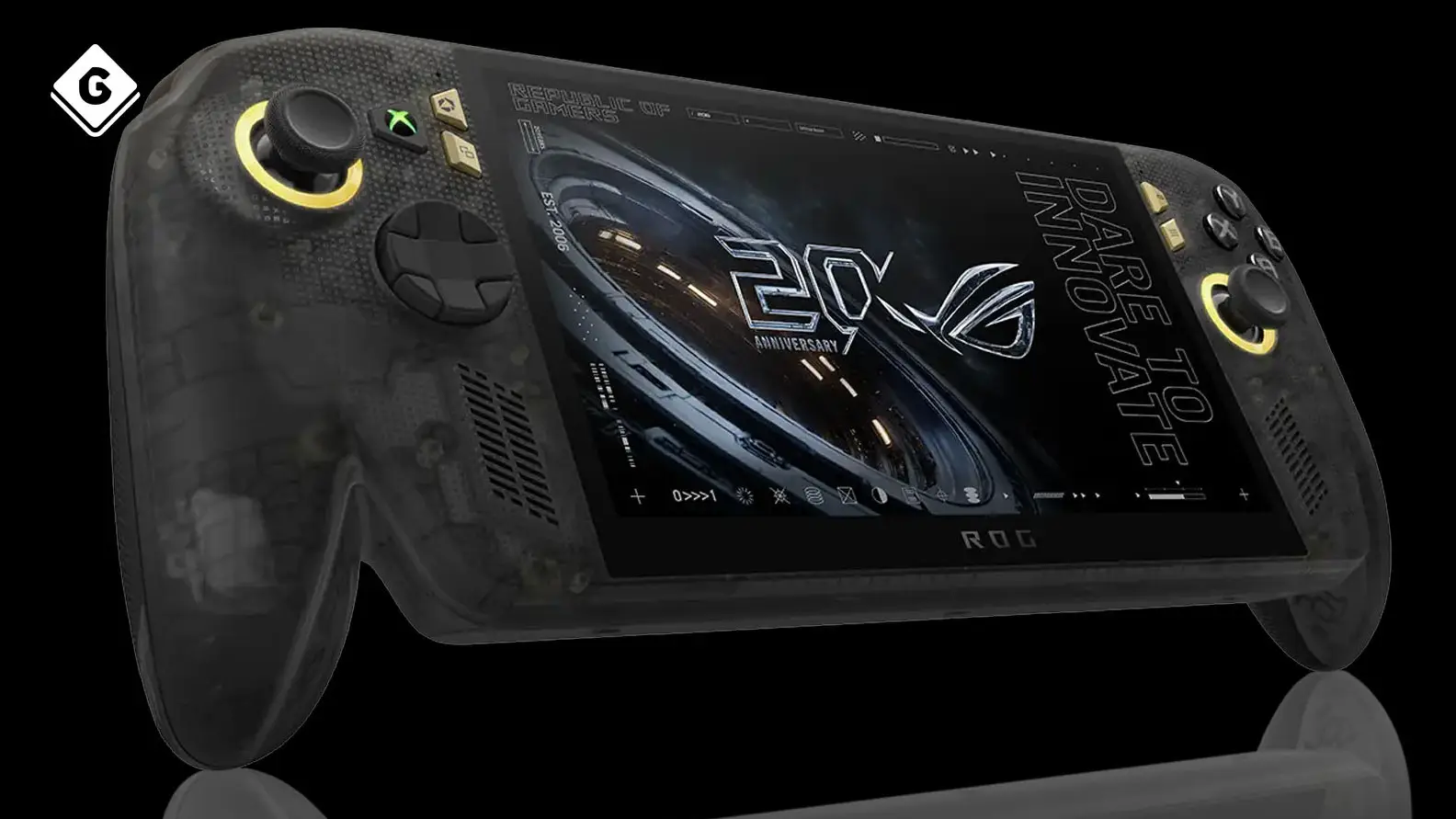
ROG Xbox Ally X20 review: Is this the best handheld gaming PC?


Asus has released a new version in its ROG Xbox Ally range, a handheld PC capable of playing games across a variety of different platforms.
The ROG Xbox Ally X20 is the latest iteration, offering some big improvements over previous releases albeit at a much higher cost.
We went hands-on with the device this month to see how the device stacks up compared to other handhelds on the market, and whether it’s worth your time as opposed to using a Steam Deck or Xbox console.
Performance-wise, you’re not getting much of an upgrade over last year’s ROG Xbox Ally X, with the X20 featuring the same amount of memory, processor, and battery. However, Asus has made some big changes to the way the device is cooled, which allows some components to not run as hot, and therefore puts the device under less stress than before, which can lead to better performance and a longer battery life.
Advert
Other upgrades are seen more in additional enhancements made to the screen, outer shell, and other bits of additional hardware included with the purchase.
One of the best new additions is the 7.4 inch OLED screen, a much deserved upgrade over the X’s LCD screen. Although it’s still 1080p and 120hz, the image is much crisper as a result, which makes it perfect for games and images with a lot of colour and vibrance to them. It’s also a lot brighter, which I appreciated for games with darker tones, which doesn’t noticeably affect the battery life in my testing.
The new drift-proof TMR thumbsticks are also a huge upgrade over the standard analogue sticks, where not only do they feel very comfortable to use, but long-term damage is also minimised here. Preventing stick drift for a device where you can’t easily replace the thumbsticks is crucial, so I’m glad that Asus has gone to great lengths to provide a more comfortable experience for the user.
Asus has also improved the MicroSD slot to accommodate SD v8.0 transfer speeds, excellent for adding faster storage options. Considering the ballooning size of video games nowadays, that 1TB limit of the internal SSD only goes so far, and expanding beyond that becomes a necessity for gamers who play multiple games on the go.
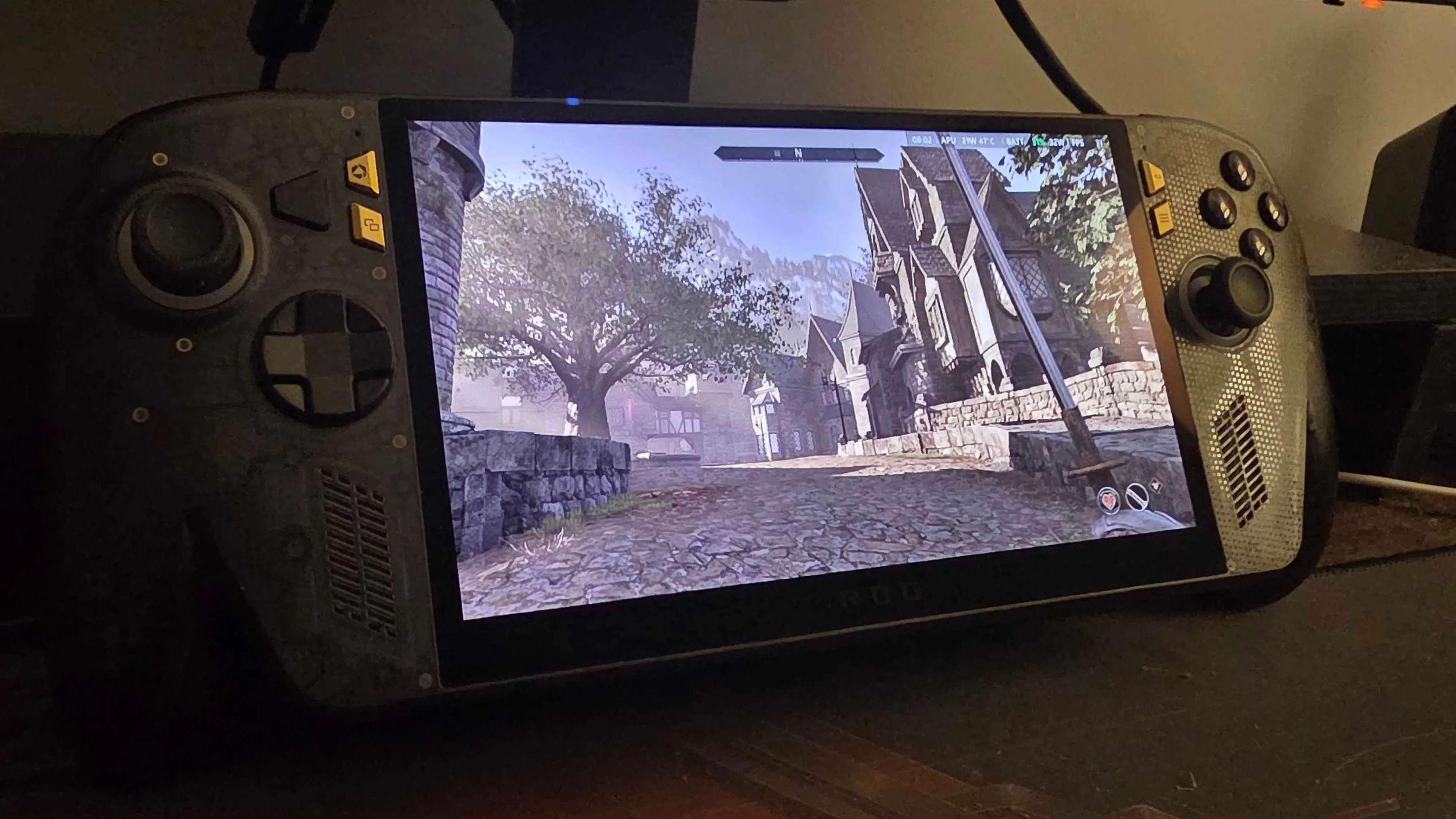
ROG Xbox Ally X20 benchmarks
Speaking of which, just as with the Ally X, if you’ve got a backlog of older games on Steam or your Xbox library, there are some that play beautifully on there.
After recently checking out the Switch 2 version of Middle-earth: Shadow of War, I switched over to the PC version on the X20 and had an excellent experience running it above 60fps. I was a big fan of the first game, but never really played much of the sequel. Getting to around 80–90fps on the X20 felt like the right way to tick this one off the backlog.
Following that, I also checked out Cyberpunk 2077, another game I’d put some time into, but never did a serious playthrough. This game comes with a preset graphics option for the Steam Deck, a weaker device than the X20, and so I was able to get the game running at 60fps with these reduced settings where it still looks gorgeous. I still reckon the Switch 2 is the best handheld for Cyberpunk 2077, but the X20 runs it so well that I’m really impressed with it.
Throwing more recent games at it, I launched 007 First Light and The Blood of Dawnwalker on the X20 to see how they perform compared to older titles. It’s here where bigger compromises need to be made.
007 First Light, which may just be one of my favourite games of the year, was running at around 40fps for a majority of the time, with some dips down to the low 30s during intense sequences. If you’re okay with limiting the framerate to between 30 and 40, it’s a much better experience here than on the Steam Deck. The picture is much clearer as you don’t need to go as hard on the FSR upscaling techniques, and frames are a lot more consistent as well.
As for The Blood of Dawnwalker, which is probably one of the most notable recent examples of a well-received game having performance issues on PC, I wanted to test just how much of a hit this game takes when played on handheld devices. The X20 actually does a great job with the game, but you’ll want to limit your framerate to 30 or 40fps. In quieter areas, the game is actually capable of going above 60fps, but it’ll fluctuate wildly once you get into combat or busier sequences with more objects rendered onscreen.
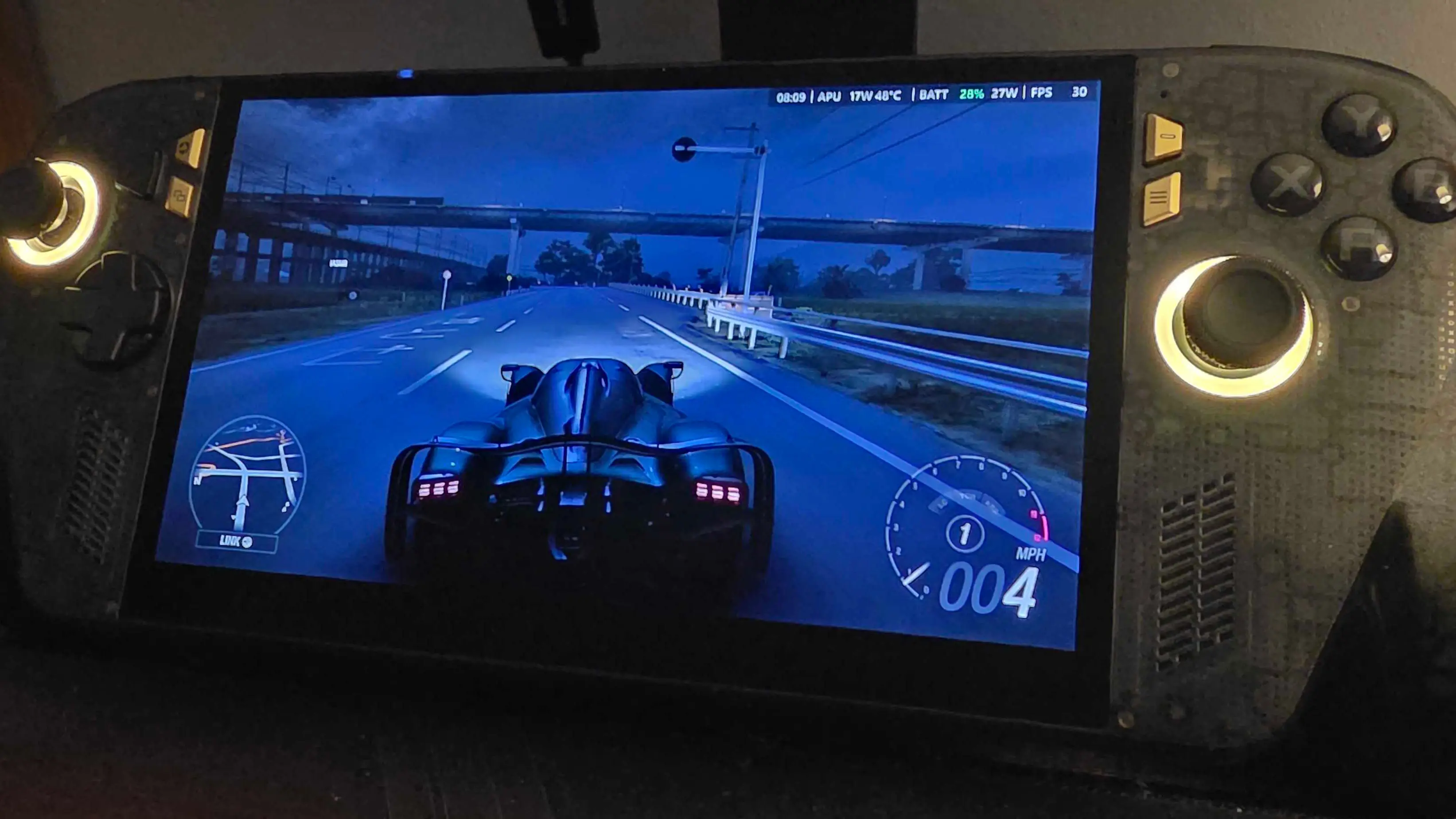
Finally, something that really helped me when picking out games to test on the X20 is a curated selection of handheld optimised games, which Xbox has specifically picked out as ready to play on compatible Ally devices. Some of the games on this list include Forza Horizon 6 and the recently-released Gears of War: E-Day, which might serve as a perfect game to break the handheld in.
It’s here that I had fun revisiting a few games from previous years in handheld mode, that I simply couldn’t get running before on the Steam Deck. The Elder Scrolls IV: Oblivion Remastered and Indiana Jones and the Great Circle in particular stood out to me as being especially impressive on the X20, even though the former famously still has some performance issues on PC.
Ultimately, your experience on the X20 depends on how much you’re willing to compromise on games released after 2020. Any major AAA game you throw at it from previous generations is going to perform really well on this thing, with most games going up to and beyond 60fps. I had a lot of fun revisiting one of my favourite games of all time, Dishonored, which consistently hit a pretty smooth 90–100fps most of the time.
But games released in this generation may start to struggle a bit more, as I detailed above. If you’re happy to lower game settings and limit the framerate, you’re going to have a better time with it.
This isn’t a new thing for handheld PCs. Platforms like the Steam Deck and Nintendo Switch have compromised on graphics and performance in the past just to get games running well in handheld. Because these devices have to be compact, and run weaker mobile processors compared to traditional home consoles, you’re going to have to sacrifice some performance.
Is the ROG Xbox Ally X20 better than a Steam Deck?
And this does bring me to the big question: is the ROG Xbox Ally X20 better than a Steam Deck, and is it a good substitute for an Xbox or PC? It depends.
On a base hardware level, the X20 outclasses the Steam Deck in every way. It has a more powerful processor, higher storage, a bigger OLED screen, and much better battery life. But depending on how you feel about using Windows 11, that may be where you draw the line.
Similar to last year’s ROG Xbox Ally models, the handheld uses a custom-fitted version of the Windows 11 operating system, and that comes with all the features and frustrations of using Windows, whatever they may be. The device boots up into an interface called Xbox Mode, which resembles the Xbox Series X/S dashboard in how it presents everything to you, but you can always switch to desktop mode and use it like a traditional PC.

While I like using Windows for everyday activities and gaming on my desktop PC, the Steam Deck has proven to me that isn’t what I want out of a handheld. SteamOS on the Steam Deck has proven to be quicker, more efficient, and gets me navigating my gaming library and into a game much faster than Windows on the X20.
Sometimes I'll try launching a game on the Xbox PC app, and the system will hang up for a good 30 or 60 seconds. Sometimes I’ll have to quit the app and reboot it. It’s slow and frustrating, and keeps me away from playing my games which, on a handheld, I do not want to wait around for.
If you’re upgrading over the Steam Deck, the ROG Xbox Ally X20 is a suitable replacement device considering the higher specs and enhancements on the outer shell. The versatility when it comes to adding storage and using multiple game storefronts is the added cherry on top. I do miss the ease of SteamOS, but Windows 11 also opens you up to playing multiplayer games with kernel-level anticheat such as Valorant and Battlefield 6.
Meanwhile, whether you play on PC or Xbox home console, this obviously depends on your needs. As a portable, you have the advantage of being able to take your gaming with you around the house, on the bus, or pretty much anywhere you’d like to go. Ultimately though, you’ll probably enjoy this if you’re after a straight hardware upgrade over the other platforms on the market right now.
Topics: Steam Deck, Xbox Ally, Tech, Reviews, Xbox