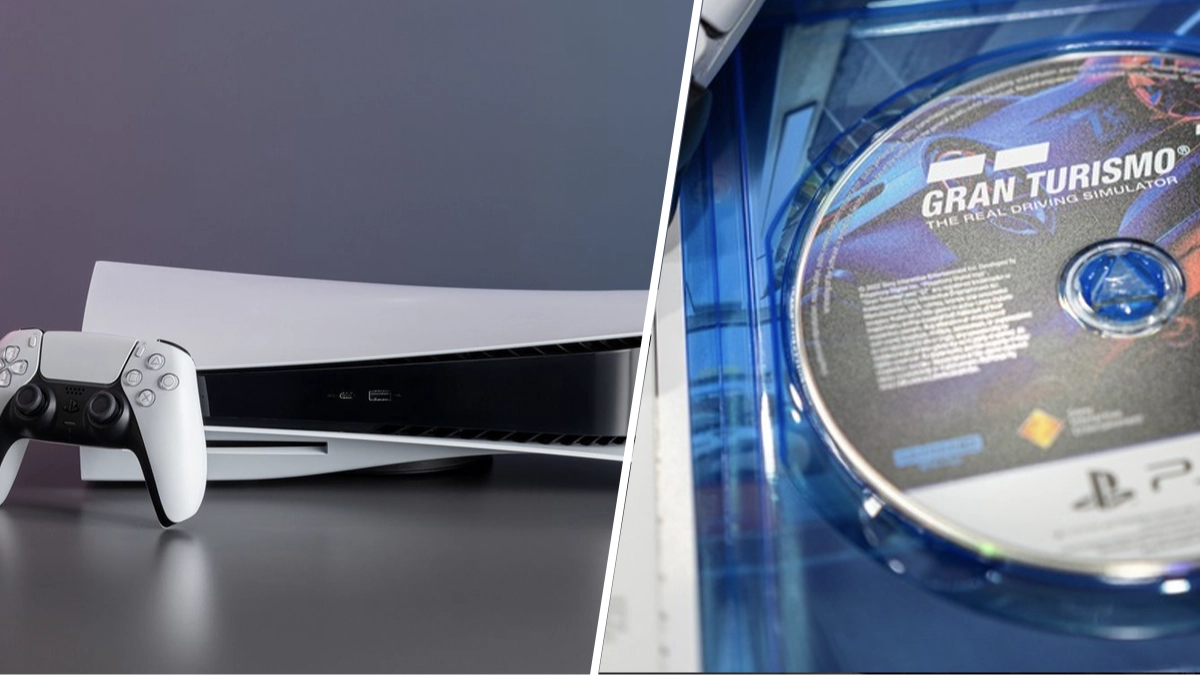
PlayStation 5 owners warned to avoid common mistake that could wreck your games


Taking care of your consoles should be given the utmost importance. After all, they’re expensive pieces of hardware that would bring heartbreak if they suddenly stopped working or performing in the way they should.
Thankfully we’re no longer living in the time of the Xbox’s Red Ring of Death, so we can assume our consoles will continue operating for years to come, but you are definitely going to want to take care of your PlayStation 5 with this tip. It’s probably something we all neglect and it could save us wrecking our precious console and games.
You could be playing the brilliant fighter, Tekken 8 on your PS5 right now
Advert
This is a tip specifically for the PlayStation 5, but it could be used on the Xbox Series X console too. We need to take care with our disc drives. The advice is to not leave unused discs in the disc drive. For example, if you’ve got a Final Fantasy VII Remake disc in the drive, but you’re actually playing a digital copy of Tekken 8.
This won’t cause an issue if the console is switched off, or in power-saving mode, but when active, the drive will spin itself and this could be adding wear and tear to not only the drive itself, but also the disc. It’s perhaps best practice to eject any discs once you’ve finished with it, just in case. Of course, you can also look at this as a quality of life tip too, given the disc drive on any console can sometimes get quite noisy and interrupt your gaming.
While you’re at it, and we’ve got your attention, give the console a wipe over and get rid of that extra dust. You don’t want that getting into the console - I only mention this as I’ve just looked over at my PS5 and it’s looking a little grey due to a thin layer of dust. What a lazy gamer I am.
Topics: PlayStation, PlayStation 5, Sony, Xbox Series X