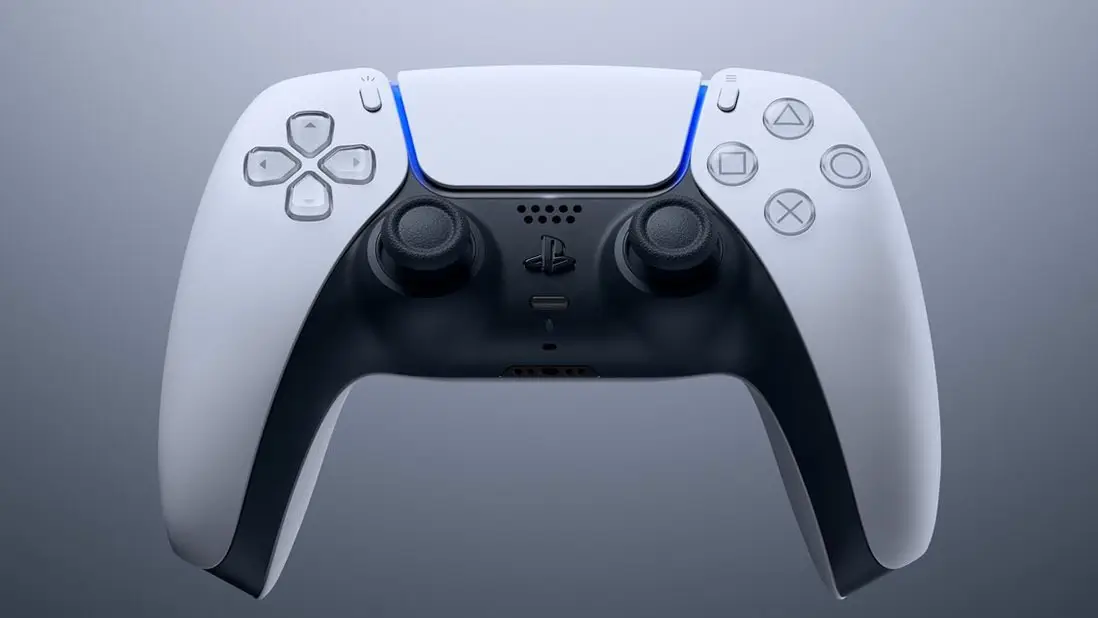
Bluetooth Can Cause PS5 Stick Drift, How to Fix


Every gamer has experienced stick drift at one point or another.
It’s such a major inconvenience that not only curses you to move sporadically in every single game until a resolution is found, but typically results in a hefty purchase.
If your DualSense is beyond repair, purchasing a new one could set you back £64.99.
Advert
Stick drift doesn’t automatically spell doom though, as there are a number of fixes you should try ahead of tossing your DualSense on the scrap heap.
As Reddit user alexxK3 has shared, Bluetooth may actually be to blame, but there is a workaround if that’s the case you should definitely give a whirl on PlayStation 5.
The user provides the context that they began to experience stick drift on a relatively new DualSense, so they knew overuse wasn’t to blame for the fault.
“After digging through multiple Reddit threads, I came across a technical explanation on bluetoothandusb3.com that fundamentally reframed the issue,” they explained.
“The short version: USB 3.0 devices can emit interference in the 2.4 GHz spectrum, which overlaps with both Bluetooth and Wi-Fi frequencies.
“When an external HDD is positioned too close to the console, its cable or enclosure can generate RF noise that disrupts Bluetooth communication - which in turn may present as input instability or drift.”
How To Fix Bluetooth Stick Drift Interference
The user went on to add that they “replaced the short HDD cable with a 50 cm USB 3.0 cable”, “moved the external HDD enclosure physically away from the console”, and “disabled nearby Bluetooth devices while playing, to minimise potential wireless interference”.
This totally eradicated the issue.
“Easiest way to test it out if it's interference or stick drift, go to settings and select Communication Method to use USB Cable,” added Pterops, which should help pinpoint the cause.
“Ohhh. I was suspicious because both my controllers started drifting at the same time. I’ll have to try this and report back! Thank you!” replied a grateful fom_alhaut.
“You can tell that OP is cooking due to the hundreds of saves compared to the 70ish upvotes,” added eakeasyspay.
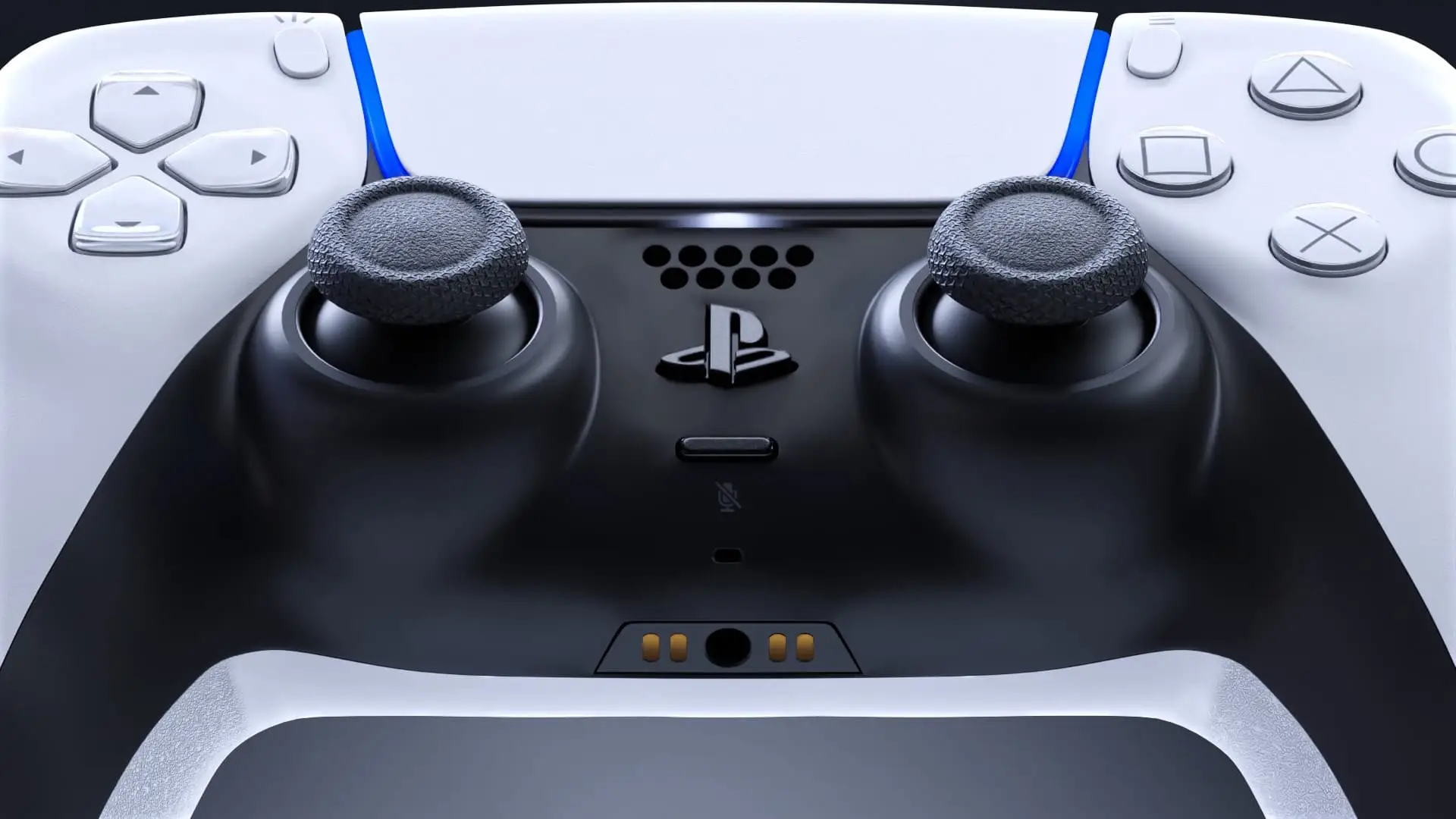
If you’re after a very easy fix, Gekoz recommend the following: “I found something that worked for me and I must share. Press and hold R3 or L3 (the one that's drifting) and slowly ‘massage’ clockwise and anticlockwise for a couple minutes so that dust and grease residues are moved.
Worked like a charm.”
Of course, there are instances where controllers truly are just gone for good. It’s worth ruling out all fixes though before splashing the cash on new hardware.
Topics: Tech, PlayStation, PlayStation 5, Sony