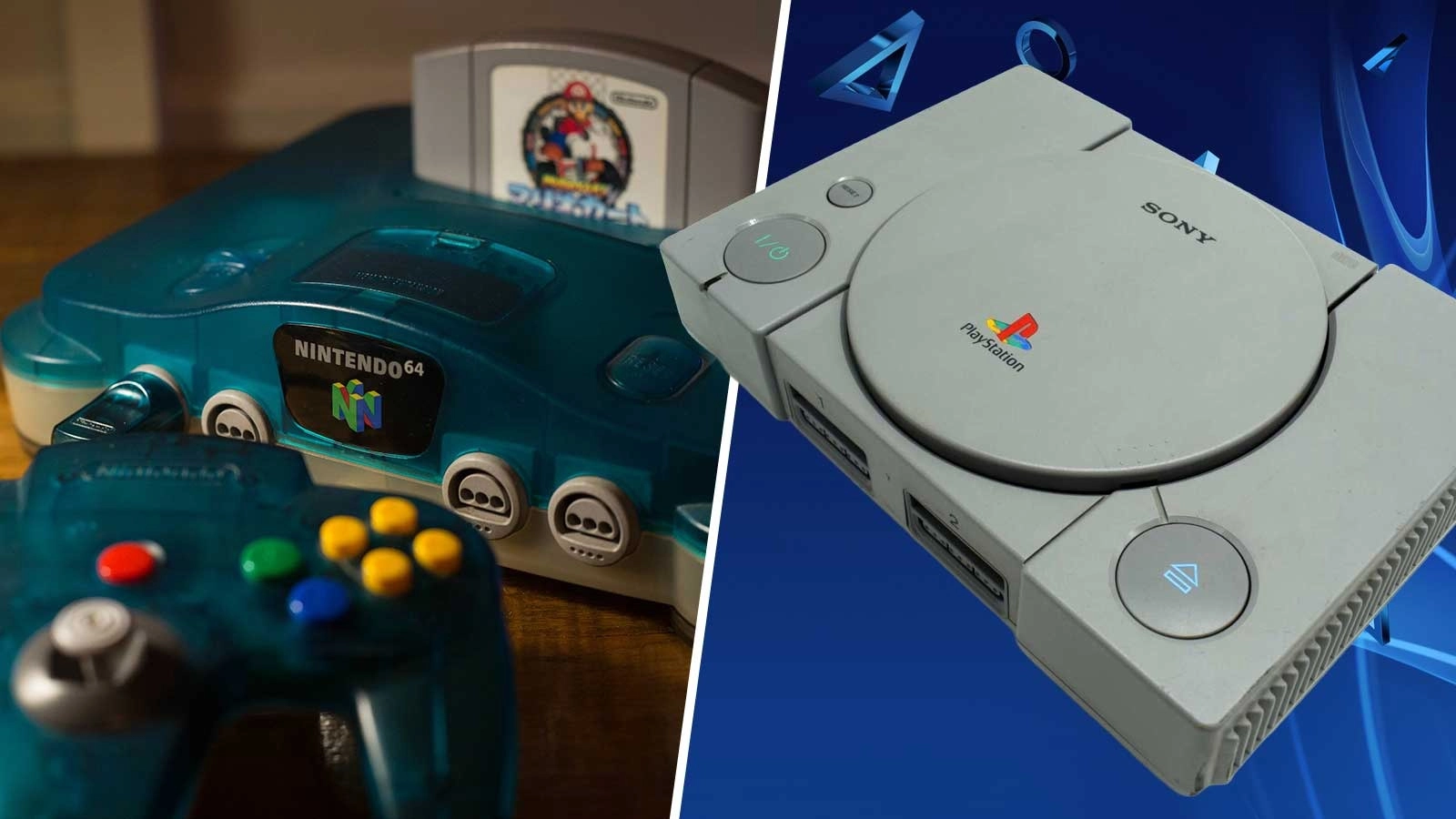
Classic Nintendo and PlayStation Games Are Playable On Your TV, No Console Required


Thousands of games from the Nintendo 64, PlayStation 1, SEGA Dreamcast and more are playable on your TV of all things. All free, of course.
Retro gaming is all the rage nowadays but there’s only a limited offering available on modern Nintendo, PlayStation and Xbox consoles.
PC is a little bit better as storefronts like GOG are becoming increasingly passionate about video game preservation, and then there’s emulation.
However, there are plenty of gamers who aren’t clued up on how simple emulation can be or worse yet, don’t have the hardware to try it on.
Advert
You don’t need a high-end PC but even the cheaper options cost a pretty penny. Hopefully Valve’s Steam Machine is the cost-effective entry point many are hoping for.
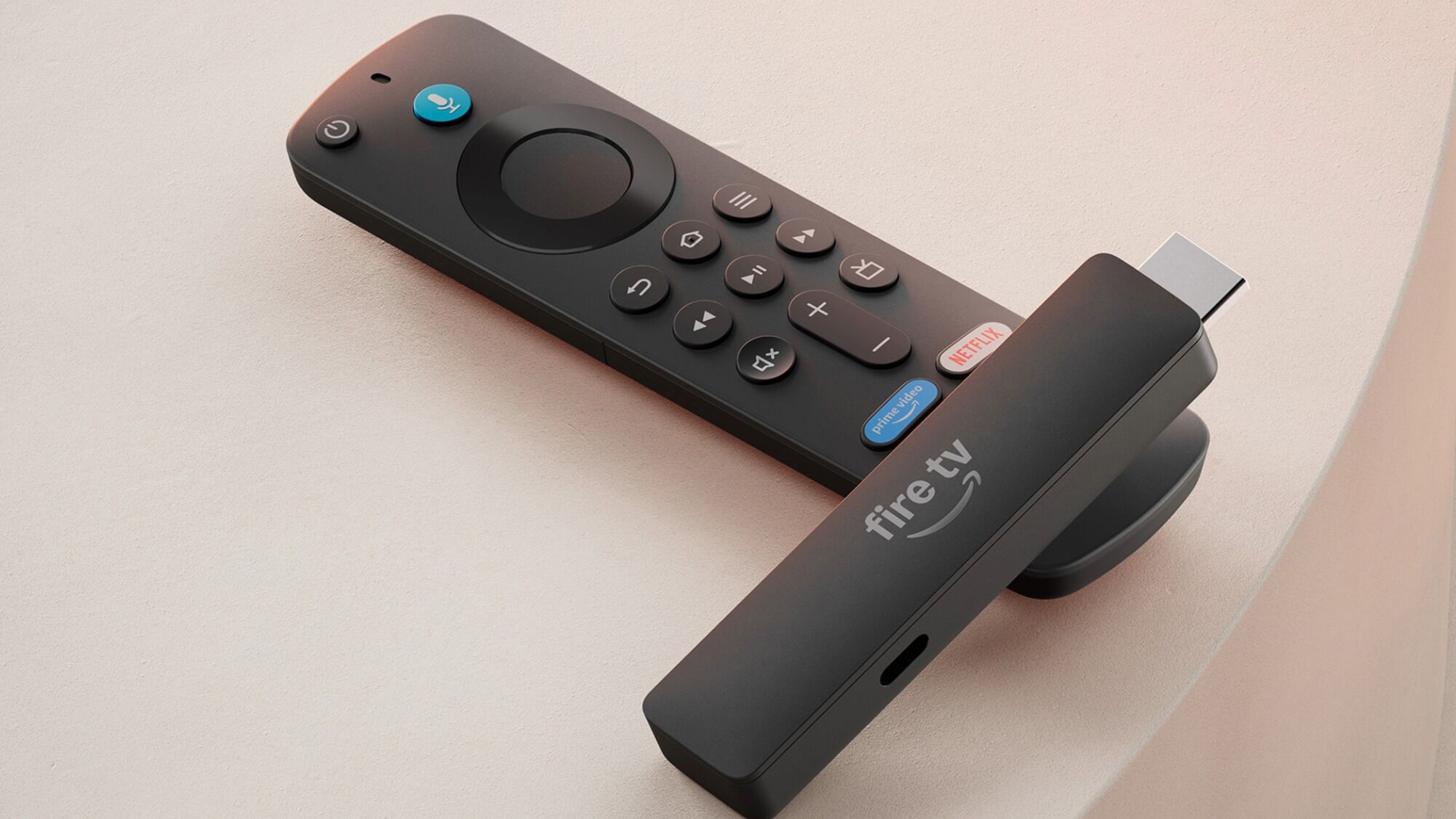
What we’re getting at though is you don’t even need a PC to emulate games on. Turns out your Amazon Fire TV stick does the trick.
Your Amazon Fire TV Stick Will Let You Play Classic Games In Your Living Room
While the Fire Stick is made for streaming the latest films, TV shows and music directly to your living room, with a bit of easy setup it can be transformed into the retro console of your choosing.
For best results, the Amazon Fire Stick 4K Max is recommended but any variant should do, albeit slightly less effective.
There's no better time to try this either as Amazon is cracking down on side-loading and installing your own apps. So if you want to take full advantage of this feature before it's locked forever keep reading...
It all begins with a simple app called Downloader, which is a web-based browser that’ll let you download your own apps not found through Amazon.
Once you have this, you’ll be able to find emulators for some of the greatest retro consoles of all time, including but limited to the Nintendo 64, OG PlayStation, SEGA Dreamcast, Nintendo DS and many, many more.
The more complex 3D consoles like the PlayStation 2 onwards unfortunately aren’t supported, yet
Once you’ve found your emulators, you’ll need BIOS files in order to make some of them work, and there are plenty of guides out there to tell you which ones you need for what console.
The most complex step of emulation is acquiring ROMs, which are the games themselves for those unaware.
This is tricky because these need to be ripped from your own physical copy of the game you’re trying to play.
Downloading ROMs online is piracy which is obviously illegal, so don’t do that.
When you have your legally-obtained ROMs though, you should be good to go as the emulators you’ve downloaded will do the majority of the work in terms of optimisation.
The last step will be finding a controller you can use with your Fire Stick. Most bluetooth controllers will work provided you have a USB drive and sometimes a USB splitter, but there are custom-made controllers on sites like Amazon for this very purpose.
They’ll work on PC too if you decide that’s your platform of choice for emulation.
The complexity of this process will ultimately depend on which consoles you’re hoping to play.
Dreamcast for example has a few more hoops to jump through than most other consoles but as we said before there are plenty of guides out there if you’re struggling.
Everything should be relatively simple though and it’s well-worth it if you’re tired of digging out and plugging in your own consoles when you fancy a hit of nostalgia.
READ MORE: Animal Crossing Gets Surprise Free PlayStation Release
Topics: Retro Gaming, PC, Amazon, Nintendo, PlayStation