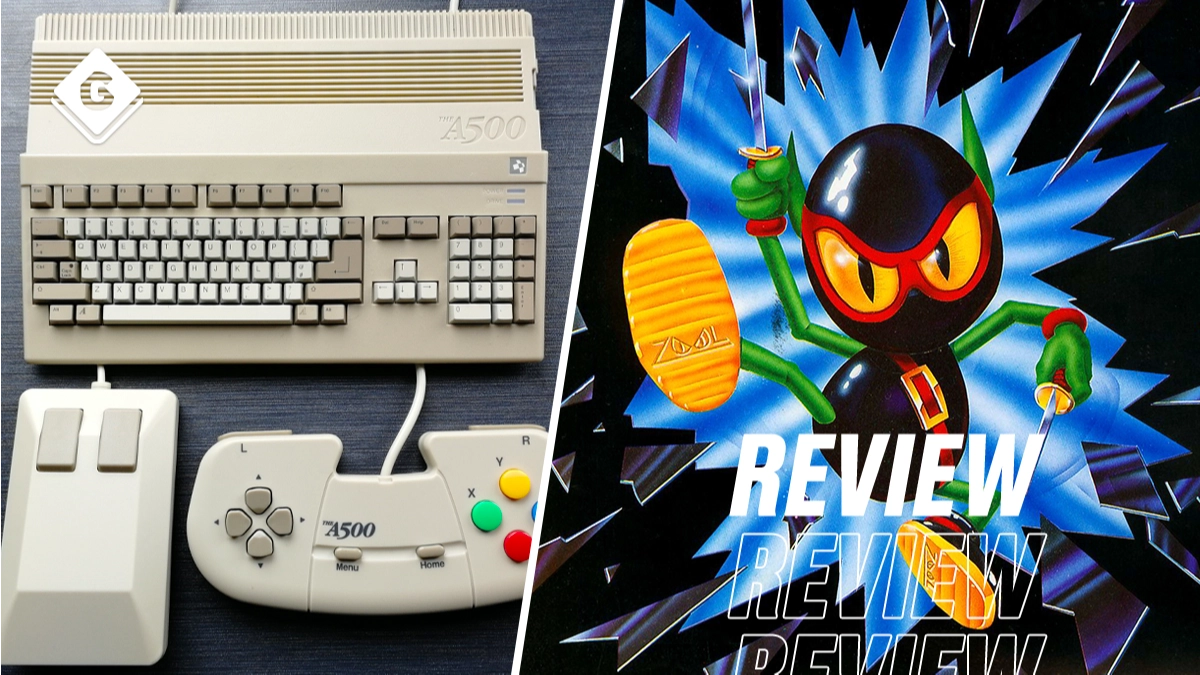
A500 Mini Review: Commodore Amiga Classics In Compact Form


If you grew up through the late 1980s and early 1990s in the UK, there’s a good chance you encountered a Commodore Amiga computer. The dominant range of the era, these beige beauties were ideal for homework, for arts and educational programs and accounting software – but more importantly, the Amiga was a terrific platform for games. And while the Amiga’s library of titles can’t really rival the best that Nintendo and SEGA were putting out at the time, there’s enough gold in these hills of countless three-and-a-half-inch floppies and joysticks that don’t click anymore to make for some special memories – and plenty of compilation potential.
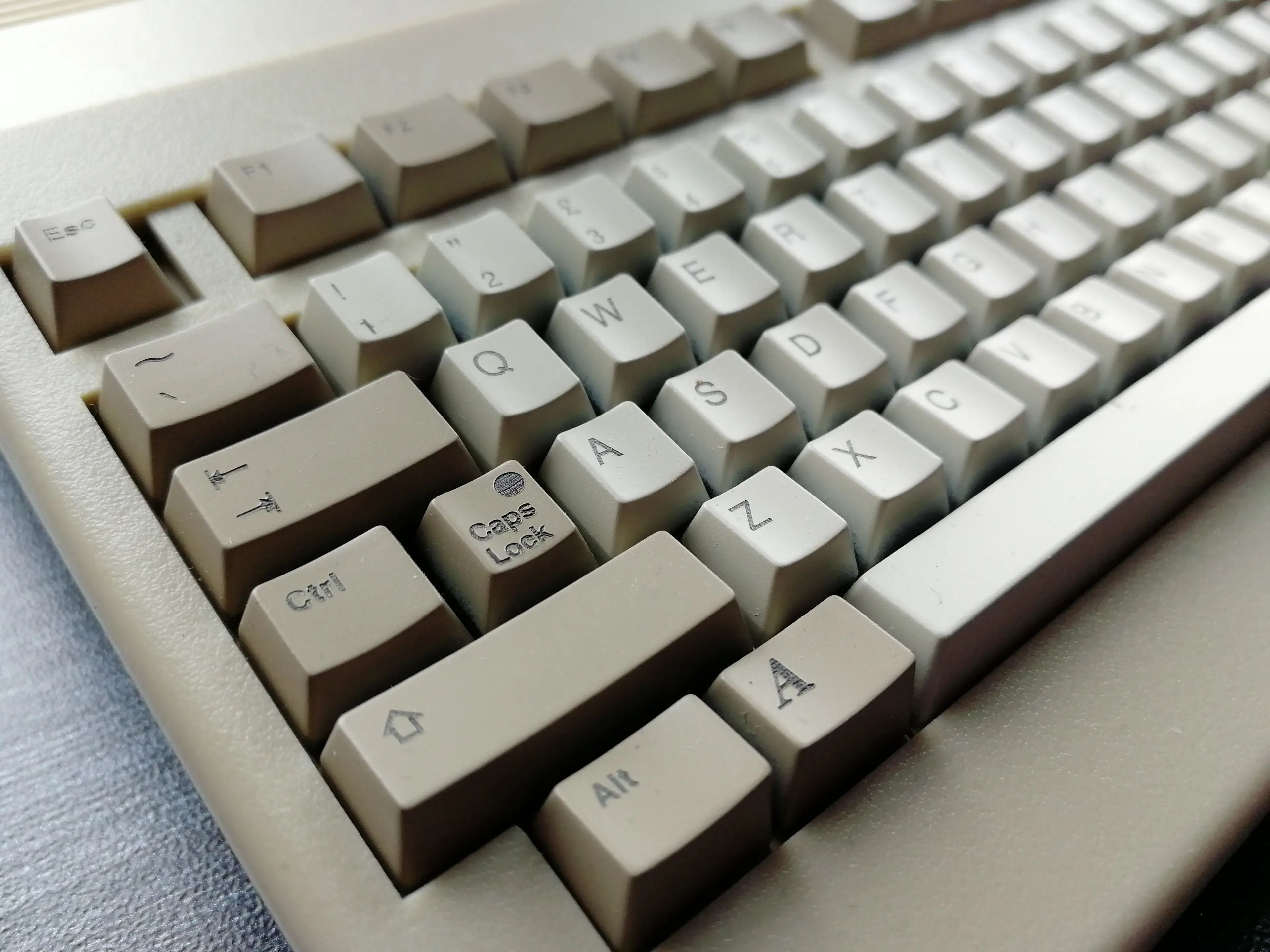
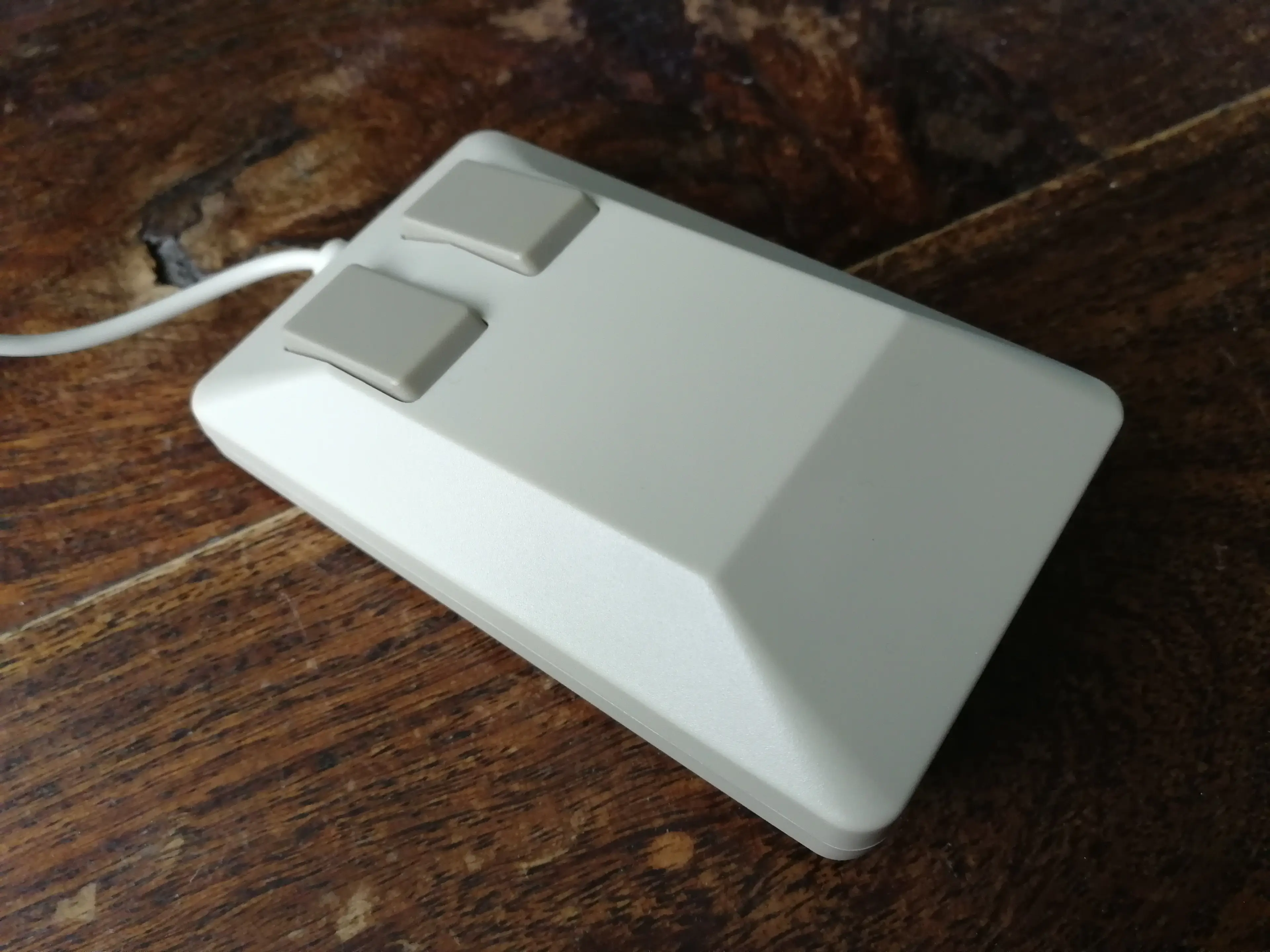
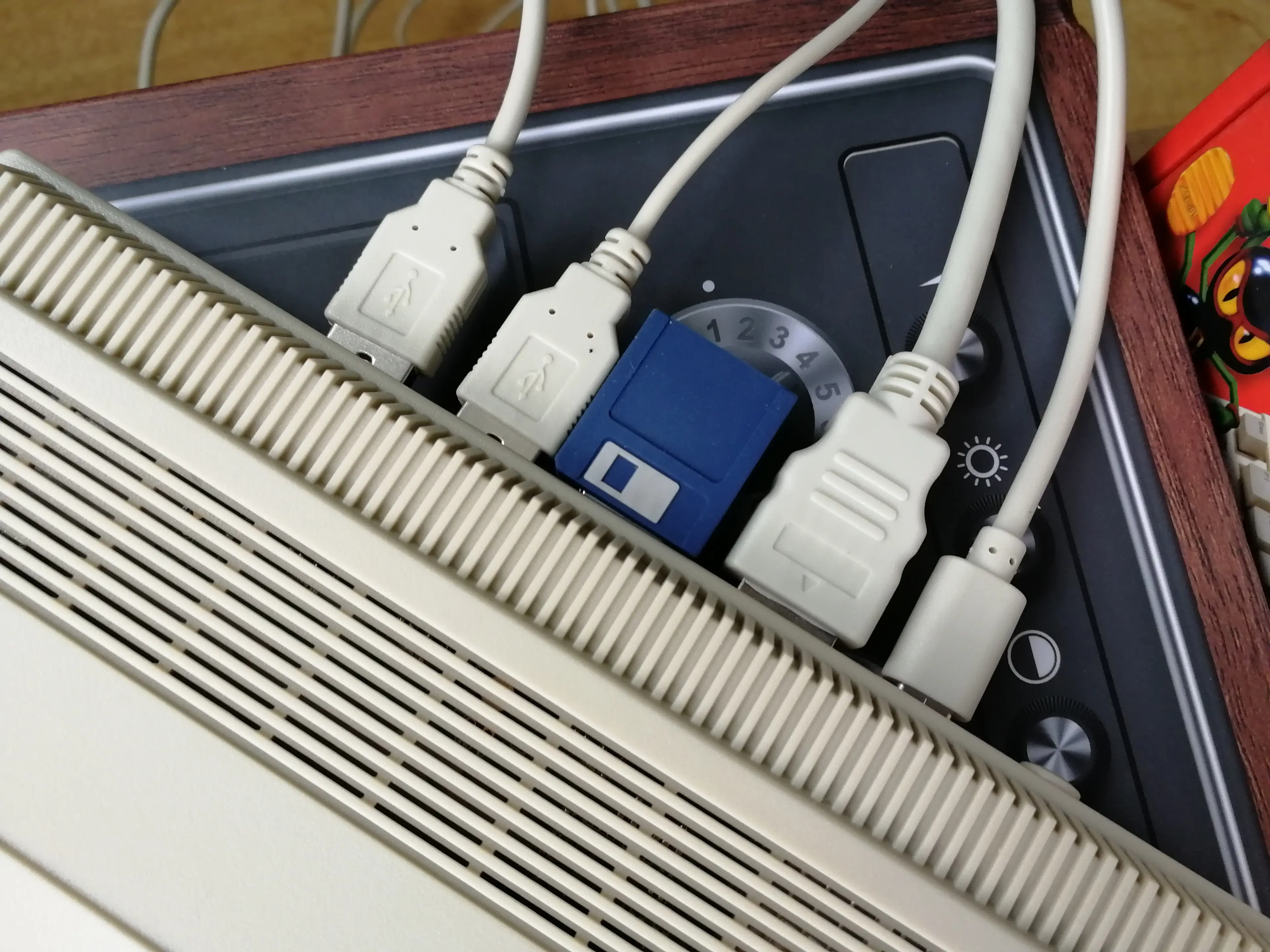
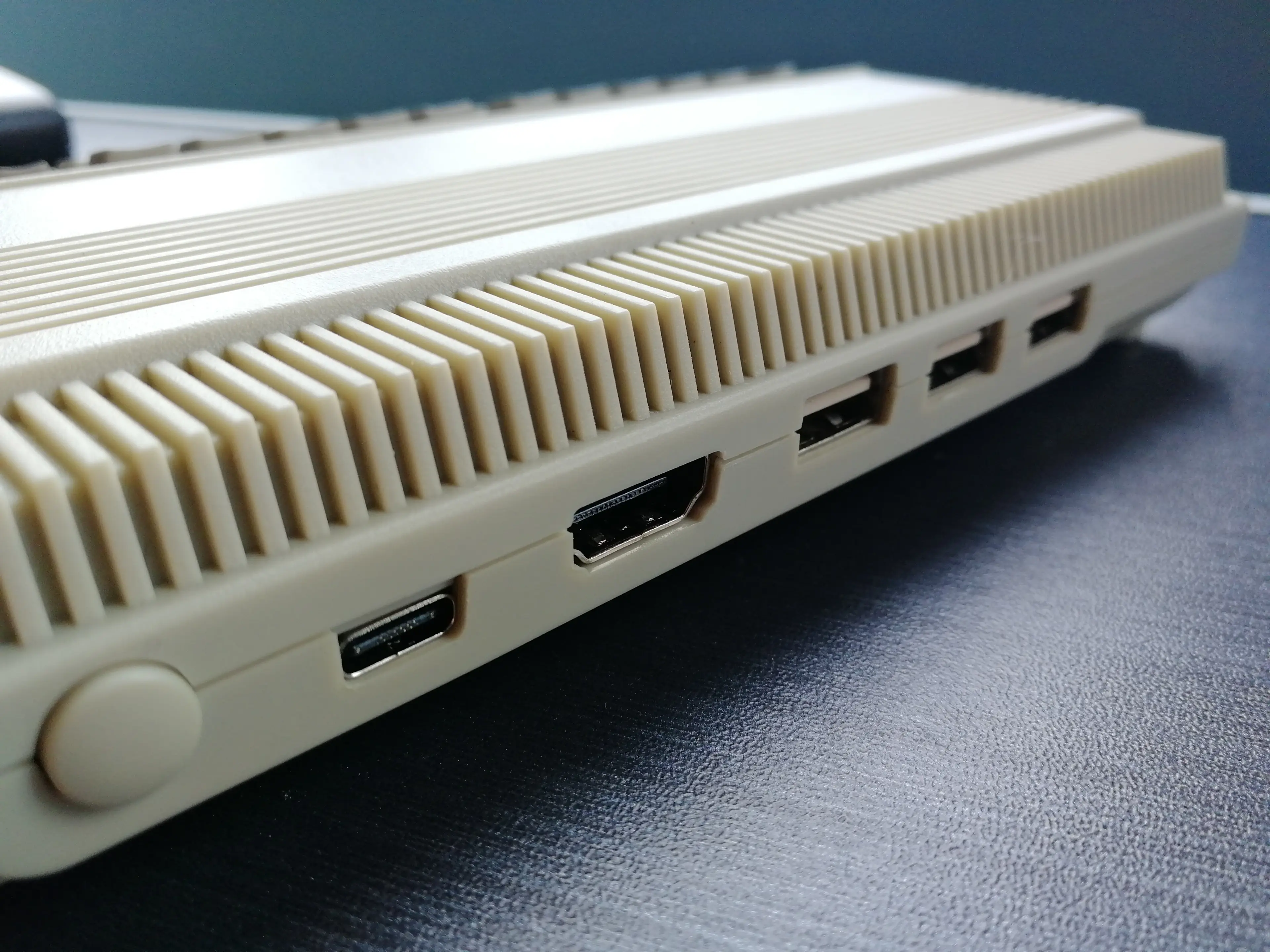
And that’s what the A500 Mini is offering, basically: a collection of Amiga games, housed in a micro-console form. Inside the box is the A500 Mini itself, a cute replica of the real thing with a moulded-in disc drive and a totally artificial keyboard – the buttons don’t even press in at all, it’s purely for the look – which plugs into your TV via an HDMI lead. There’s only a USB cable supplied for power, with USB-C connection at the console end, but chances are you already have plenty of wall-pluggable options for juice purposes, so the lack of an AC adapter probably isn’t a problem. Controller wise there’s both a mouse – which perfectly emulates the original Amiga 500 version – and a pad which takes its stylistic cues from the ill-fated Amiga CD32 console. More on this peripheral, later.
Advert
Watch the reveal video below for a little more on the A500 Mini
Setting the A500 Mini up is simplicity itself, and upon starting the console you’re given the choice between a 50hz or 60hz output – the original Amiga ran at 50hz and the A500 Mini is designed to work best at this refresh rate, should this make a difference to you (and if your TV supports it). There are further options to fiddle with, including a CRT filter (who uses these, really?), and three different screen sizes to pick from, so as to best manage the black bars around your gameplay window. And then there’s the game selection screen, which gives you information on each title, control details, and four save slots per game. It’s all very intuitive, but a small quick guide manual is packed in, just in case you need any guidance.
And those games are a mixed bunch – ranging from absolute bangers that no Amiga collection would feel right without to others that most likely won’t get looked at twice by many players. Notable Amiga-leaning developers and publishers are well represented. From the Team17 stable are Alien Breed: Special Edition ’92, Alien Breed 3D, and Worms. From The Bitmap Brothers, Speedball 2 and The Chaos Engine. From Gremlin, Zool and Super Cars II. Other names that should be familiar to any Amiga owners of the past include Another World, Battle Chess and Pinball Dreams. Many genres are covered, from sports to sims to platformers and puzzlers.
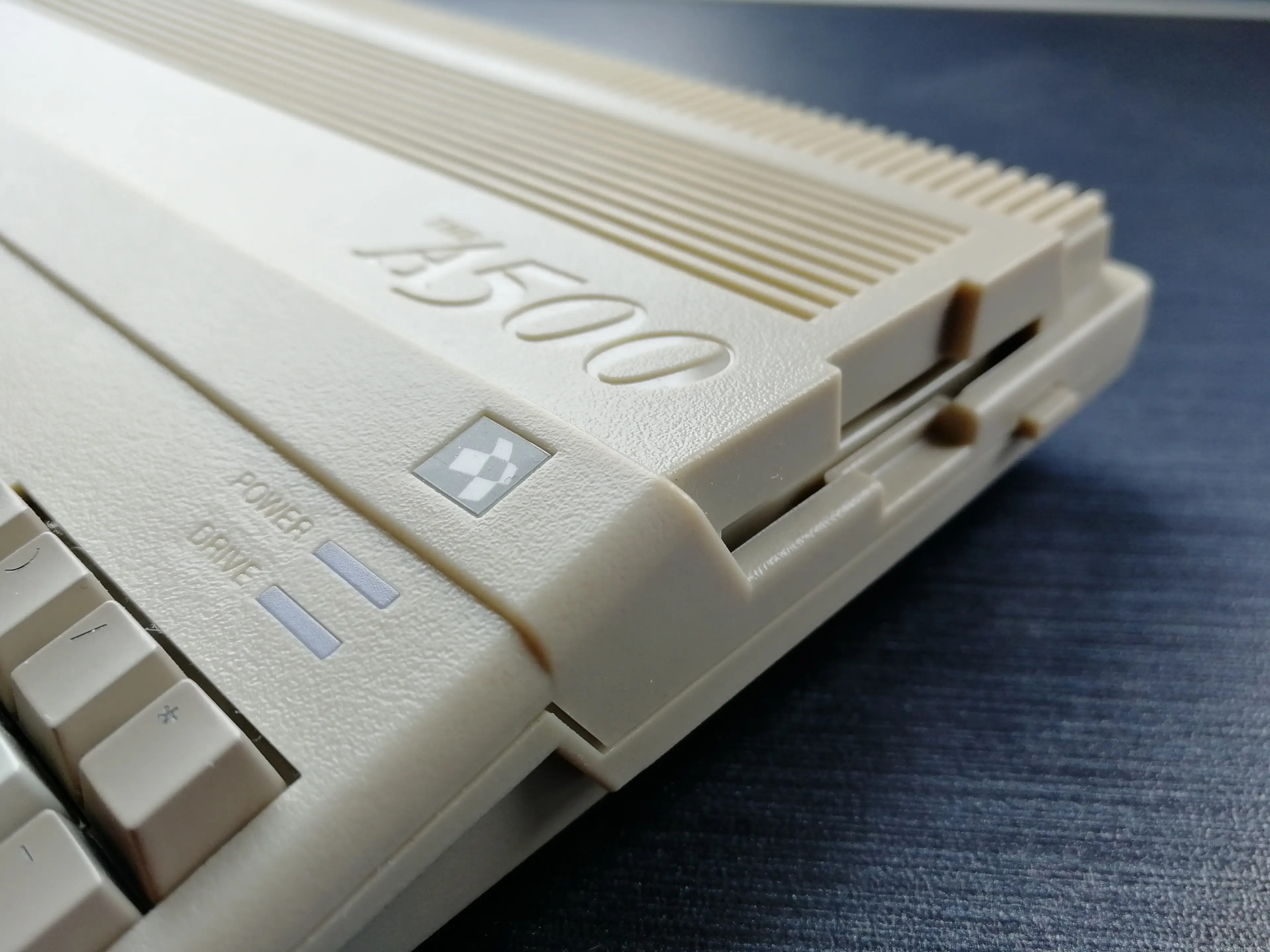
As we learned in our recent interview with the A500 Mini makers Retro Games, if licensing was easy as pie, there’d be different games included, and perhaps more than the 25 total. But for an out-the-box selection, this is more than alright. If you never added any of your own games to the A500 Mini, you’d still have fun with what’s pre-installed. But perhaps the best feature of this mini-console is how easy it is to add titles to its line-up. Using WHDLoad-format files, on a USB stick plugged into the rear of the console, you can access Amiga games covering the whole home computer spectrum from 500 to 1200, CDTV and CD32 releases. This little box will run them all. Albeit with a few hiccups.
The A500 Mini packaging states that it’s compatible with hundreds of classic Amiga games, via USB – but adds that “games must be legally obtained”. Something to note there, and most likely disregard entirely as you go online and immediately find websites full of the right files for the games you want. Whatever way in which you acquire your extra games, playing them on the A500 Mini is simple: a USB icon appears alongside the carousel of pre-installed games; click into it, select your game, and press the Home button on the control pad to start it. I tested several games this way and didn’t find one, from A500 through to CD32, that didn’t fire up just fine. Each game also gets its four save slots, which is very handy.
Less brilliant: the console’s virtual keyboard, brought up using the Menu button on most games and essential for those games where you need to press an F key to continue, or enter a password, doesn’t appear on USB-loaded games. (You can apparently connect a keyboard, which may remedy this issue, but I didn’t have one to test.) I also found mouse support to be hit and miss, with the two-button design working fine for Cannon Fodder and Lemmings, but it was unrecognised by North & South, a game that really isn’t any fun to control any other way. Most games have run brilliantly though, and through the addition of however many extra titles your USB stick of choice can handle, you really can make the A500 Mini your ultimate Amiga, which just so happens to be handily pocket sized. I’m now very happy with the game selection on mine, anyway.
I’m a lot less happy with the control pad – or The GAMEPAD, to use the official name for it, as spelled out in the quick guide manual. While the mouse is a wonderfully nostalgic and wholly useable peripheral for the A500 Mini, this controller… Well, it’s awful. One of the worst I have ever used. The shape of the thing makes it uncomfortable to use for sessions lasting longer than, say, 20 minutes; and the d-pad is a disgrace, a completely unwieldy disaster that makes diagonal inputs a chore and renders fast-paced pre-installed games like Speedball 2 and Kick Off 2 a misery to play. Slower-moving platformers and shooters fare better but are still still heavy going on your left thumb, as you really need to get considerable purchase to move with any fluidity. The pad bears all the hallmarks of being seen as a good choice on paper, a knowing wink to Amiga history, but not enough testing went into it to check if it would hold up in practice.
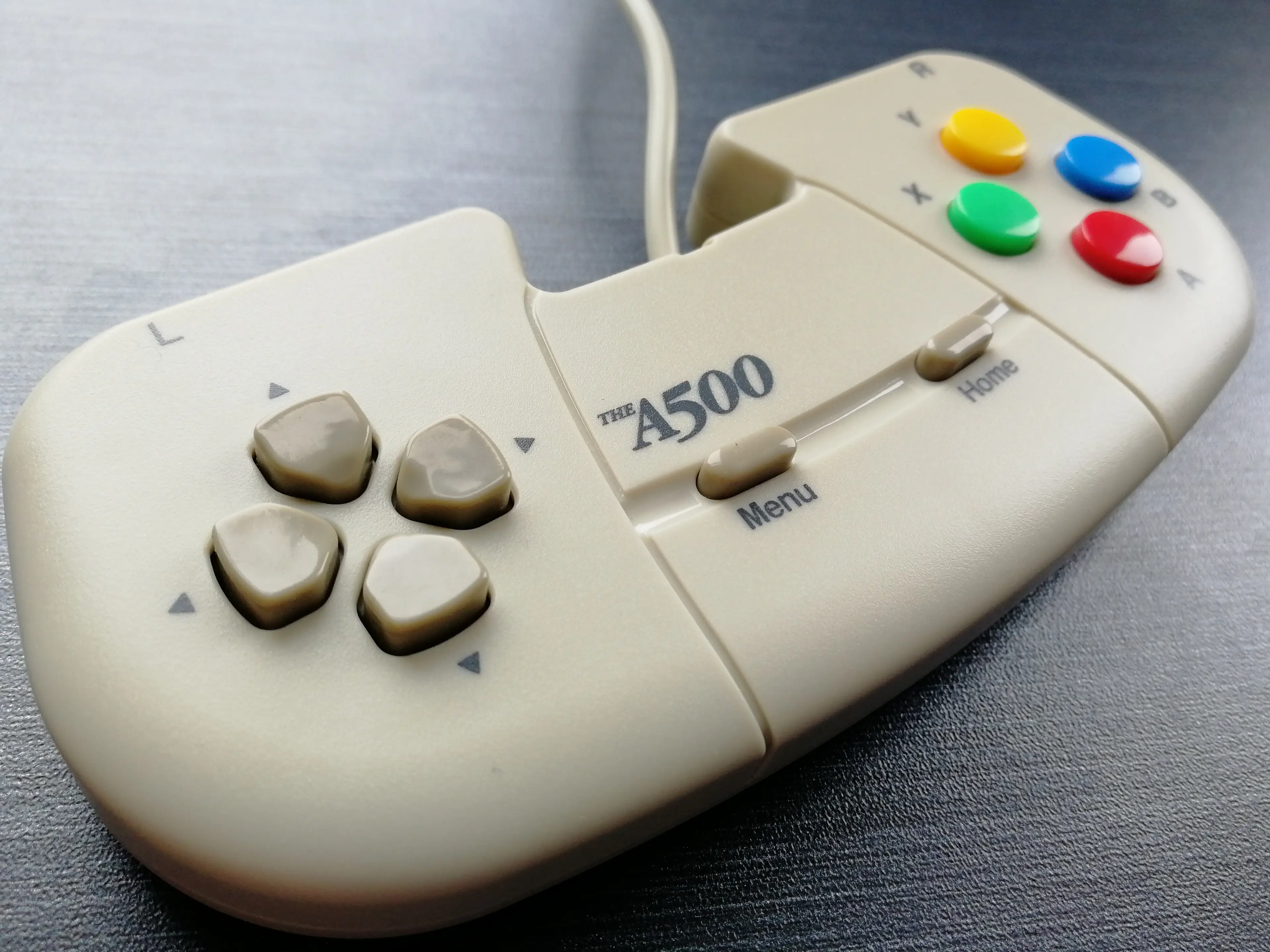
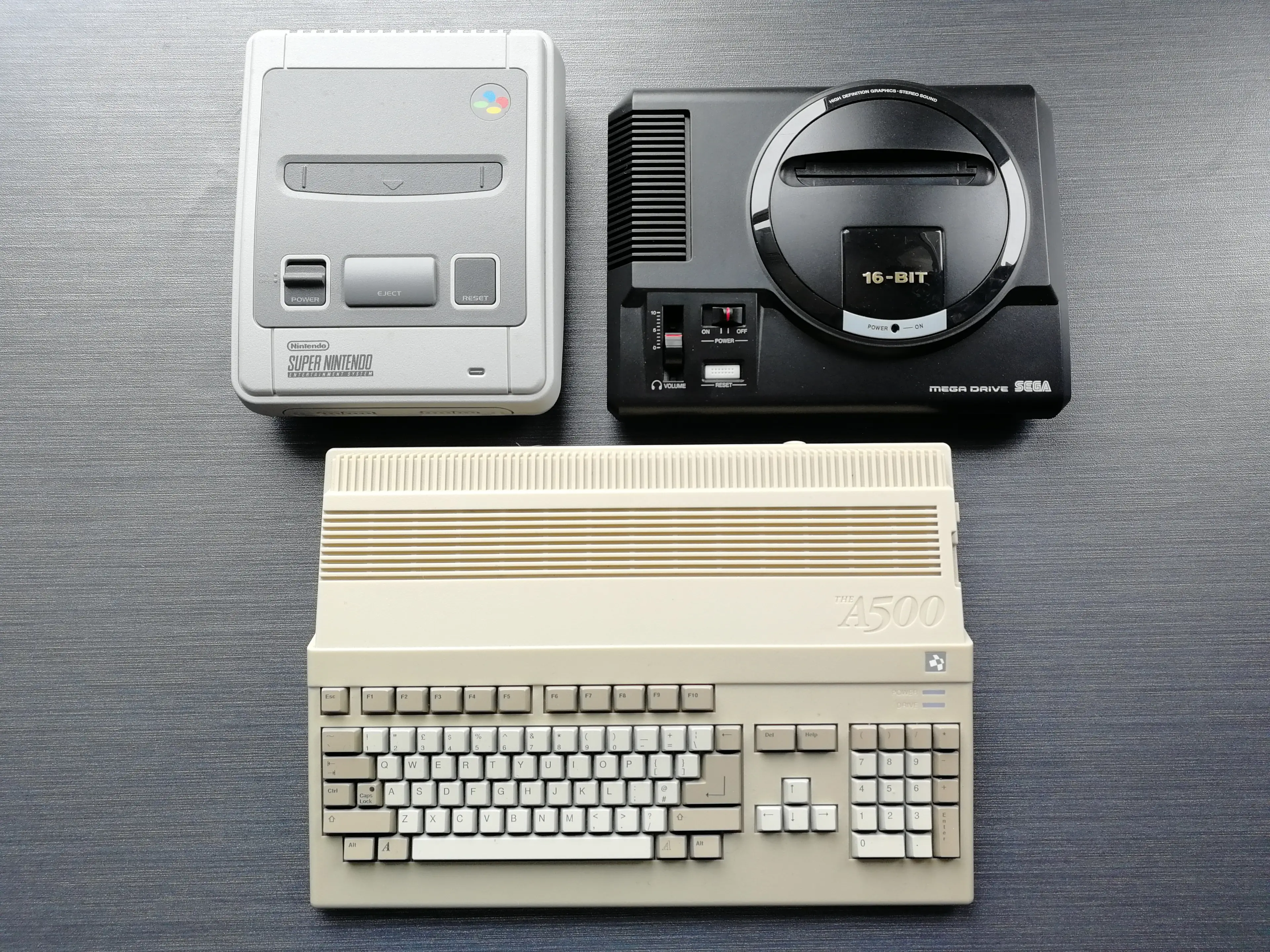
I respect the nod to the CD32 in the pad’s aesthetic, but that console famously crashed and burned, taking the Commodore name with it, and its controller was never loved. When I played Amiga games in the early ‘90s, I’d often use a Mega Drive pad, and something more ergonomic like SEGA’s 16-bit option would have done this system a world of good. What’s more annoying is that no USB pad I own from other manufacturers would work with the A500 Mini (and I tried a few, including the Evercade VS, SEGA Astro City Mini and Retro-Bit’s six-button Mega Drive model), meaning that while it’s possible to complete season after season of Sensible World of Soccer on this itty-bitty machine, chances are you’ll give up after just a few matches. The joystick included with Retro Games’ previously released C64 Mini console is compatible (I’ve tested it), if you’d rather use that than the included pad, but the lack of alternative controller options is a massive negative against the A500 Mini.
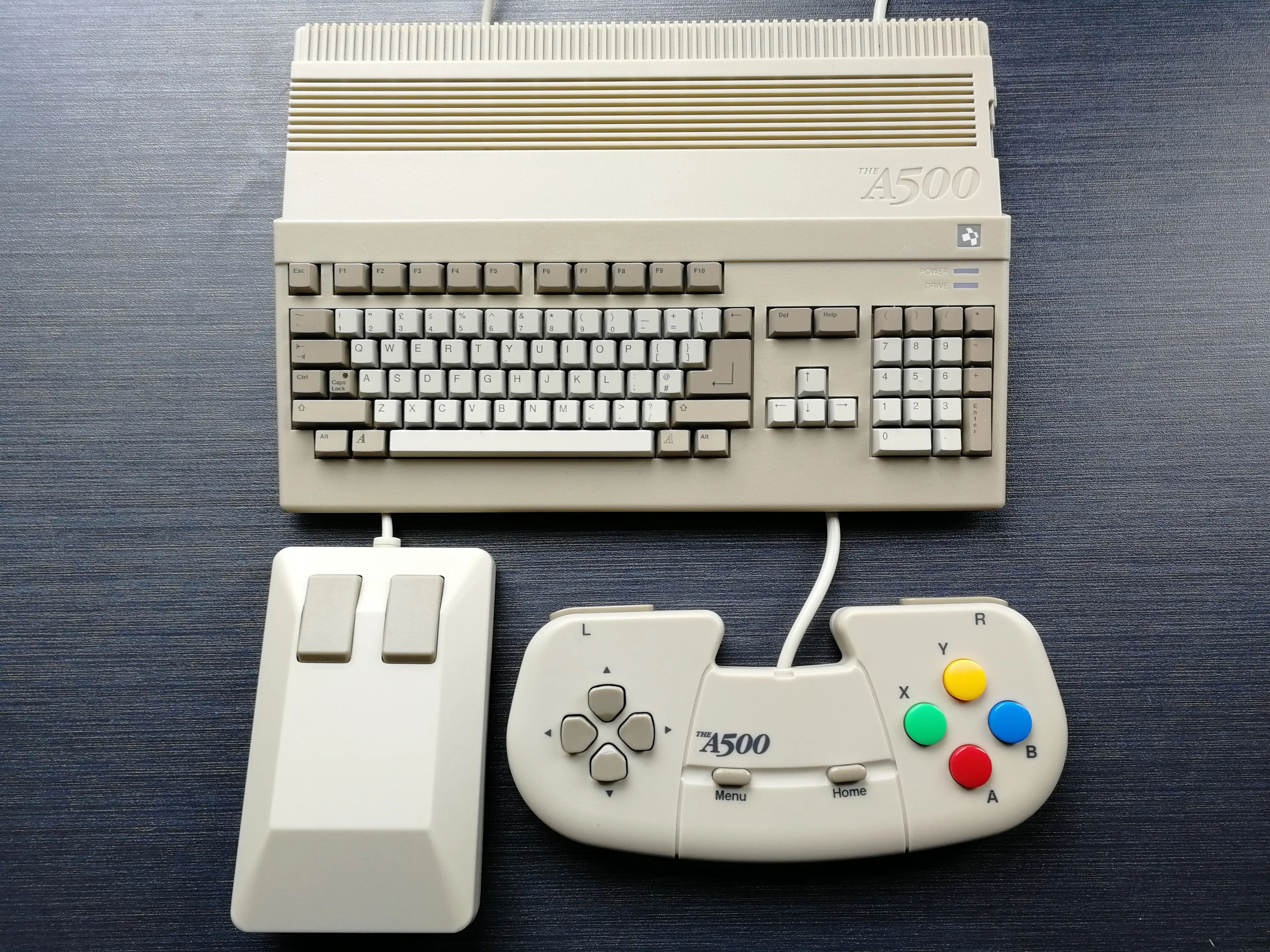
The Raspberry Pi crowd will argue you can do everything the A500 Mini can with that tech – and that’s true, but there’s an undeniable nostalgia kick to unpacking this diminutive device, feeling that mouse, and seeing these properly licensed games line up for you on screen, ready to be enjoyed again. It’s so easy to get working, and as a thing it’s very nice indeed – which is to say that if you have any affection for the Amiga name, you’re probably ordering one of these right now. The ease with which you can make this your perfect Amiga with your ideal library of games is astounding, certain caveats considered. Its pluses outweigh the minuses, then – it’s just a shame I’ll not be taking Southampton FC, ’96-’97 edition, to the top of the Premier League with this control pad, as even that team deserves better than this.
The A500 Mini featured in this coverage was sent to us for review. It's available now for an RRP of £119.99. Find more information at the Retro Games website.
Topics: Retro Gaming