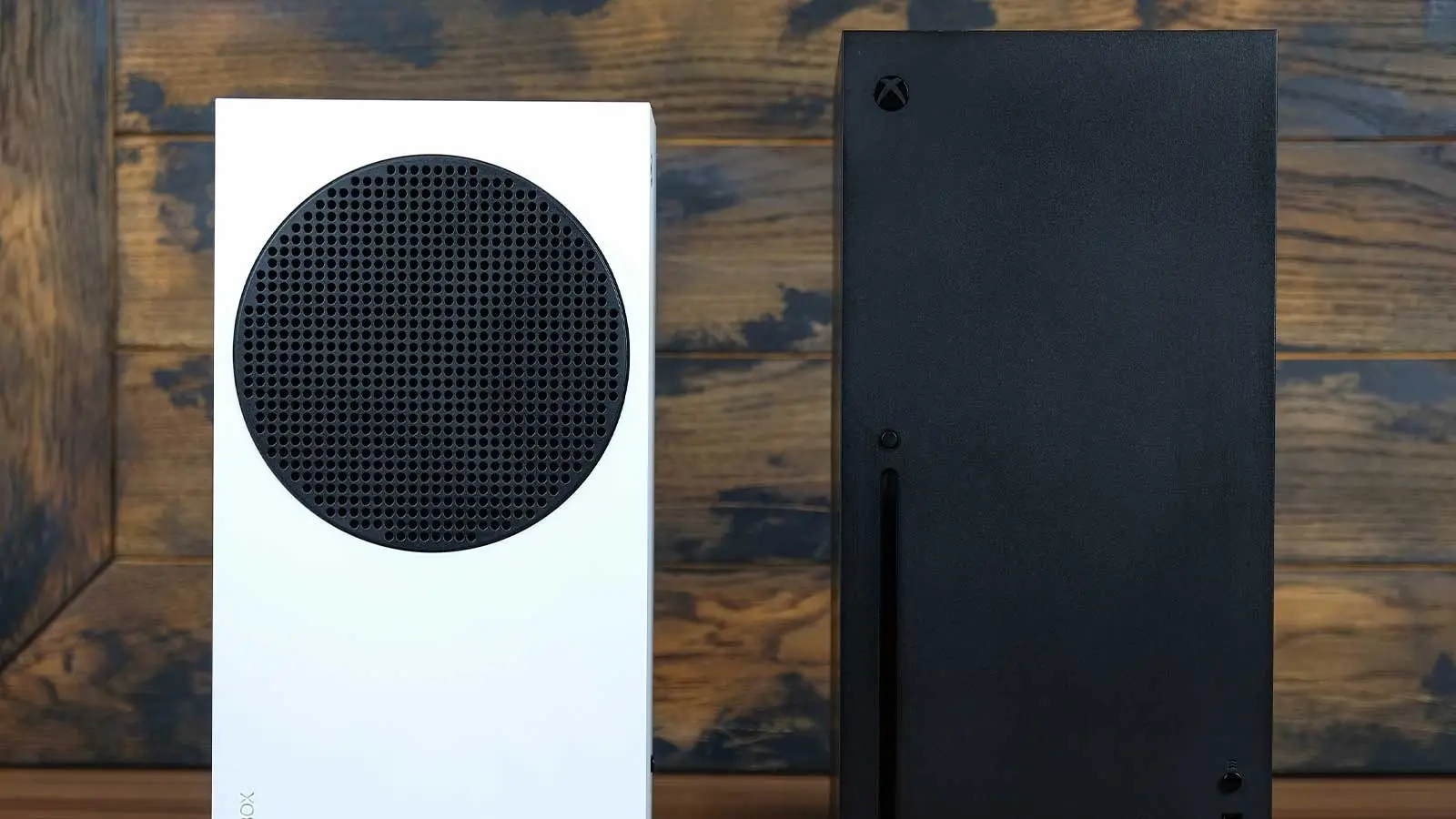
Xbox New System Update Quietly Rolls Out, Adds 5 Handy New Features


Microsoft is in the midst of rolling out a new system update on Xbox Series X/S consoles, and it’s a very comprehensive offering.
Asha Sharma has made it clear since taking over as CEO of Microsoft Gaming that she’s keen to improve the Xbox experience.
Already, achievements have undergone a significant overhaul as per player feedback, with Sharma having voiced her desire to improve the value of Xbox Game Pass.
Advert
This has all now been joined by a new system update which introduces five key features that should make using and navigating your console much more seamless and enjoyable.
Xbox OS Version 10.0.26100.7807 Patch Notes & New Features
The update, OS Version 10.0.26100.7807, first of all introduces profile customisation improvements.
“Custom colours have been added to the profile colour option list allowing you to pick exactly the right shades to fit your style,” the update’s patch notes read.
To select your colour of choice, head to ‘settings’, followed by ‘general’, ‘personalisation’, and then ‘customise the guide’.
Next up, you can now pin more groups to Home. This has been increased from two to 10 in what is a clear improvement to navigation.
You can also now add 10 individual games to Home too alongside groups.
In terms of Quick Resume, Xbox users can now disable Quick Resume on a per game basis, with the intention being “your specific games always launch fresh when that is the better experience”.
To do this, you’ll want to highlight your chosen game, press the menu button, and then select ‘manage game and add-ons’, followed by ‘quick resume settings’.
The update has also added two boosts to streaming in the form of User Selected Resolution (USR) and a Network Quality Indicator (NQI).
These allow you to select your desired resolution which you can adjust in ‘settings’ followed by ‘cloud gaming’, “giving you more control over how your games look and perform”.
Finally, the update has made changes to Play History updates.
In My Games & Apps, Xbox users will now find a Play History tab which, you guessed it, outlines your play history. It’s pretty self explanatory.
READ MORE: Xbox Game Pass Price Changes Coming As CEO Pushes 'Better Value'
From here, you can navigate quickly into any of your chosen games without having to head back to the Home Page.
The update has been steadily rolling out now, so do restart your console if in doubt to prompt an update to this latest OS Version.
Topics: Xbox, Xbox Series X, Xbox Series S, Microsoft, Tech