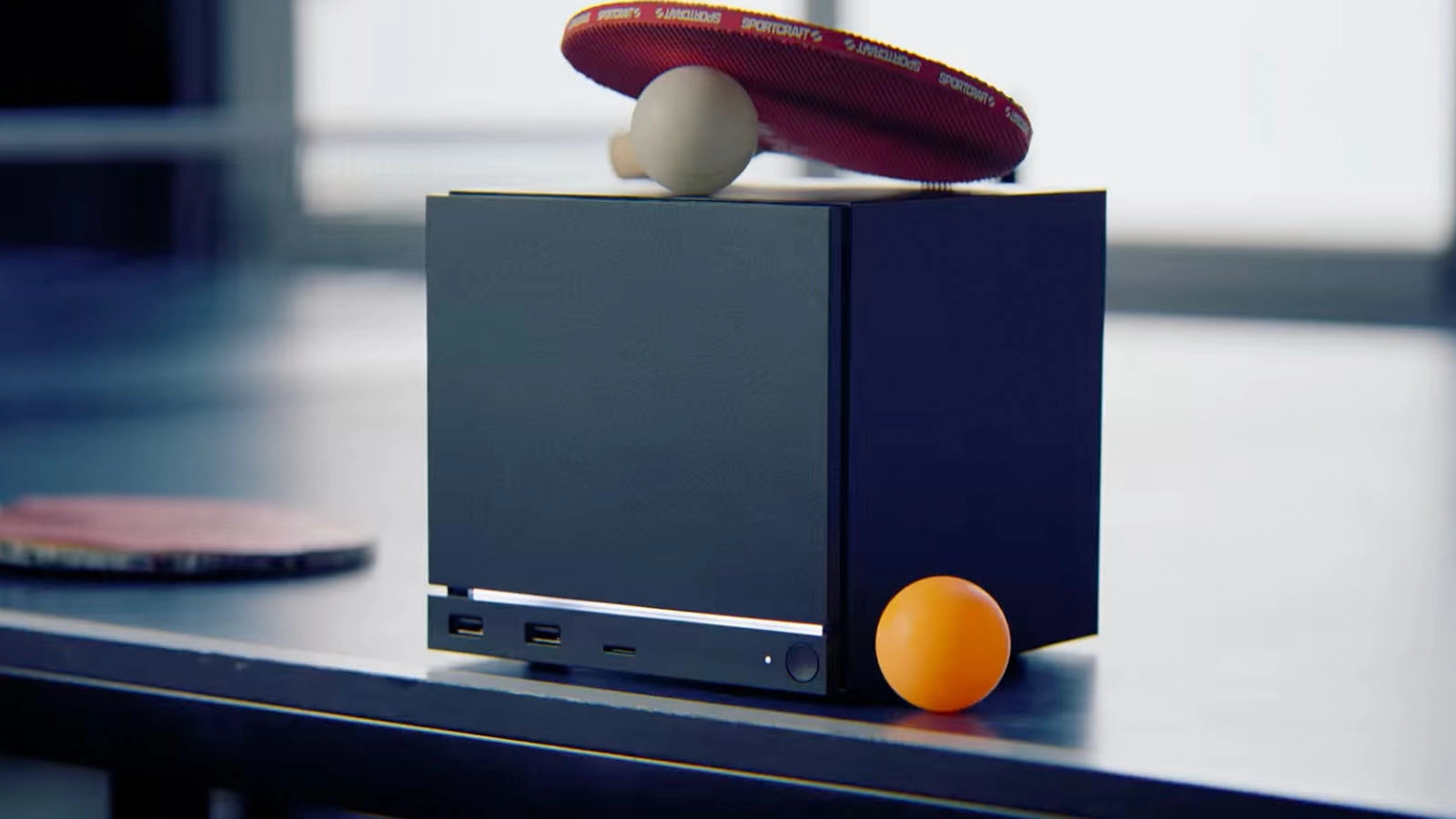
Can't Afford A Steam Machine? Here's How To Build Your Own


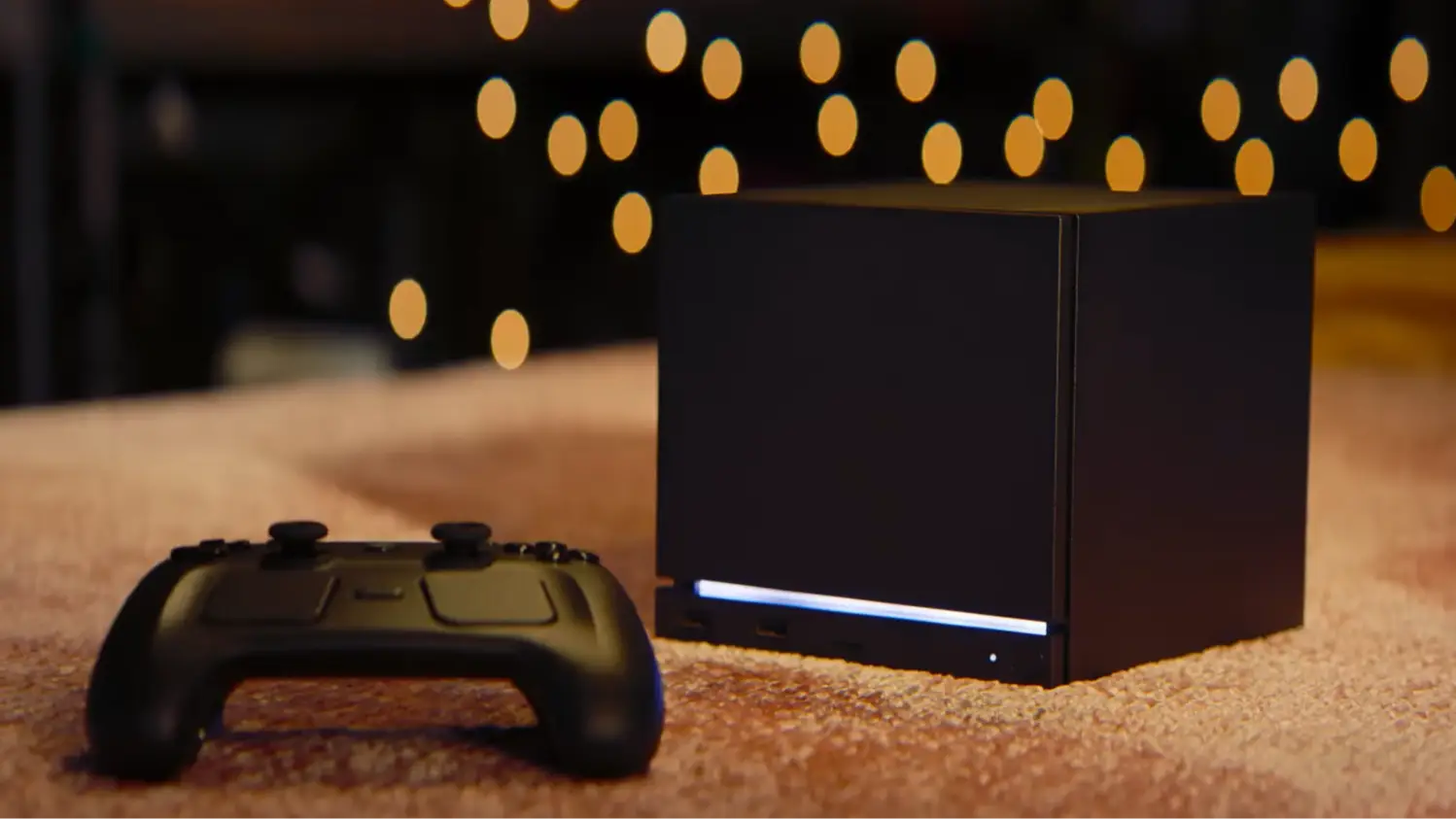
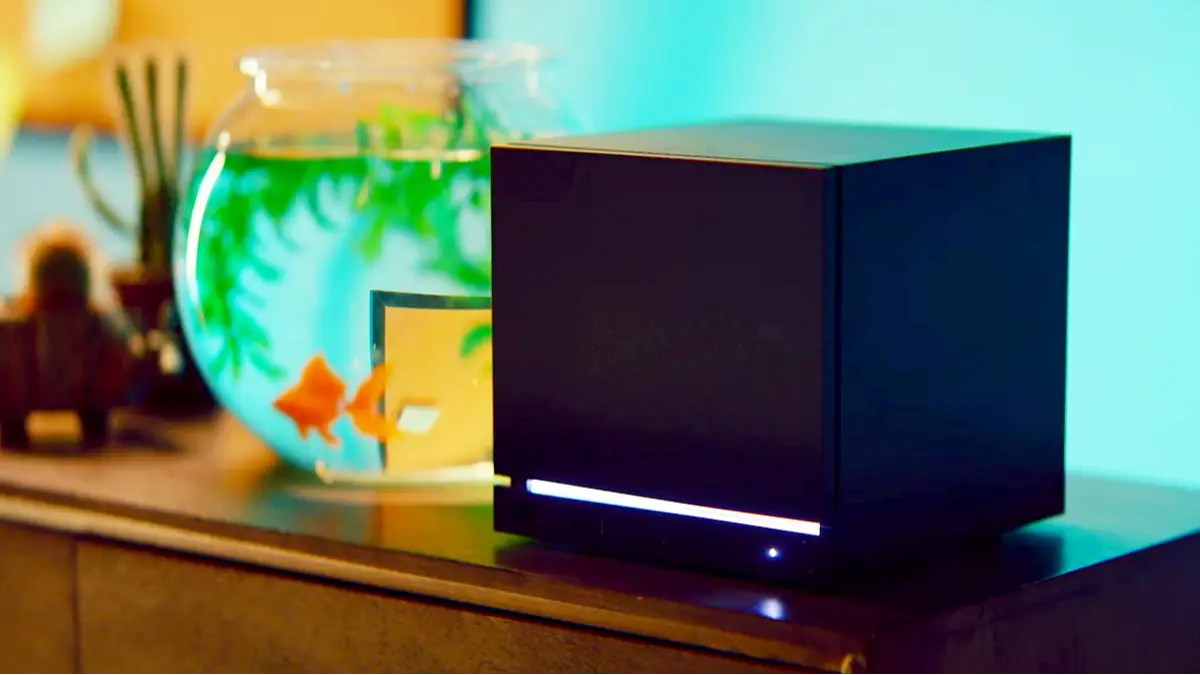
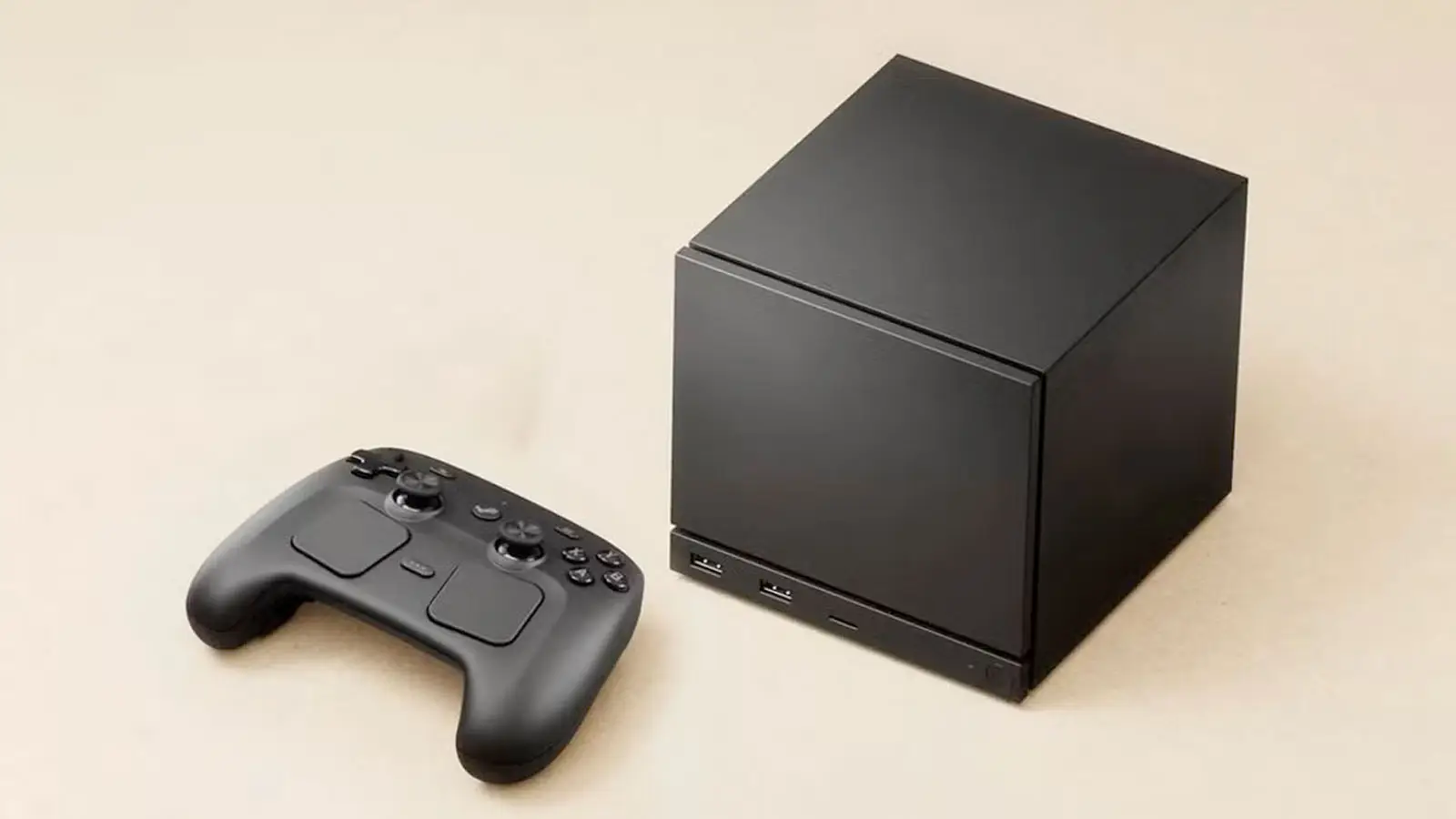
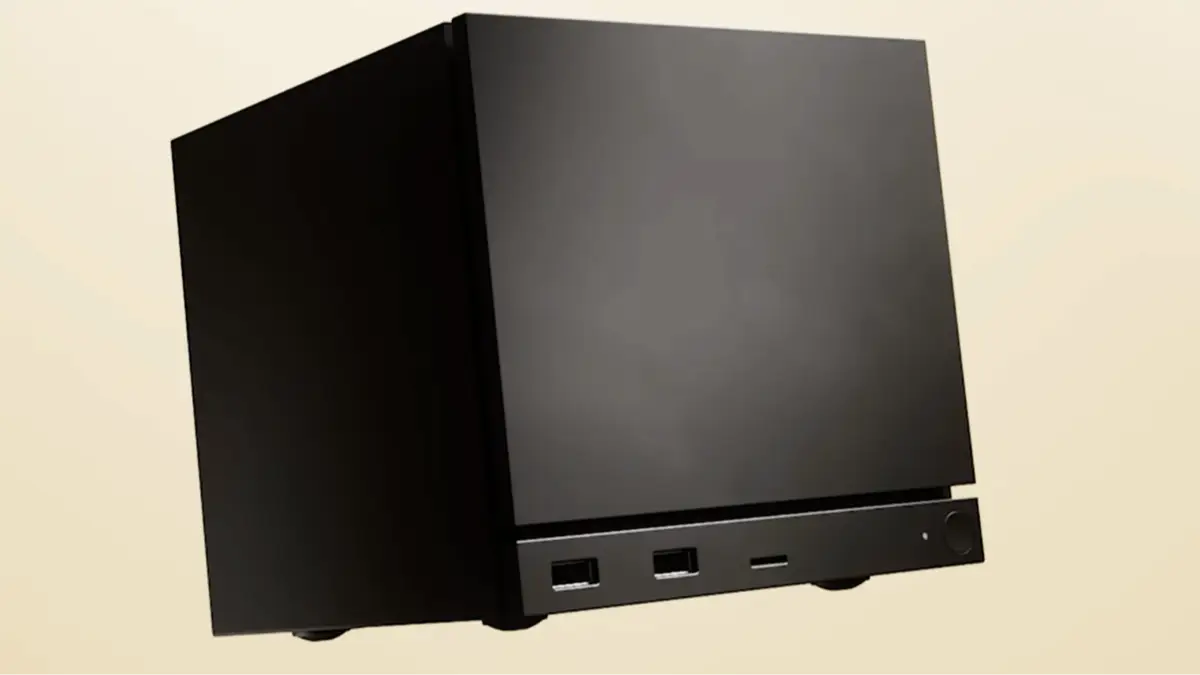
If you can’t get your hands on a Steam Machine, Valve has fortunately provided you with a way to build your own.
Valve released the price and release date for the Steam Machine earlier this week, and the reactions have been far from enthusiastic.
The prospect of a living room PC which you can use like a home console is a profoundly exciting one, but due to the ongoing RAM shortage, it’s driven up the price from something reasonably affordable to something uncomfortably expensive.
That’s caused inflated prices on the Steam Machine, as well as a reservation queuing system which selects potential customers at random to be able to order. This could mean you get one immediately, or might be waiting up to a year for it.
Advert
Thankfully, Valve has made it possible for PC gamers to create their own Steam Machines at home if they have the hardware for it.
As seen in the latest release notes for SteamOS 3.8 (thanks for the spot, The Verge), Valve addresses concerns from users that may not be able to immediately get their hands on a Steam Machine.
“Thanks to the openness of the PC platform, there are lots of options for devices that will allow you to run games natively or streamed to your TV,” Valve writes in the blog post.
“There are many PC sites and communities out there that can help you with that. For our part, we are continuing to work toward enabling SteamOS to be used on more hardware than just ours.
“In fact, with the newly-released SteamOS 3.8, you can run the same code and operating system as Steam Machine on your own living-room PC using whatever PC parts you want.”
Valve Has Made It Possible For You To Build Your Own Steam Machine
What this essentially means is that you can install SteamOS, the operating system developed by Valve which powers hardware like the Steam Machine and Steam Deck, on any compatible PC.
So, you could build your own living room PC using an assortment of different parts and then installing SteamOS on it to get the Steam Machine experience without waiting for a reservation to free up.
To do this, head to the SteamOS installation page, where Valve has provided a helpful guide for installing the operating system on your PC.
We'll include Valve's advice below if you want to know more, but do check out the support page before attempting this.
- Download the SteamOS image
- Prepare a USB key (8GB minimum) with the recovery image:
- On Windows we recommend using the Rufus utility. Select the recovery file and write it to your USB drive (this will format your USB drive). When it's done, select 'Close' and eject the drive.
- On MacOS you can use Balena Etcher to write the recovery file to your USB drive.
- On Linux you can also use Balena Etcher to write the recovery file to your USB drive - or if you prefer you can do this directly from the command line:
bzcat steamdeck-recovery-4.img.bz2 | sudo dd if=/dev/stdin of=/dev/sdX oflag=sync status=progress bs=128M(set /dev/sdX to the USB device you inserted)- Shut down your Steam Deck or other device if it isn't already off. On a Steam Deck, hold 'Volume Up' and click the Power Button - when you hear the chime, let go of the Volume Up button, and you'll be booted into the Boot Menu. Use the dpad and A button to select the Boot Manager.
- On most non-Steam Deck devices, you will need to disable Secure Boot in order to boot from a USB drive. Learn more here
- Follow the instructions for your specific device to get to the Boot Menu.
- Use a USB-C adapter or hub to plug the boot disk in.
- In the Boot Manager, boot from the 'EFI USB Device' (your USB key)
- The screen will go dark while it's booting - give it a minute.
- Once booted you will be in a desktop environment, you can navigate using trackpad and trigger, touchscreen, or mouse.
- Select the Re-image Device option on the desktop. This will fully wipe your device and install stock SteamOS.
- Once it's done installing, reboot and you will be in the SteamOS welcome experience.
Read More: Steam Offers Free Games As Apology For Hardware Delay, You Could Be Eligible
Right now, only AMD GPUs are supported by SteamOS, but Valve is working on expanding that to other GPU manufacturers such as Nvidia’s cards.
Thankfully, other Linux-based forks such as Bazzite or Nobara are also good options if you wanted to move away from Windows for a Steam Machine-like interface.
The downside to this method is that it’s not actually much cheaper than a Steam Machine right now. Valve’s hardware is mighty expensive, but these prices have only been driven up by the ongoing RAM shortage which is expected to last for at least another year.
In general, it's just not a great time to be buying or building a PC, and while the rate of inflation of RAM is slowing down, it hasn't quite started to drop dramatically yet.
With the PlayStation 6 and Xbox Helix allegedly set to release in 2027, it's going to be tricky for console manufacturers to keep the price below $1,000.
Topics: Steam, Valve, Steam Machine, PC