
PS5 Consoles Are Hiding a Handy Feature That'll Protect You From Spoilers


It’s incredibly difficult to protect ourselves from spoilers these days.
When a game is released, my social media timeline is almost immediately filled with clips and reactions to the major plot beats - and it’s the same with film and television.
I used to go an entire Monday at high school without hearing a single Game of Thrones spoiler, watching the episode when I arrived home.
These days, that would just never happen.
Advert
What you might not know is that there is a preventive measure you can take on PlayStation 5 consoles to protect yourself from some spoilers.
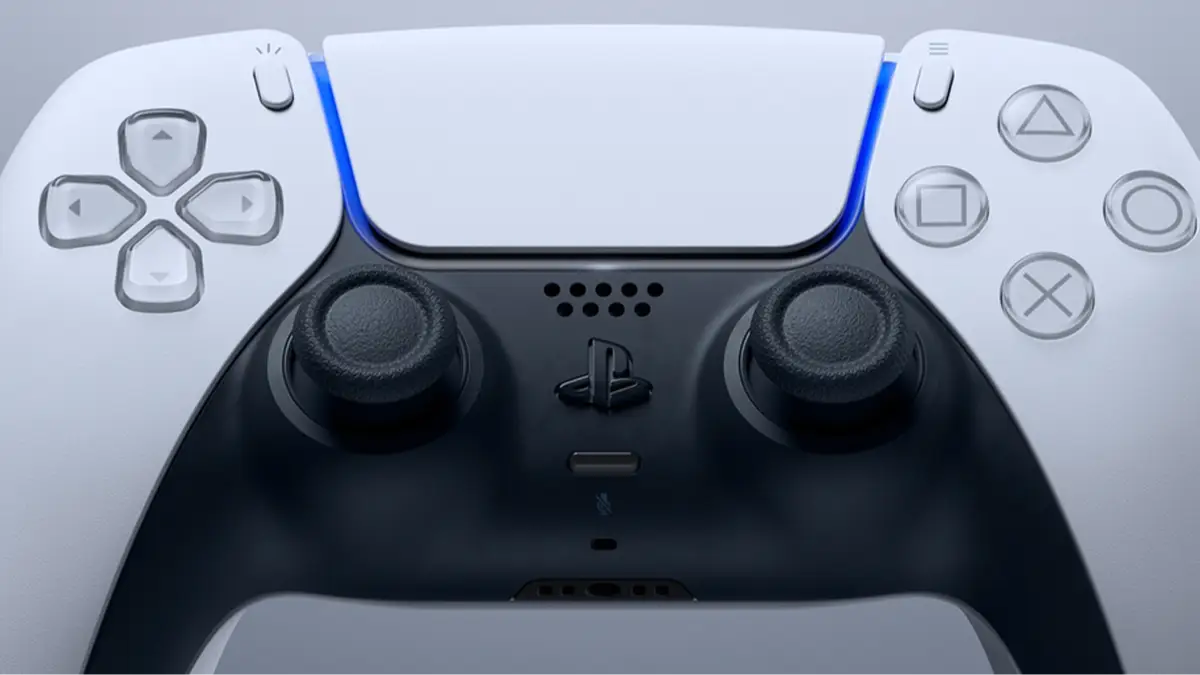
If you’ve never gone for a browse in your PlayStation 5’s settings before, you likely haven’t stumbled across the ‘Spoiler Warnings’ option.
How To Switch On Spoiler Warnings on PlayStation 5
You’ll want to begin by heading into your settings. Then, navigate to ‘Saved Data and Game/App Settings’.
On the left hand side of your screen, you should see the option ‘Spoiler Warnings’. Head to this page.
Once you’ve done so, you’ll likely find that the option is toggled off, so if you want to activate it, toggle it on.
You’ll then get to pick which of the two options you’d prefer.
You can hide “only spoilers identified by game developers” or “everything you haven’t seen yet”.
Essentially, this function will hide screenshots or gameplay clips that pertain to any spoilers that you might come across whilst on your console.
Most likely, it could be something a friend has captured and sent you.
If you choose the “only spoilers identified by game developers”, it’ll do just that. Only screenshots that have been marked by developers as spoilers will be hidden from view.
If you select “everything you haven’t seen yet”, it’ll shield you from all content from an unplayed title.
For example, if you haven’t played Ghost of Yōtei and your mate sends you a cool screenshot, it’ll be hidden regardless of whether it contains a spoiler or not.
It’s nice to see Sony consider issues like this because spoilers are, as I mentioned, becoming increasingly difficult to avoid.
I do adore digesting online chatter once I’ve played or watched something, but I do wish there was at least relative silence for the first few days after release.
With Marvel’s Wolverine on the way later this year, a game I’m sure is laden with spoilers and surprises, you might want to enable this setting sooner rather than later.
Topics: Tech, PlayStation, PlayStation 5, Sony