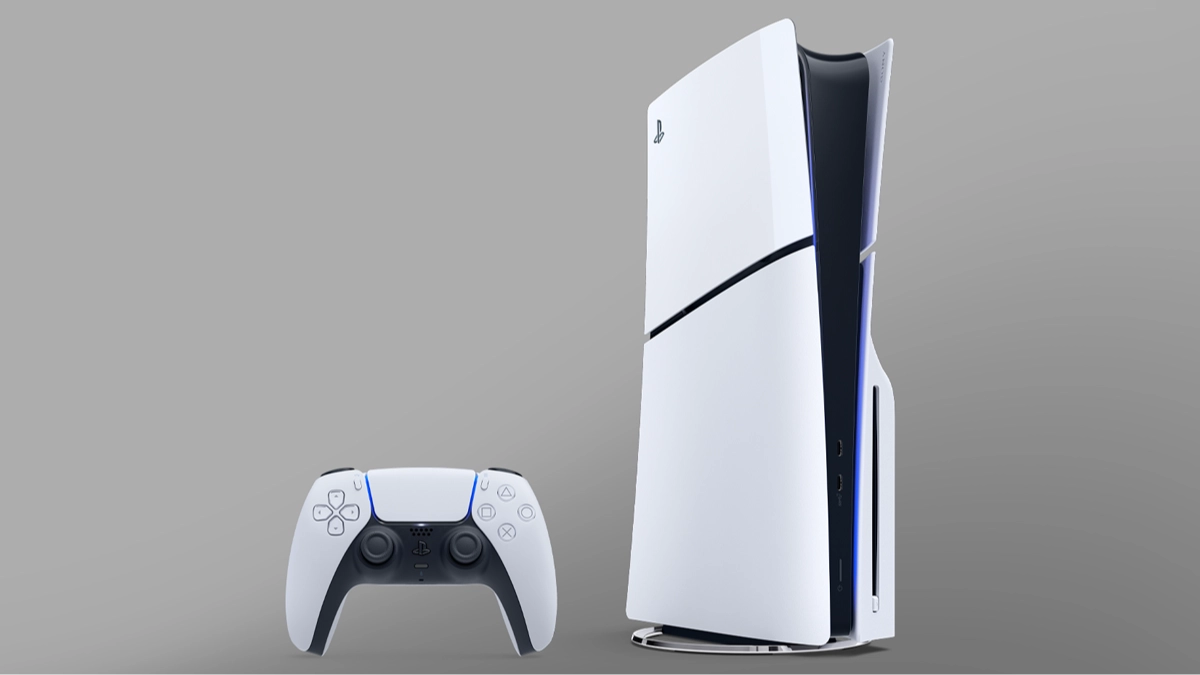
I Cleared 200GB PlayStation 5 Storage Space With One Small Change


PlayStation 5 owners can save a lot of space on their consoles, and not just through uninstalling games you’ve finished or don’t fancy playing anymore.
I’ve got quite a few games on the go at the moment on my PlayStation, and they’re not conveniently sized indie games like Hollow Knight: Silksong.
God Of War: Ragnarok, Death Stranding, and Atomfall are just a few of the games I’ve got installed and as a result my storage space is reaching its limit.
After trying to clear some space by uninstalling some of the more bitesize games I don’t feel like playing at the moment it occurred to me that there’s another way to free up your internal drive.
Advert
I then went through the painstaking process of deleting some of the captures and screenshots I’d accumulated from the last 12 months, and by the time I was finished I’d cleared an unbelievable 200GB of storage space. I had no idea captures took up so much room.
Now some of these are ones I’d captured myself for my own social channels and others were just cool clips I fancied holding on to, but quite a few came from before I disabled Automatic Captures, which take a video and screenshot every time you get a trophy from a game.
I’d highly recommend you turn this feature off as it serves no purpose other than clogging up your storage space, and I’d also recommend going back through anything you’ve captured yourself to see if there’s anything you can get rid off. You can always send some of the clips you want to the PlayStation app and download them from there, or plug in an external hard drive and transfer them across.
Given the installation size of the latest games nowadays it’s more important than ever to keep space open for new additions to your collection, and you might have far more storage than you thought.
Topics: PlayStation, PlayStation 5, Sony