Nintendo drops new Switch system update that introduces one of Steam's best features


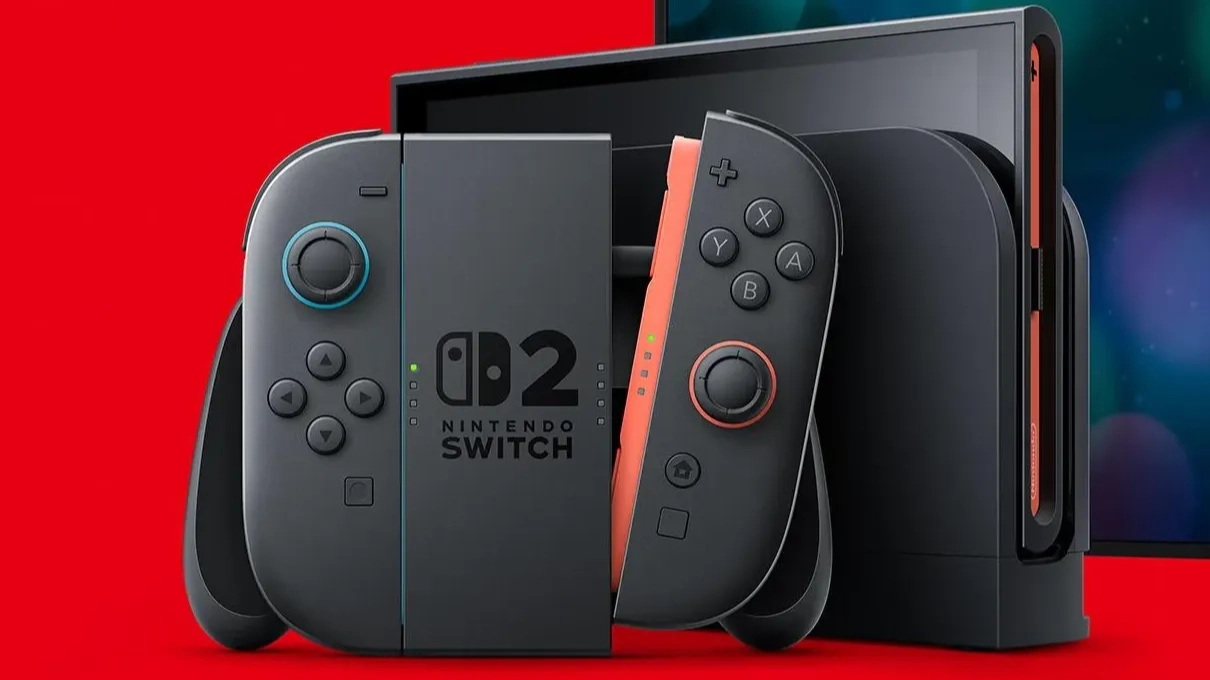
A new system update for Nintendo Switch and Switch 2 will bring over a popular feature from Steam, just in time for the holidays.
One of the most sought-after features across gaming platforms is the ability to gift games. Although it's one of the best features of the Steam storefront, it's currently not enabled on PlayStation or Xbox.
This was also the case for Switch and Switch 2 users, but Nintendo has now announced that gifting will be arriving in a future update on the systems.
Gifting will be added to the Nintendo eShop on Switch and Switch 2 from November 16.
Advert
Digital gifts purchased via the eShop are eligible to be sent to anyone in your family group. So, while you can't gift it to just anyone on your friend list, you will be able to gift games to anyone within your family, which allows up to eight people in total.
This includes DLC and upgrade packs in addition to games; however, Nintendo does stress that some products may not be eligible for digital gifting, and supervised accounts (such as those belonging to children) are unable to send digital gifts. The number of digital gifts you can send within a certain period is also limited to prevent spam.
Be sure to check whether the game you want to gift is actually eligible to be gifted, and that the recipient would be interested in the game too.
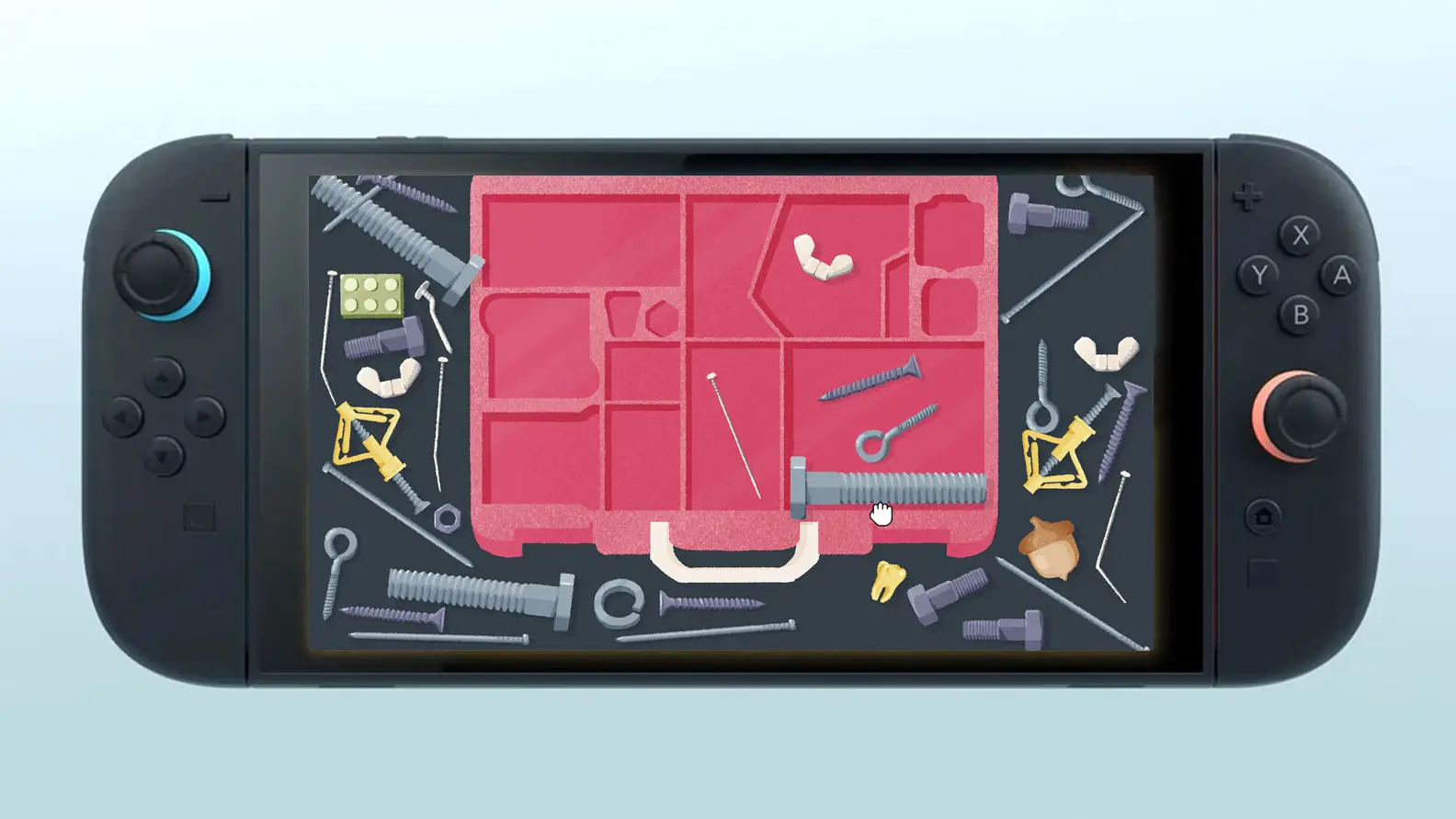
Read More: Cosy tidy-up puzzler confirms free Nintendo Switch 2 upgrade for all owners
How to send a gift on Nintendo Switch and Switch 2
To send a gift on Nintendo Switch or Switch 2, you'll first need to download the new update for your console, which launches on November 16.
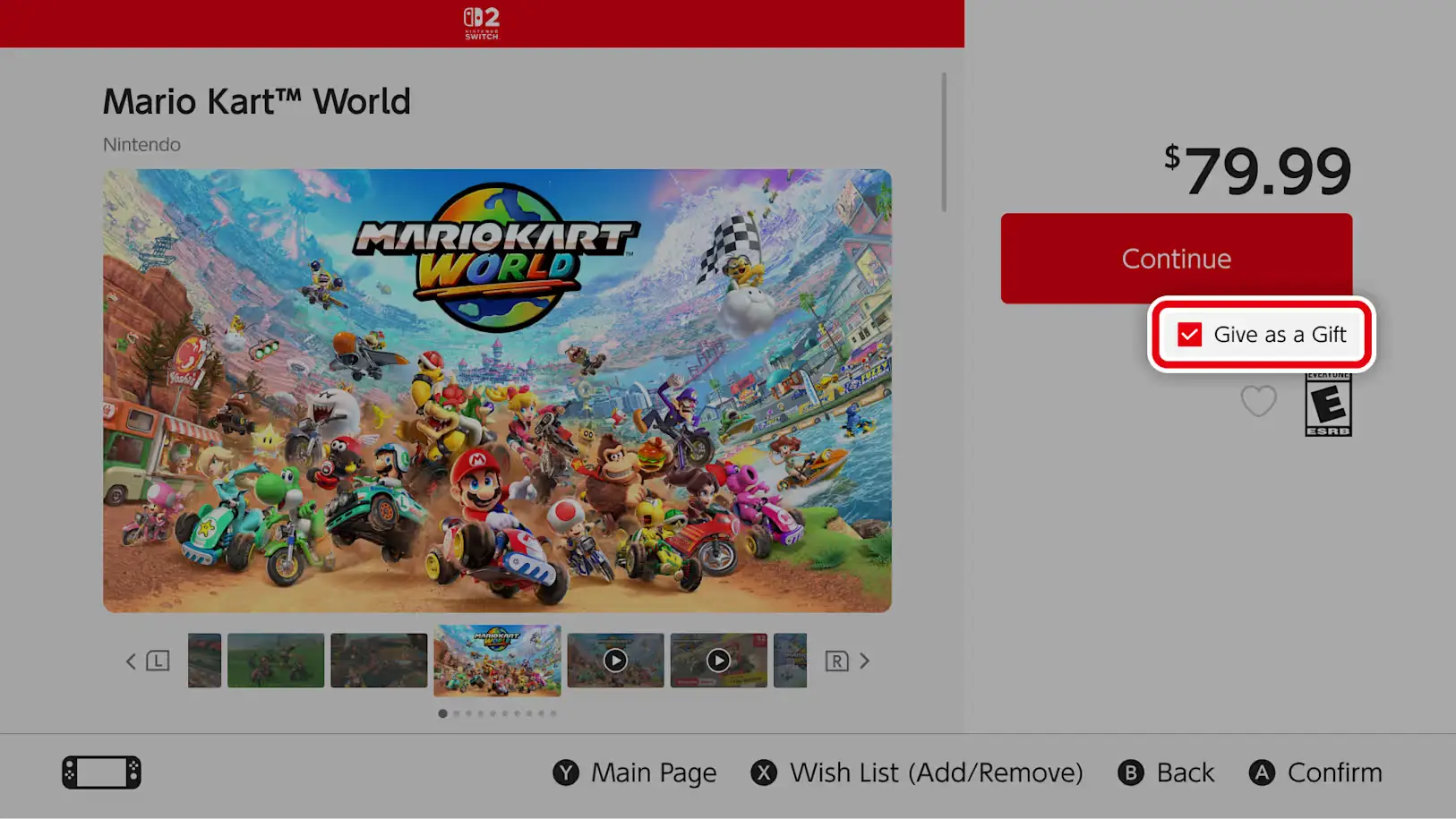
Once that's done, visit the Nintendo eShop on your device and find the game you want to gift. On the product page, you'll see a new option to "Give as a Gift" with a checkbox. You can then proceed to checkout.
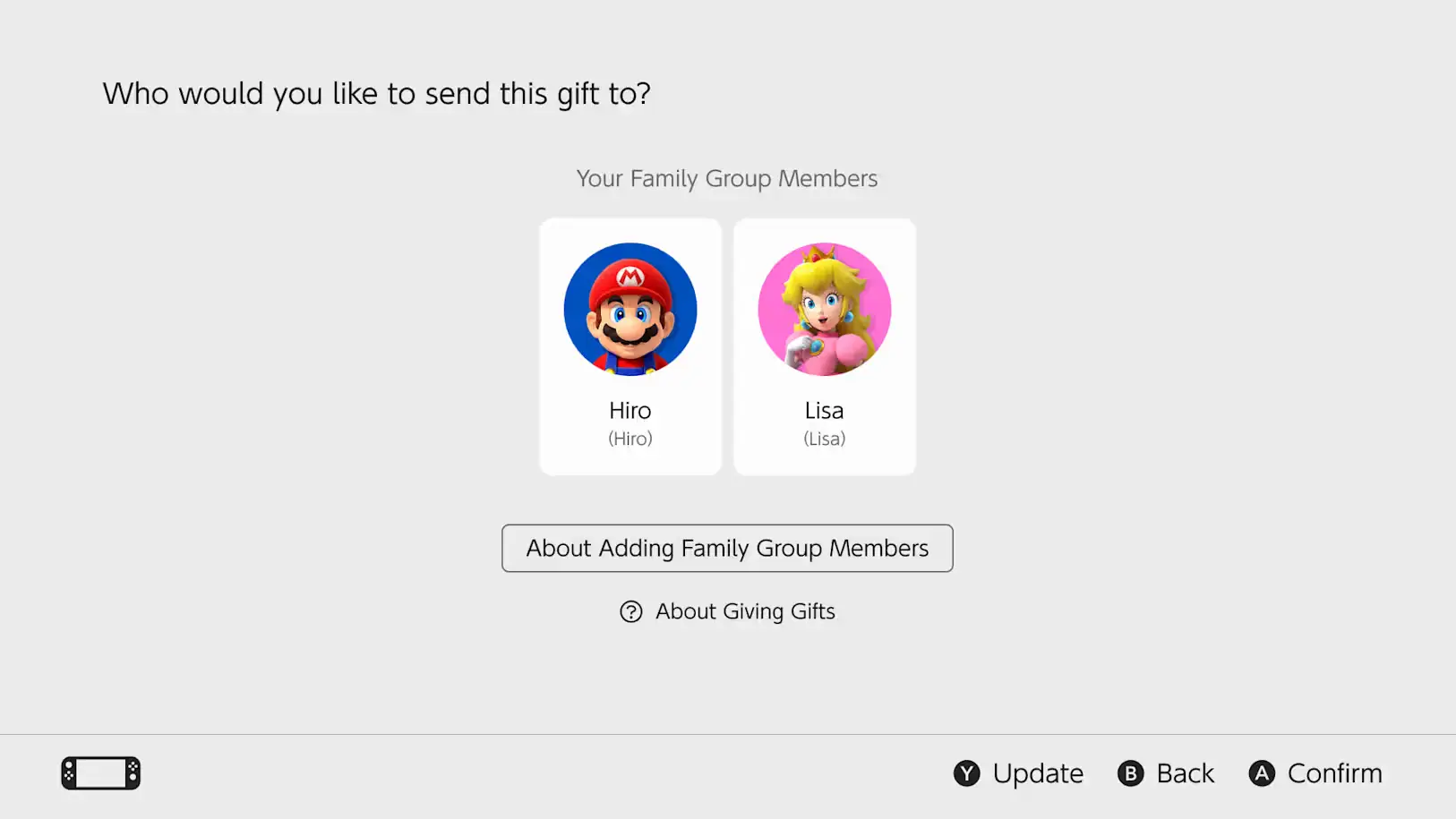
At checkout, select the gift recipient from any member of your family group, and you'll also be able to select which of their linked systems to send it to. You can select the colour of the gift wrap that'll appear on their home screen. After this, you can complete the purchase and the gift will be sent.
Gifts are sent immediately to the recipient, so it's best to send a gift on the day that you intend for them to receive it.
Once this is done, it'll appear on their home screen in gift wrap. Opening the gift will allow them to accept it and start downloading to play right away.
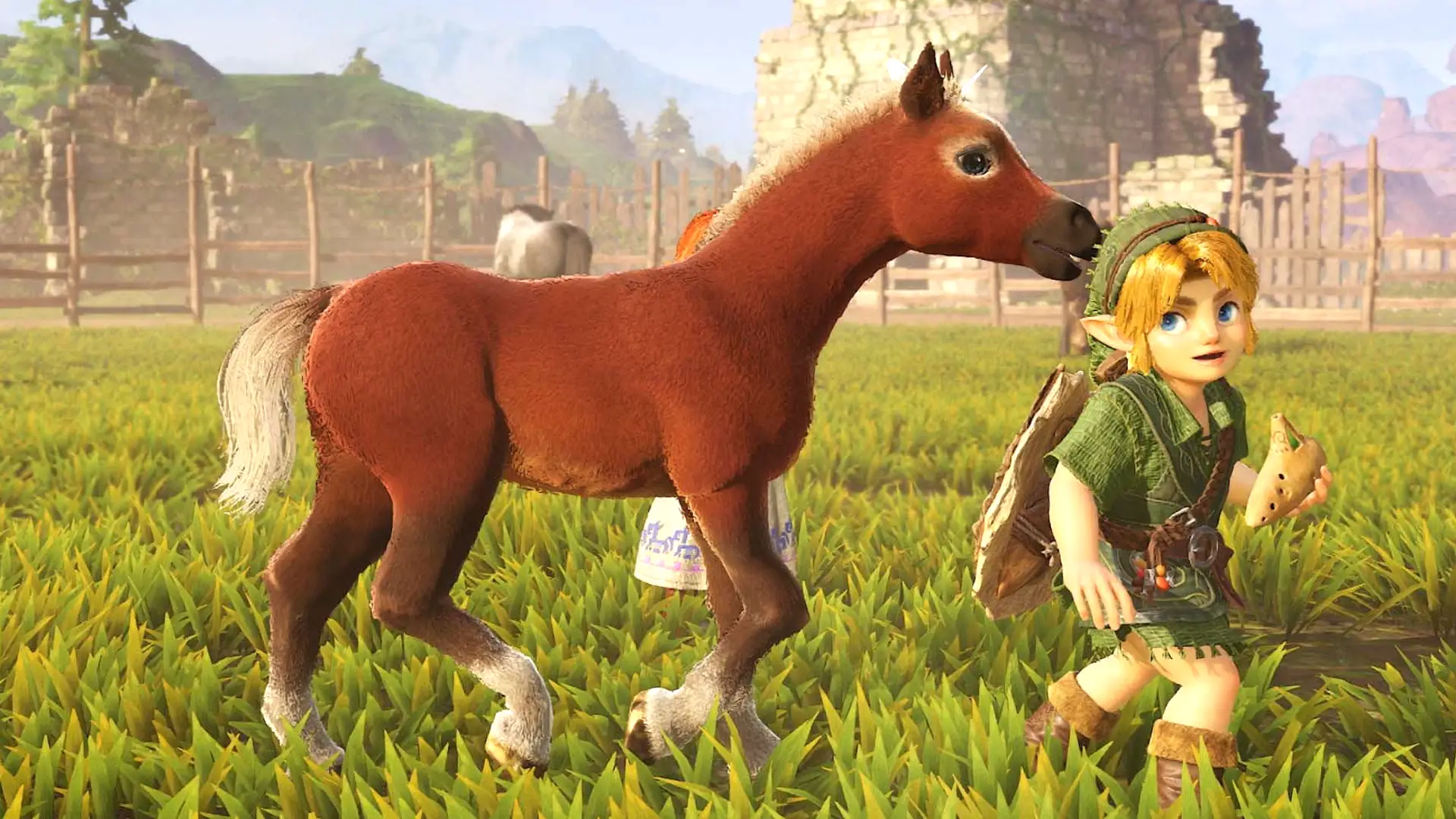
With massive titles being released on Nintendo Switch 2 recently, such as The Legend of Zelda: Ocarina of Time, Star Fox, and Fire Emblem: Fortune's Weave, there are plenty of new games to gift to family members over the holidays.
Read More: The Legend of Zelda Ocarina of Time remake single-handedly justifies the Nintendo Switch 2
Topics: Nintendo Switch, Nintendo Switch 2, Nintendo