Nintendo Switch: How to share games and Nintendo Switch Online with family to save you money


Nintendo Switch and Switch 2 owners can save themselves a fair bit of money by sharing digital games and Nintendo Switch Online memberships with family and friends, without having to buy multiple copies of the same game or pay for separate subscriptions.
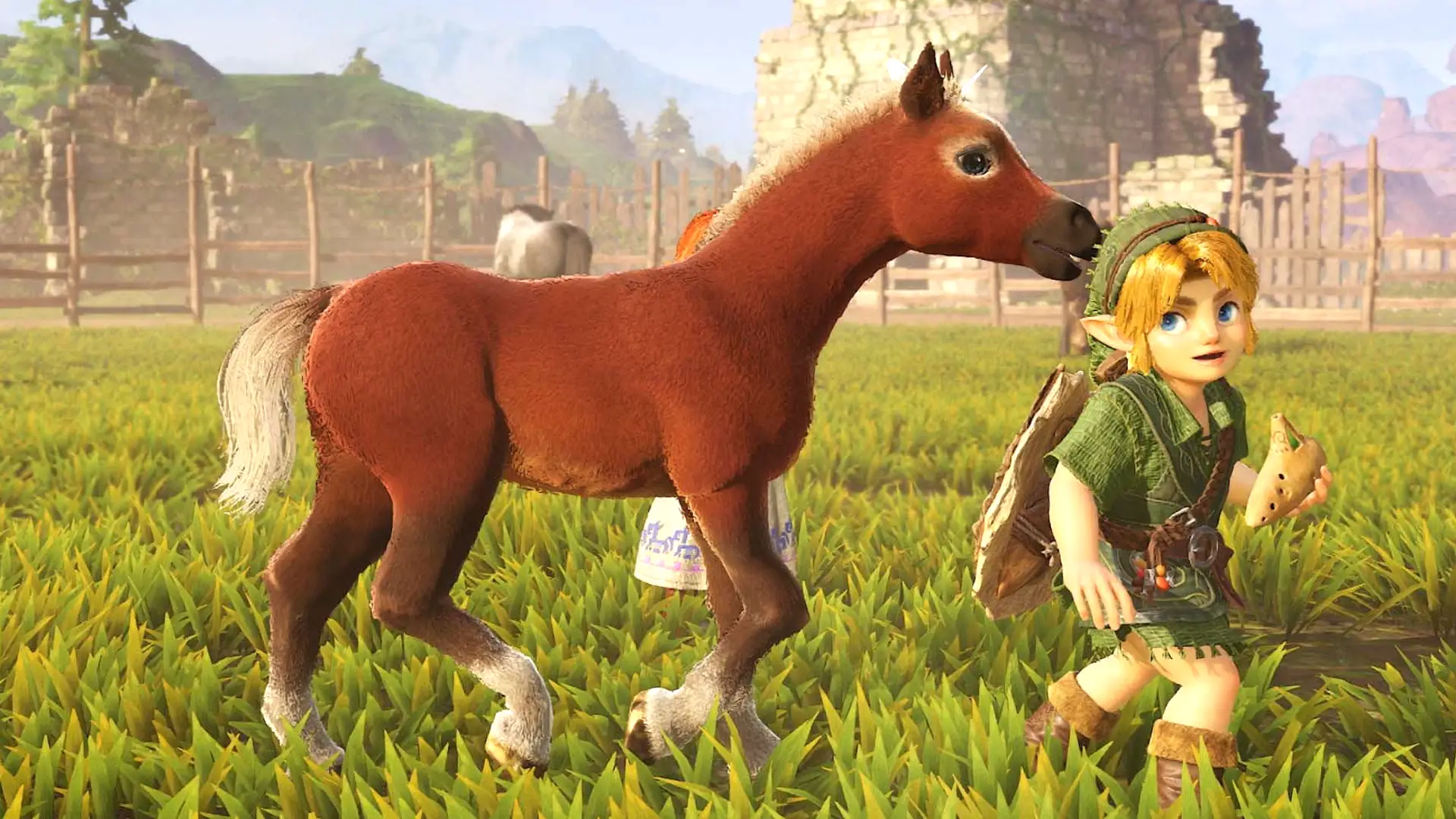
With the highly anticipated remake of The Legend of Zelda: Ocarina of Time finally arriving on Nintendo Switch 2, now could be the perfect time to take advantage of Nintendo's official game-sharing features, especially if more than one family member wants to experience Link's adventure across Hyrule.
Thankfully, Nintendo offers legitimate ways to share purchased digital games through Virtual Game Cards, while a Nintendo Switch Online family membership lets multiple people benefit from a single subscription. We'll explain how it all works, how you can save money, and the important restrictions you need to know about.
How Nintendo Switch game sharing and family memberships work
There are two main ways to save money on Nintendo Switch and Switch 2: sharing eligible digital games through Virtual Game Cards or sharing Nintendo Switch Online subscription benefits through a family membership.
The good news is that you don't need a Nintendo Switch Online subscription to lend eligible digital games. However, you'll need a family membership if you want multiple Nintendo Accounts to enjoy the benefits of one subscription.
Advert
Nintendo Switch Online memberships: Options, prices and benefits
Nintendo Switch Online membership prices: UK and US compared
- Standard Individual (One month): £3.49 UK / $3.99 US – One account
- Standard Individual (Three months): £6.99 UK / $7.99 US – One account
- Standard Individual (12 months): £17.99 UK / $19.99 US – One account
- Standard Family (12 months): £31.49 UK / $34.99 US – Up to eight accounts
- Expansion Pack Individual (12 months): £34.99 UK / $49.99 US – One account
- Expansion Pack Family (12 months): £59.99 UK / $79.99 US – Up to eight accounts
If four family members purchased separate annual Standard memberships, that would cost £71.96 in the UK or $79.96 in the US. However, one family membership costs just £31.49 or $34.99, saving you £40.47 or $44.97 a year.
Nintendo Switch Online vs Expansion Pack: What's included with each membership?
Nintendo Switch Online Standard – Individual and Family
- Online multiplayer: Play supported Nintendo Switch and Switch 2 games online with friends and family.
- Classic Nintendo games: Enjoy a growing library of NES, SNES and Game Boy classics at no extra cost.
- Cloud saves: Back up your saved games online, so you don't have to worry about losing your progress in supported titles.
- Nintendo Music: Listen to a huge selection of Nintendo soundtracks through the mobile app.
- Exclusive perks: Enjoy special offers, Game Trials and other benefits exclusive to Nintendo Switch Online members.
- GameChat: Chat with friends through voice, video and screen sharing on Nintendo Switch 2, subject to Nintendo's membership and feature requirements.
Nintendo Switch Online + Expansion Pack – Individual and Family
Includes everything from the Standard membership, plus:
- Nintendo 64 games: Enjoy beloved classics such as Super Mario 64 and Mario Kart 64.
- Game Boy Advance games: Play fan favourites such as The Legend of Zelda: The Minish Cap.
- SEGA Mega Drive/Genesis games: Enjoy a growing library of retro SEGA classics.
- Virtual Boy games: Experience a selection of games from Nintendo's unusual retro console, with compatible accessories required.
- Nintendo GameCube games: Play classics such as The Legend of Zelda: The Wind Waker and F-ZERO GX. However, GameCube games are exclusive to Nintendo Switch 2 and aren't available on the original Switch.
- Selected DLC at no extra cost: Enjoy expansions such as the Mario Kart 8 Deluxe Booster Course Pass and Animal Crossing: New Horizons – Happy Home Paradise.
- Nintendo Switch 2 upgrades: Access selected upgrade packs for games such as The Legend of Zelda: Breath of the Wild and Tears of the Kingdom.
You'll still need access to the compatible base games for DLC and upgrade packs, as well as an active Expansion Pack membership to continue using subscription-based content.
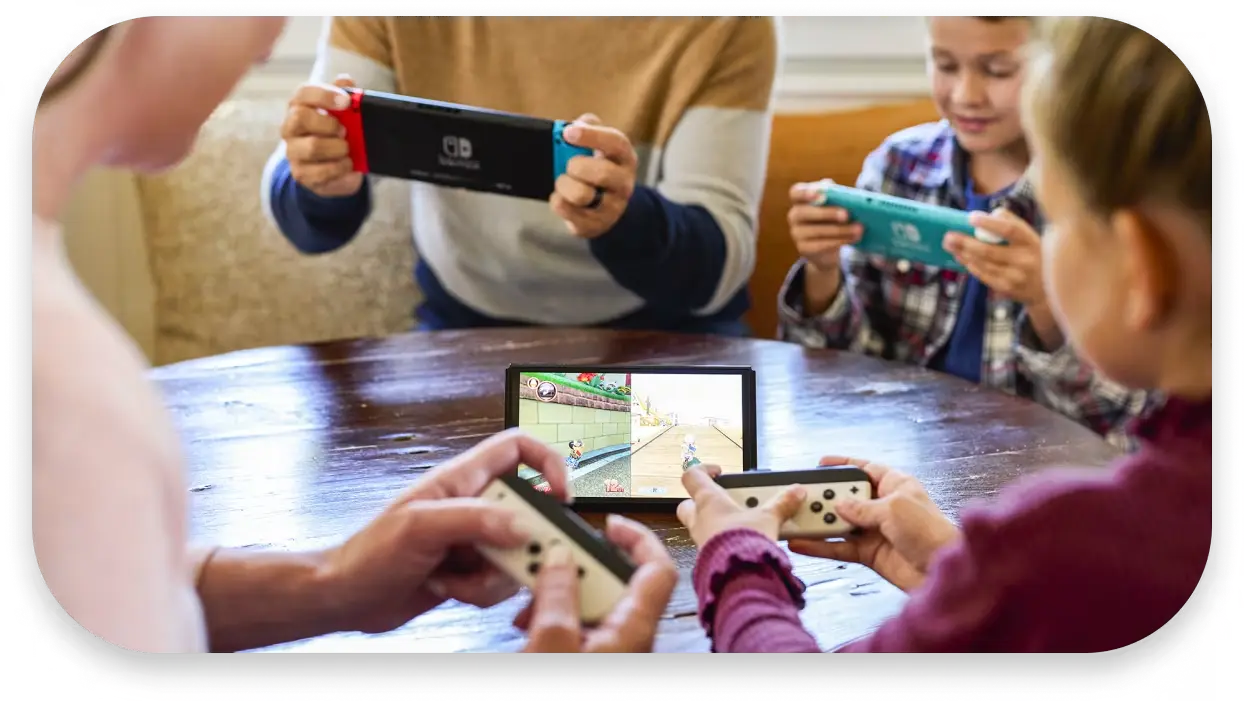 Nintendo Switch Online Family Membership, Nintendo
How to share Nintendo Switch Online with family members
- Create a Nintendo Account family group: Sign in to your Nintendo Account through Nintendo's website, head to the Family Group section, and select 'Add a member'.
- Invite family members: Send invitations to their Nintendo Accounts. Once accepted, they'll become part of your family group, which supports up to eight accounts.
- Share Nintendo Switch Online: Purchase a Standard Family or Expansion Pack Family membership. Everyone in your family group will receive the relevant subscription benefits.
- Use different consoles: Family members don't need to share the same console or even live in the same household. They can enjoy Nintendo Switch Online benefits on their own Nintendo Switch or Switch 2.
Remember, individual memberships only cover one Nintendo Account, so you'll need a family membership to share subscription benefits.
How to share digital games on Nintendo Switch and Switch 2
- Set up Virtual Game Cards: On your Nintendo Switch or Switch 2, select 'Virtual Game Cards' from the HOME Menu to access your purchased digital games. Follow the on-screen instructions to get started.
- Share games between consoles: Sign in with the same Nintendo Account on both consoles and pair them using a local wireless connection and the internet. You can then load eligible digital games onto either console, but the same Virtual Game Card can only be loaded on one at a time.
- Lend games to family members: Select the digital game you want to share, choose 'Lend to Family Group Member' and select the person you want to lend it to. Both consoles must be nearby and connected to the internet when lending games.
- Lend games for up to 14 days: Family members can borrow eligible digital games for up to 14 days, after which they're automatically returned. You can also request them back earlier.
- Lending limits: You can lend up to three different games at once, but each family member can only borrow one at a time.
You can share compatible digital games between Nintendo Switch and Switch 2, although Switch 2-exclusive games won't work on the original console.
Can you share Zelda: Ocarina of Time remake with your family?
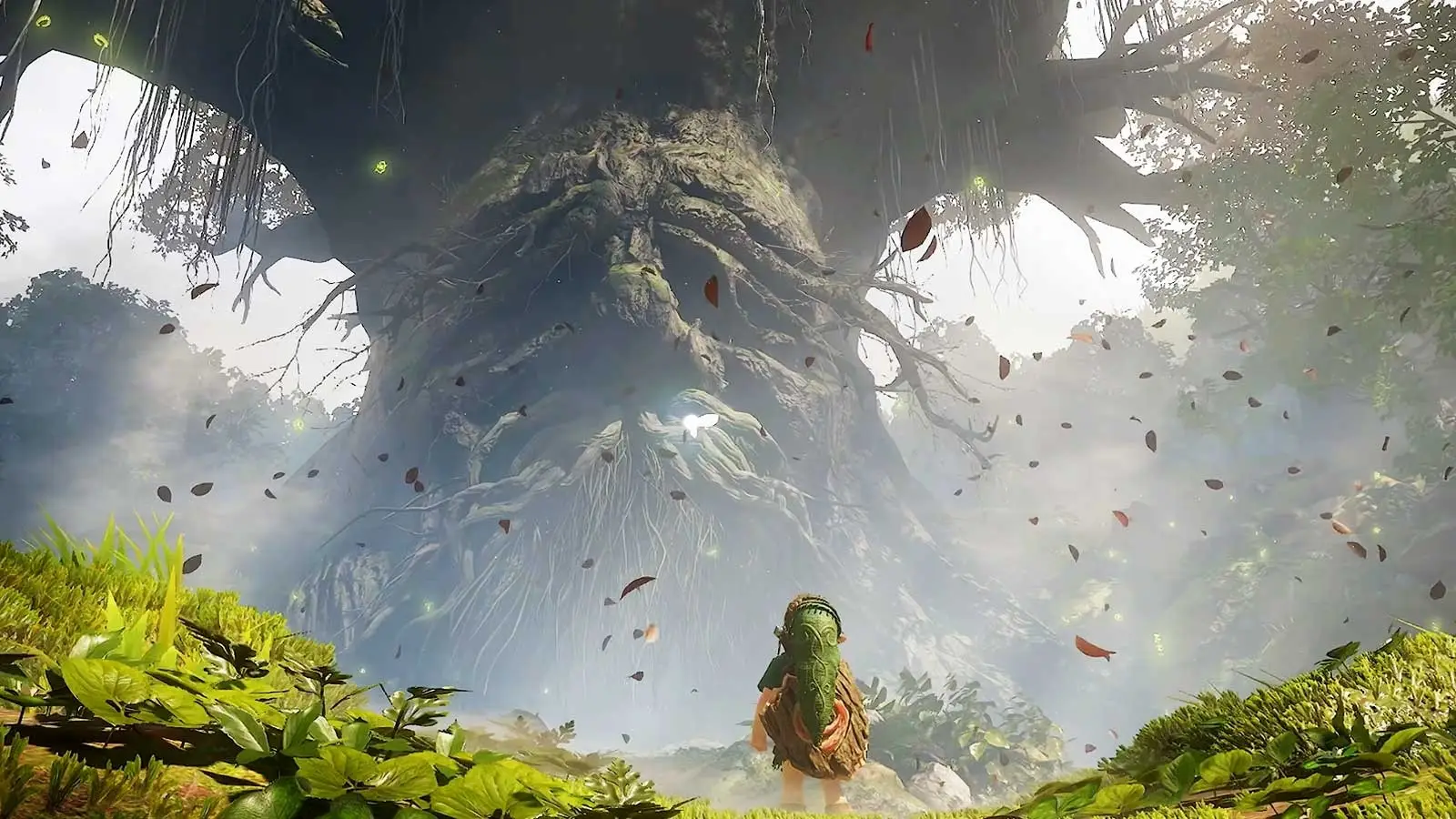
Nintendo's Virtual Game Cards feature isn't exclusive to The Legend of Zelda: Ocarina of Time remake. You can share plenty of eligible Nintendo Switch and Switch 2 digital games with members of your Nintendo Account family group as long as they support Virtual Game Card lending. As Ocarina of Time is a Switch 2-exclusive game, it won't work on the original Nintendo Switch.
If you're happy to take turns playing eligible digital games, rather than buying multiple copies, you could save yourself a fair bit of money. As long as everyone is willing to share, of course.
READ MORE: PlayStation Plus: How to share PS5 games and PS Plus with family for free
Nintendo Switch game sharing: What you can and can't do
- Can you share games with friends? Yes, you can lend eligible digital games to friends and family, even if they don't live in the same household. However, they must be part of your Nintendo Account family group and meet the lending requirements explained above.
- Can you play shared games at the same time? No, you can't both play the same Virtual Game Card simultaneously. If you've lent a game to someone else, you'll have to wait until it's returned before playing it yourself.
- Do shared games work offline? Yes, once a Virtual Game Card has been loaded and the game has been started for the first time, you can play it offline without needing a constant internet connection. Online multiplayer features will still require an internet connection.
- What happens to your save data? Don't worry, your saved progress is tied to your user profile, not the Virtual Game Card. This means you won't lose your progress when a borrowed game is returned.
- Can you share DLC? Yes, eligible purchased DLC can also be shared through Virtual Game Cards. However, the person borrowing it will still need access to the compatible base game, and some content may have restrictions.
Other ways to save money on Nintendo Switch games
- Nintendo Switch 2 GameShare: Play supported multiplayer games with family and friends using just one copy, even if they don't own the game themselves. GameShare must be hosted on Switch 2, but compatible games can also be shared locally with original Switch owners. Online GameShare is limited to Switch 2 and requires GameChat.
- Free trials: Take advantage of eligible Nintendo Switch Online free trials and Game Trials to try games before spending your hard-earned money.
- Physical games: Sometimes buying a physical copy can work out cheaper, especially with second-hand games. You can also lend cartridges to family and friends without needing a Nintendo Account family group, and sell or trade them in when you're finished.
Topics: Nintendo Switch, Nintendo Switch 2, Nintendo Switch Online, Nintendo, The Legend Of Zelda