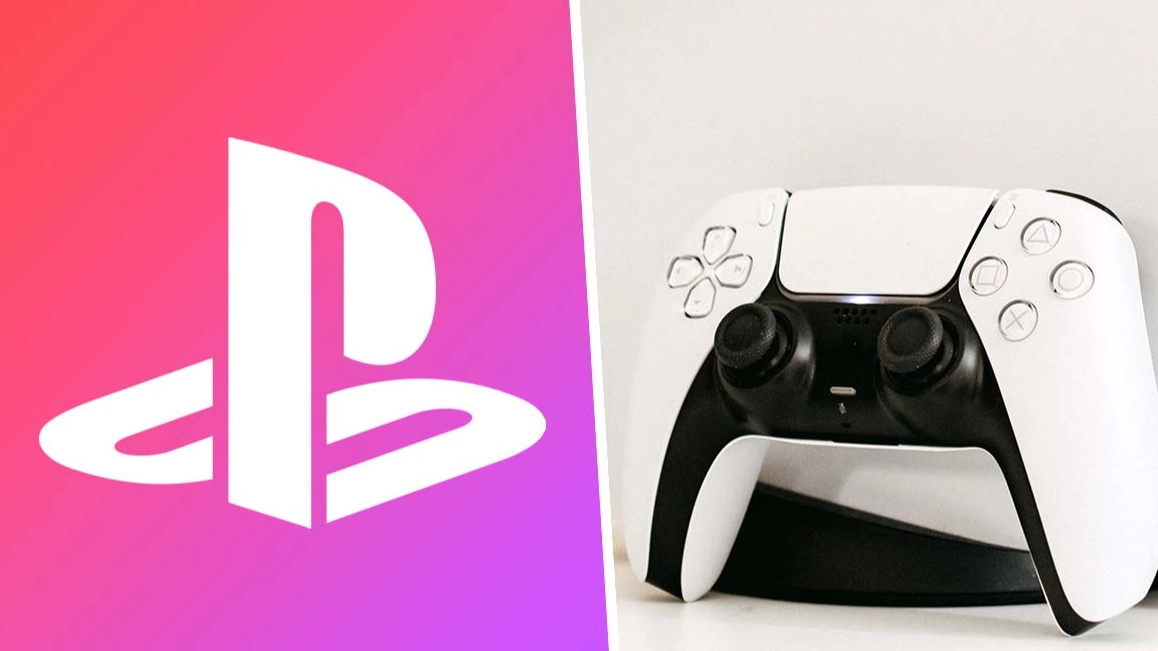
PlayStation 5’s newest system update is available now, and it’s the big one


It’s been a very long time coming, but the day is finally here. Discord voice chat is now available to all PS5 users, so you can talk to your friends while gaming directly via your console.
If you can believe it, it’s been almost two years since it was first announced that Discord was coming to PlayStation consoles. At the time, it was planned to roll out sometime in 2022, but as one quick glance at the calendar will tell you, this didn’t quite happen.
PS5 owners have a lot to look forward to this year, including the release of Marvel’s Spider-Man 2 - take a look at the trailer below.
Advert
Last month, select PS5 owners were able to trial a number of beta features, including Discord integration. At this point, it became clear that the wait for the feature was almost over, although it wasn’t clear when it’d become available to everyone else. Well, the wait is finally over, and it all sounds very simple to set up.
If you’re eager to get started with using Discord on your PS5, here’s how to do it. Firstly, from your console (which needs to be fully up to date, by the way), connect your PSN account to your Discord account. Note that if you previously connected the two in order to display your PlayStation play activity on Discord, you’ll need to do it again.
After that, choose a voice channel to join. From a separate device which can run Discord (for example, your PC or phone), you’ll then need to select the option to ‘Transfer to Console’, and select your PS5. Finally, hit ‘Transfer Voice’, and you’re good to go.
How about that? After months of rumours and debate over when this update would drop, it feels weird to say that it's officially here. But go forth, prosper, and join some Discord calls.
Topics: PlayStation 5, PlayStation