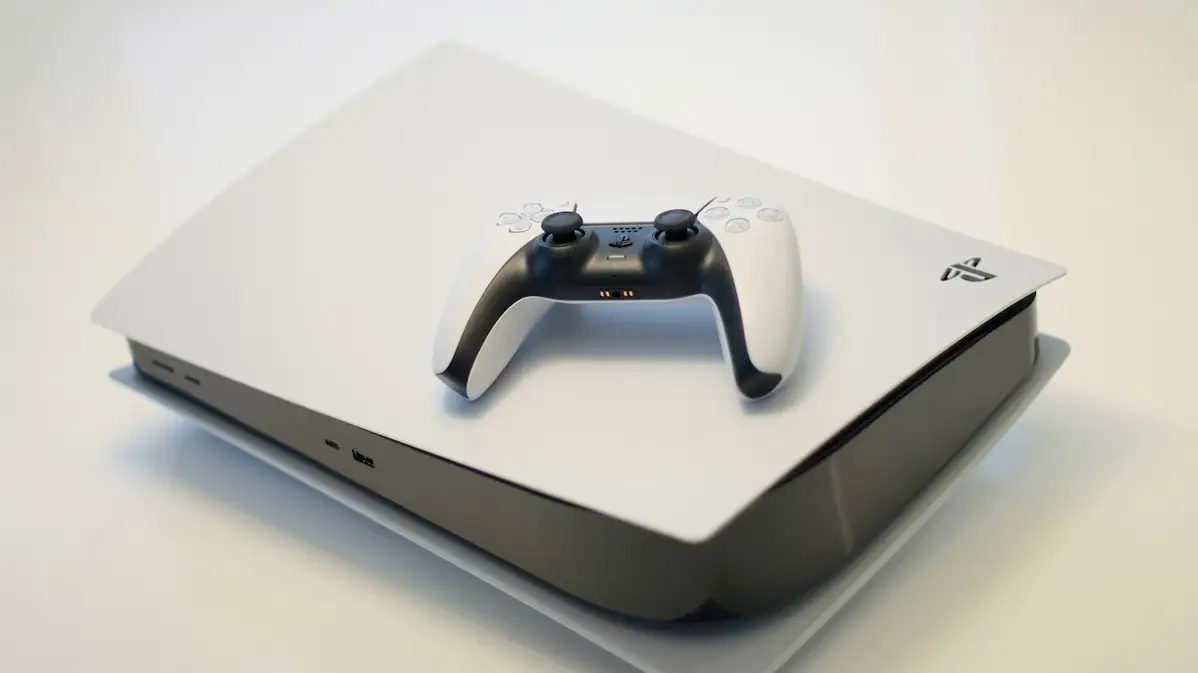
PS5 Liquid Metal Fix Is Available, DIY Project Will Keep You Busy


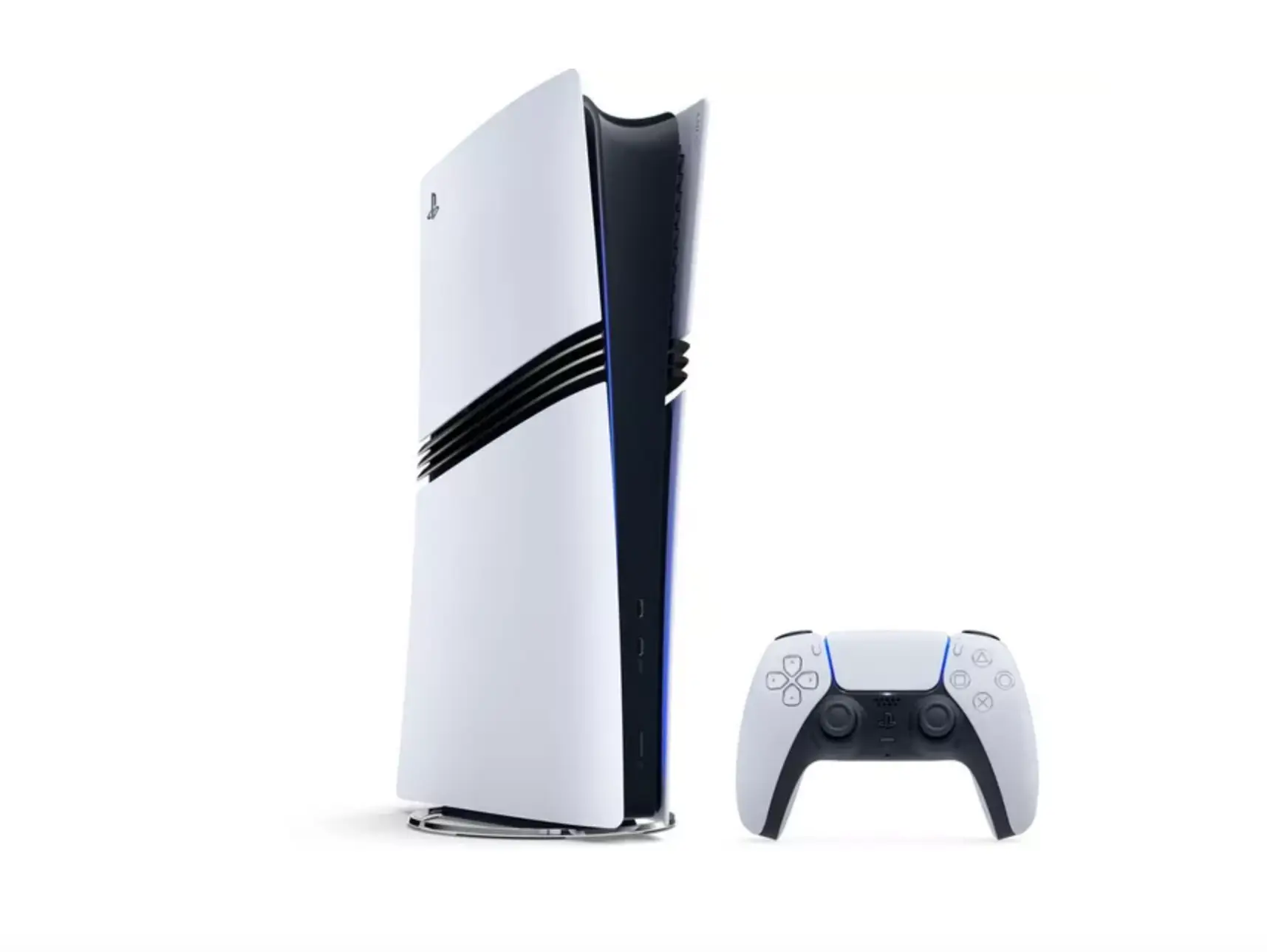
In case you fancied improving the performance of your PS5 Slim this Christmas, this liquid metal fix for your console should keep you busy.
Your PS5 Slim uses an Accelerated Processing Unit, swapping out the old-fashioned thermal paste in favour of a new liquid metal material.
Of course, this feature can mean that the liquid metal deteriorates over time, becoming unevenly spread or oxidised on the processor or heatsink. This is especially important to bear in mind if your PS5 Slim has been stood up vertically as opposed to horizontal.
Luckily, there is a way for you to apply a liquid metal fix to your console which should keep it from deteriorating any further.
How To Apply The Liquid Metal Fix To PS5 Slim
As posted by IFixIt, the process is rather simple and should help you if your console is overheating, throttling, or having overall poor performance, all the hallmarks of a dodgy fan.
Advert
IFixIt breaks the fix down into easy to follow steps, meaning you should be able to follow the instructions quite easily.
Firstly, you need to disassemble the console to get to the inner components. Remove the console cover, remove the disc drive, and also take out the expansion slot cover screws by using a screwdriver.
Once here, take off the fan cables cover and free the fan cables to disconnect the fans. Then, you can remove the fan screws to take the fan out of the system.
After you’ve done this, peel up the tamper evident sticker and remove the main board cover screws to allow you to remove the main board. Now we’re really getting inside the PS5.
Next, IFixIt says you need to remove the interconnect cable cover screws and remove that cover, which will allow you to disconnect the interconnect cable. Do the same with the antenna cables. Peel up the antenna cable tape, as well as the foam block to the heatsink shield.
Once you’ve done this, IFixIt recommends moving the antenna cables so they’re out of the way and removing the top shield plate screws. Separate and remove the top shield plate from the rest of the unit, and then remove the main board screws.
Getting towards the end now, you’ll need to remove the APU brackets, detach the main board, and remove it so you can find the heatsink.
From here, IFixIt says to put on a pair of gloves and use a disposable syringe to remove any of the old liquid metal that’s located on the heatsink. You can apply a few drops of highly-concentrated isopropyl alcohol to a cotton swab and carefully clean up all of the liquid metal from the heatsink surface. Do this for both the heatsink and the APU.
Finally, apply the new liquid metal to the processor. You won’t need to apply much, IFixIt recommends “about the size of a small matchstick head”. Following this, you can use the spreader or a new cotton swab to push down on the new liquid metal and evenly spread it across the entire surface.
After you’ve done this, your PS5 Slim is ready for reassembly, which can be done by following IFixIt’s instructions in reverse order.
Topics: PlayStation, PlayStation 5, Tech