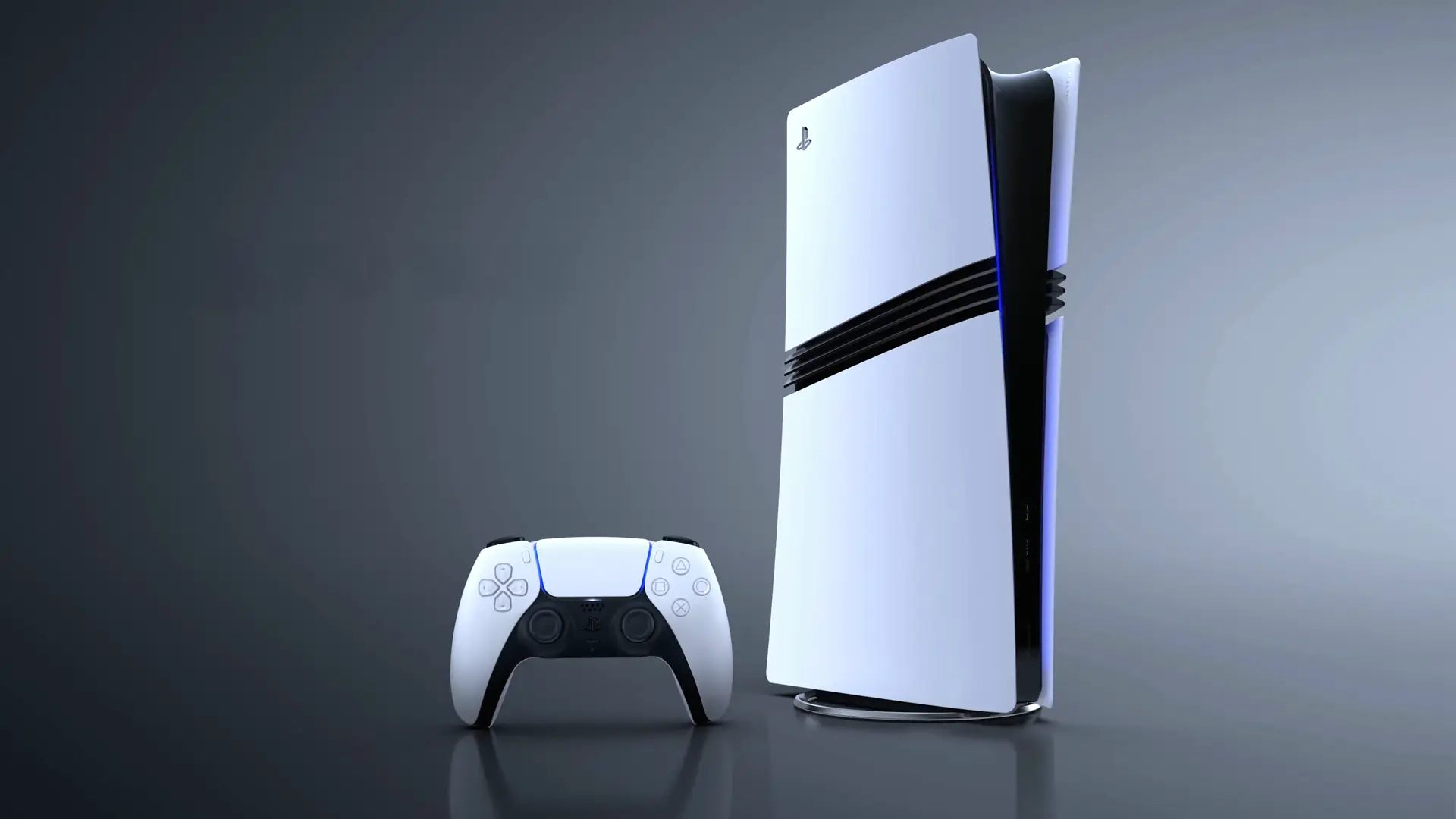
Little Known PS5 Feature Improves Gameplay, Wi-Fi Issue Fixed


A PlayStation gamer has revealed a helpful trick to improve the Wi-Fi connection of the PS5 when connecting to the PS Portal that you may have missed.
Released in November 2020, Sony’s PlayStation 5 has treated us to some fantastic games over the years, such as God of War Ragnarök, the Demon’s Souls remake, Marvel’s Spider-Man 2, Astro Bot and much more.
Other than being a powerful home console, the PlayStation 5 is a great Blu-ray player, has access to apps such as Netflix, Prime Video and Disney Plus, heck, you can even edit and upload gameplay clips to the world.
There are so many features of the PlayStation 5 that many of them would have flown under our radar, such as this Wi-Fi trick shared by Redditor Arcanaismeans.
Advert
“I’m new to PS5 Pro - what do we need to know?” asked MinorFX. “A lot of new PS5 Pro users (me included) are popping up due to recent deals and trade-in incentives.”
They continued: “Just curious if there is anything new users should know, change, toggle, etc, with their new PS5 Pro? I am by no means a power user, but would love to take full advantage of what this console is capable of, especially when paired with the proper peripherals.”
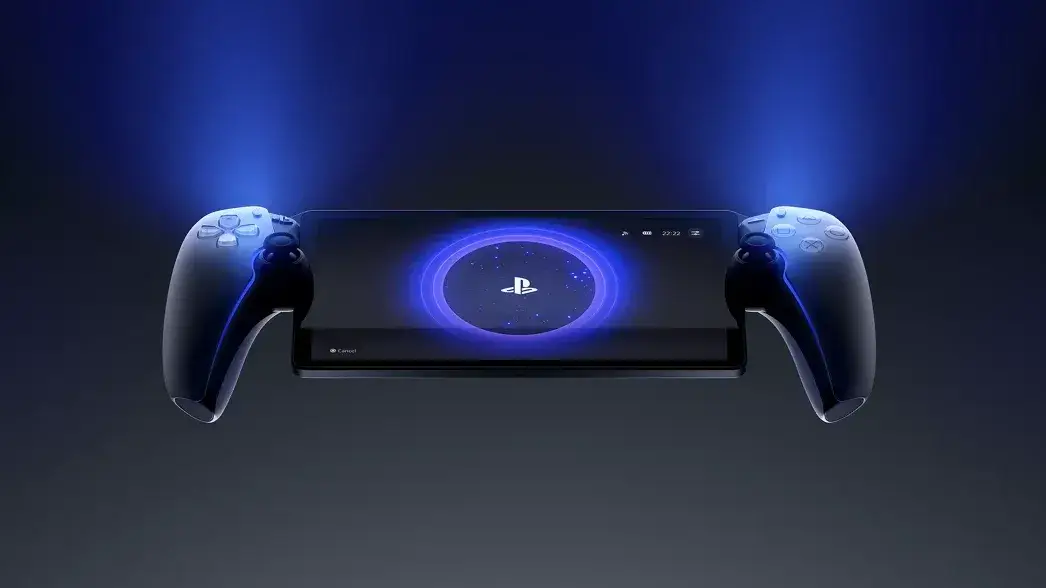
Arcanaismeans entered the conversation with some pearls of wisdom, in particular with the handheld device, the PlayStation Portal.
This device was released in November 2023, and rather than being a native handheld console like the PS Vita, it allows you to stream games from your PlayStation 5 console anywhere with a Wi-Fi connection.
Improve Your PS5 Wi-Fi Connection, Simple Steps
“If you have a Wi-Fi 6e router, on the PS5, go look at your Wi-Fi network's advanced settings and ensure it’s set to only use the 6ghz network,” they explained.
“This increased my download speeds and made the PlayStation Portal actually usable for the first time in over two years.
“On my base PS5, it didn't matter if it was hardwired or not, remote play was bad, and I had no clue my already fast downloads over WiFi could be even faster.”
So, there you have it.
If your connection to the PlayStation Portal isn't all that great from the PS5, despite having a good Wi-Fi connection, hopefully, this helpful trick will fix your issue
If not, have you tried switching the router off and then back on again?
Topics: PlayStation, PlayStation 5, Sony, Tech, Reddit