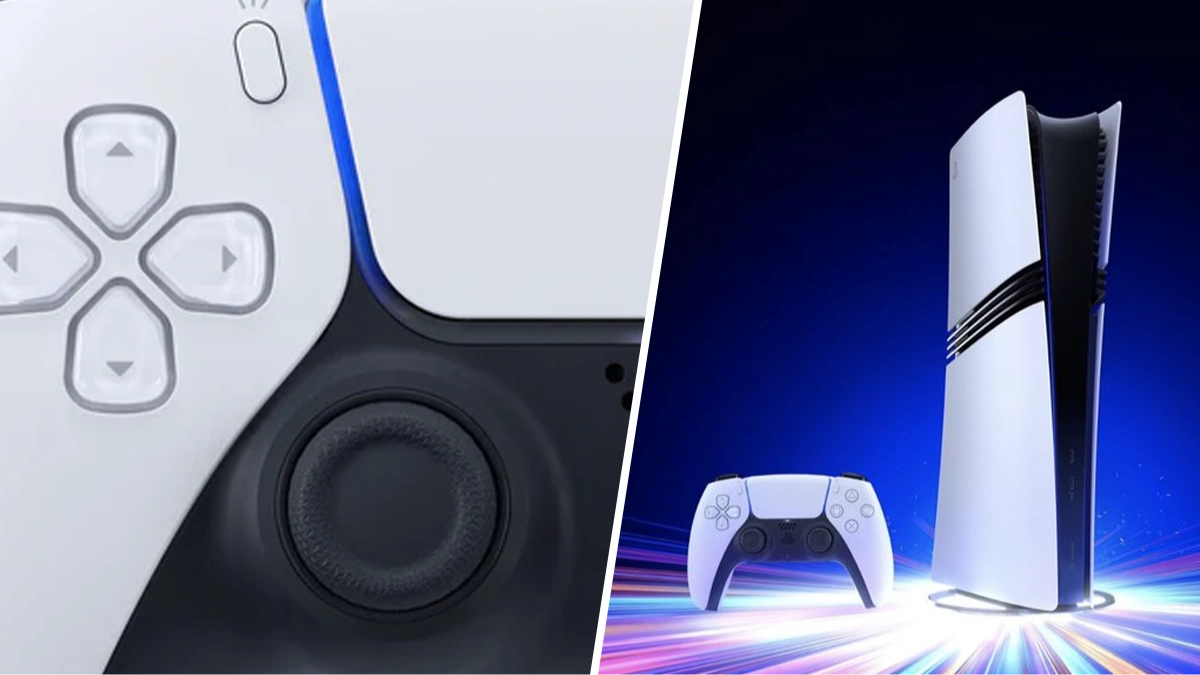
PlayStation 5 gamers urged to change one small setting for massive storage boost


With any modern console, you’re going to have a bunch of options squirreled away in the settings that you might not even know about.
One such setting can actually save you a lot of storage space on your PlayStation 5 and it’s not widely advertised, so I’m here to give you the low down and free up that SSD.
Saving that space on your PS5 means more storage for clips of sick kills in Call of Duty: Black Ops 6
Advert
So, if you’re using your PlayStation 5 the way the Gods of Sony intended, whenever you unlock a trophy while playing a game, the system will record a little video of it.
This is for bragging rights and sharing on social media and is generally a nice feature.
However, the console will store these videos on your SSD taking up precious space that could be used for games.
Thankfully, there’s an option in the console’s settings to turn off this feature.
Just follow this handy path as explained on Reddit by kuribayashijuri, “Options > Captures and Broadcasts > Trophies > Save Trophy Videos.”
Once you’ve done this, head into your image and video gallery and start deleting any videos captured via this method and suddenly you’ll have much more space for new games.
“I just figured this out as well, turns out I had like 20 gigs of these stupid recordings I knew nothing about,” said ahoffer9, who had also taken advantage of the change.
As soon as I found out about this option a while back I freed up around 15GB of space which was helpful for downloading some extra titles I wanted to play.
While you’re changing that feature, you can also stop the system from taking screenshots for trophies.
While these aren’t anywhere near as big as video files, they can soon add up and if you’re not using them for anything, it’s worth removing them and saving even more space.
Topics: PlayStation, PlayStation 5, Sony