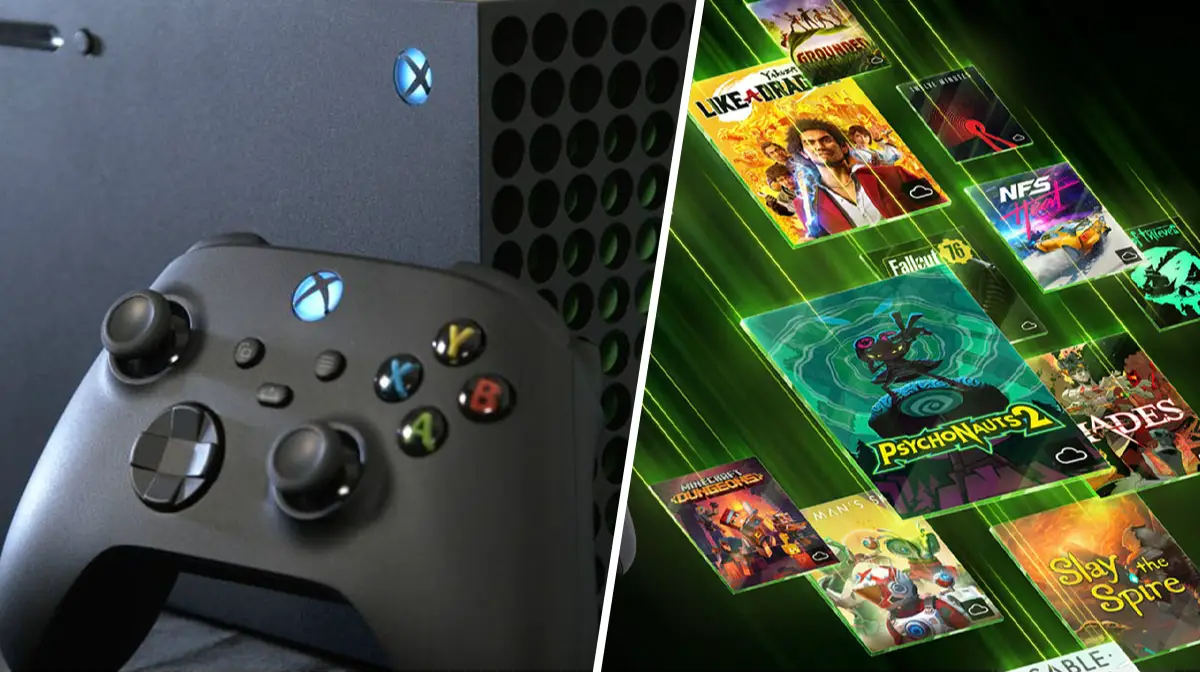
Xbox Series X users can instantly improve graphics by changing one setting


The Xbox gets a tough time with it constantly being compared to the graphical output of PlayStation, with many deeming it less capable than Sony’s flagship console. However, a simple settings change on your Xbox can dramatically improve its visuals.
What is more, the setting you need to change is so easy to locate and update that anyone – even those of you not very tech savvy – can get the desired results. All users need to do is head into their Xbox TV and display options to find an option to set the display to 1080p.
Don't forget to watch how to improve your Xbox X graphics
Advert
According to YouTuber ChadReddings, this will give you the “biggest resolution” to avoid that “bulky, clunky” look on lower settings. This is a setting that most gamers will benefit from changing, however, there are other ways to further increase visual output, especially if you have a 4K TV.
For that, you need to head into 4K TV details to begin optimising your experience so that it’s better suited to your television. Obviously, if you don’t have a 4K TV, you can skip this entirely. Then finally, you should calibrate your TV to “get the best-looking games” on your console.
These small changes, combined with another setting Xbox Series X/S users were urged to change, will ensure that your Xbox can hold its own against PlayStation. However, it’s worth noting that some gamers wanted to clarify that altering your resolution to 1080p will only benefit those who have a 1080p TV.
“I think you should rename your video to signal that this is for 1080p TVs only,” read one comment. “This [video] can be useful for someone with an older or lower resolution TV, but when you title your video ‘the best resolution’, people will probably assume you are referring to the best resolution possible (4k / 8k).”
We always value clarity on these matters, so it’s important for gamers to know where the line is drawn in terms of how much they can get out of their Xbox via the TV they’re currently using.
Topics: Microsoft, Xbox, Xbox One, Xbox Series S, Xbox Series X