How to unlock GTA 6 hurricanes and fix the weather bug on PS5


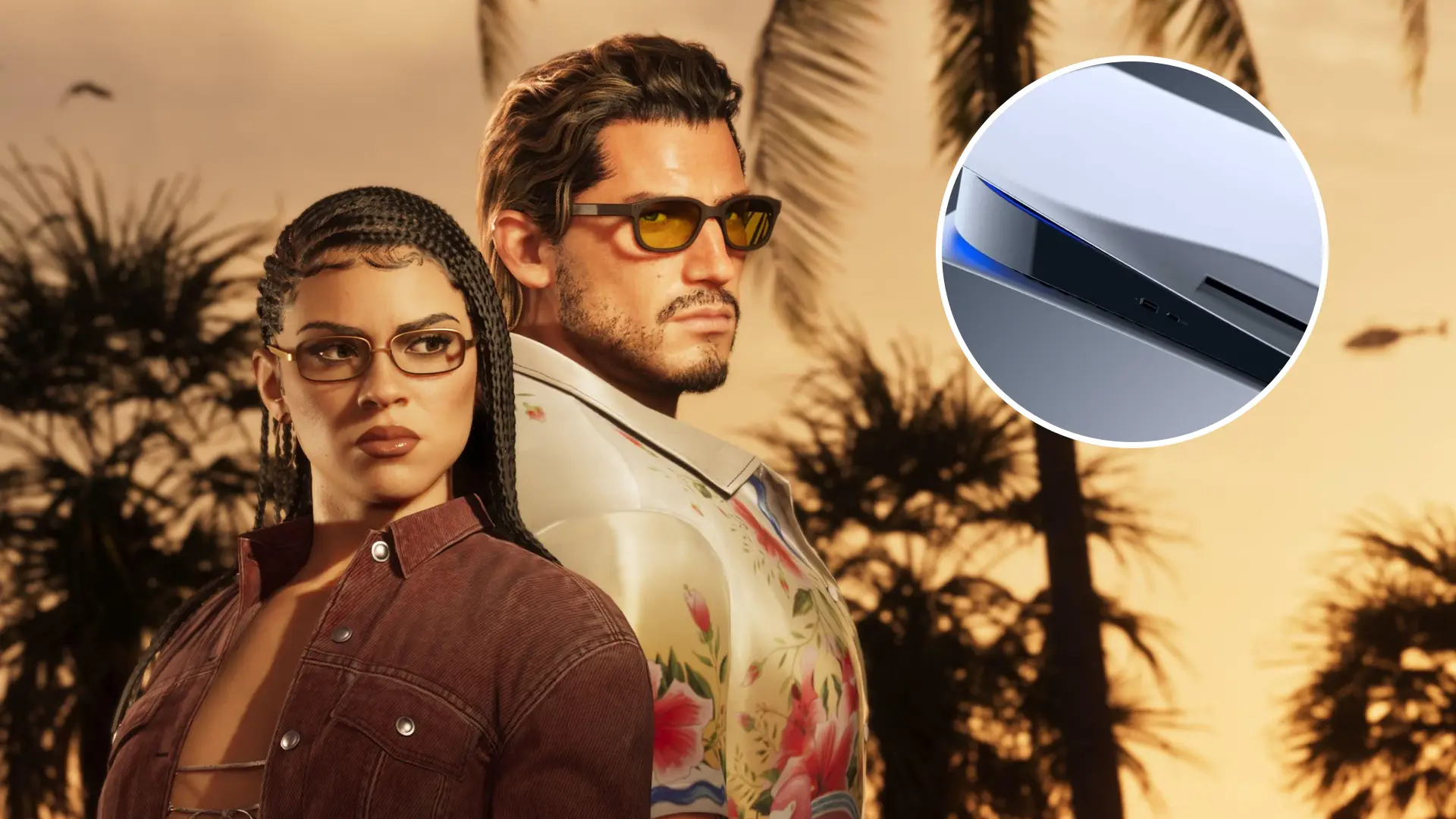
GTA 6 introduces one of the most dynamic weather systems we’ve ever seen in a Rockstar game, so it’s too bad so many PlayStation 5 owners are reporting the same bug. Worry not though, we have a fix and a way of making the in-game weather twice as crazy.
In the opening chapters of GTA VI the weather is meant to be tame. It’s often lovely and sunny so you can effectively soak up the tropical vibes as you live the short-lived good life of Chapter 1.
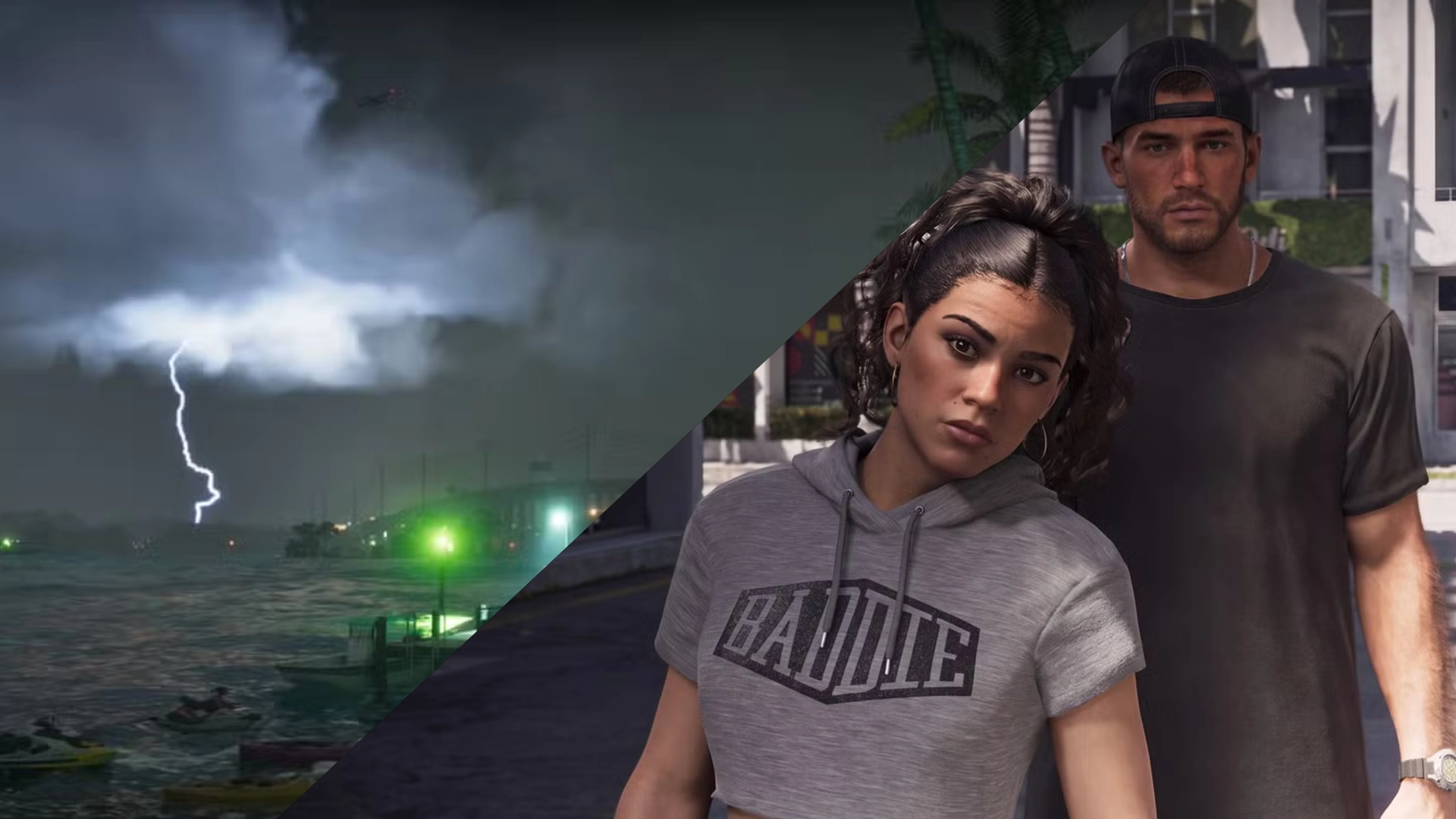
You can expect the in-game weather to kick it up a notch from Chapter 3 onwards, but to unlock hurricanes you’ll have to engage with one of the game’s side-missions.
How to unlock hurricanes in GTA 6
To start with you’ll need to head North to Lake Leonida. It’s up in Leonard County and you can’t miss it; it’s huge.
Either drive around the lake or grab a boat and travel across it until you reach a trailer park. Just down the road from that trailer park is a large, fenced-off area with a bunker in the middle. You’ll know you’ve found the right place as automated warnings will start blaring from nearby speakers.
Advert
Next, you need to head into the complex. I grabbed a bulldozer around the back and used it as a makeshift ramp so I could hop over the electric fence. Then just avoid the landmines hidden on the ground, destroy the drones that head your way and approach the bunker door.
You’ll be greeted by its owner who tells you to leave and come back later, as he’ll have upgraded his defenses by then and is curious to see if you can make it back in.
Leave, do some side-activities and return when he texts you to say he’s ready. When you come back the easiest way in is jumping from the nearby water tower, and when you successfully make your way to the bunker again he’ll let you inside.
White you’re chatting, a hurricane will roll in outside and once you leave this unique weather-type will occur randomly for the rest of your playthrough.
How to fix the GTA 6 weather bug on your PS5
Now, some PS5 owners are saying their copy of GTA VI isn’t cycling through the various options while they play.
If your version of Leonida is perpetually shrouded in sunlight here’s what you need to do – it’s very easy.
According to GameRoll_ on X, you must first close the game and turn off your PS5. Don’t put it into Rest Mode – shut it down completely.
Then press and hold the power button until the console launches in safe mode, and plug in a controller. Clear the system cache and once that’s been done load GTA VI back up.
This apparently makes the in-game weather changes happen more frequently, and while I’m not entirely sure if I was experiencing the same bug or not, when I attempted this myself last night and played for a few hours it did feel like something had changed.
All of this is well-worth doing, especially for the hurricanes. They’re an awesome modifier for the open-world and make everything feel so much more atmospheric and dangerous.
READ NEXT: PS5 users report 'increased sudden shutdowns' while playing GTA 6, three major errors noted
Topics: GTA 6, Grand Theft Auto, Rockstar Games