GTA 6's 19 most helpful hidden controller inputs that make navigating Leonida so much easier


Grand Theft Auto VI’s prologue is a major improvement over that which you’ll find in Rockstar Games’ previous release, Red Dead Redemption 2.
It cuts down on a lot of bloat, introducing players to the world and mechanics much quicker, something GTA VI co-lead Rob Nelson told us was very important to the team.
What that trimmed-down prologue means though, is that GTA VI is pretty light on instruction; it trusts you, for the most part, to figure a lot out for yourself outside of highlighting the main controls.
It’s with that in mind that we’d like to share 19 hidden controller inputs that you may have overlooked but should make your rampage of chaos across Leonida a smidge easier. All inputs work across both PlayStation 5 and Xbox Series X/S.
GTA 6’s best hidden controller tricks on PlayStation and Xbox Series X/S
Combat hidden tricks
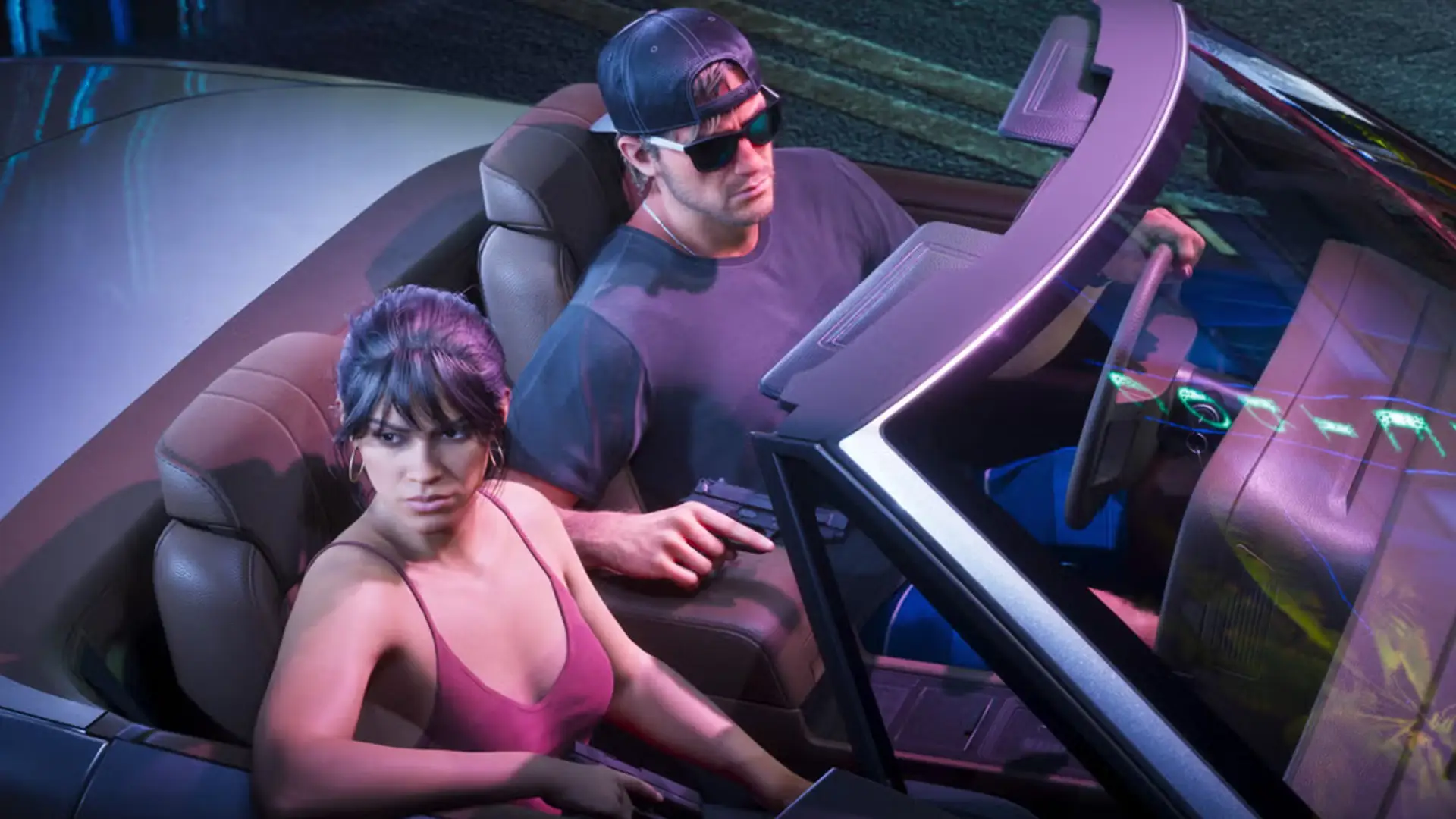
Throughout your time in GTA VI, you’ll get into plenty of fist fights and shootouts, but the game also features lots of vehicular combat. If you’re under attack while driving, you can hold Circle (PS5) or B (Xbox) to duck and avoid gunfire. Additionally, pressing Square (PS5) or X (Xbox) will allow you to open your car door into people, mowing down NPCs who may be trying to do you harm.
Advert
If you want to grab an adversary, do it by holding R2 (PS5) or RT (Xbox). If you then want to choke them too, hold Square (PS5) or X (Xbox) and press the D-pad.
It’s possible to switch which shoulder you’re aiming from within GTA VI too if you’d rather look over Jason/Lucia’s left shoulder or vice versa. Simply press left on the D-pad (PS5/Xbox) while aiming, and you should switch with ease.
READ MORE: GTA 6 Criminal Profile explained: morality levels and avoiding Irredeemable status
Traversal hidden tricks
It’s easy to get distracted while driving around Leonida; the sight of a nearby NPC or building may prompt you to investigate, and while sometimes your instinct may be correct, leading you to a multi-hour side quest, that won’t always be the case. If you just want to quickly hop out of your car but keep the engine running, double-tap Triangle (PS5) or Y (Xbox). That way, it’s much quicker to get going again.
There’s every chance that you might end up with an upside-down vehicle at some point, whether it’s a boat, car, or jet ski; the driving mechanics take some getting used to. If you do flip your vehicle, press L3 and hold Square (PS5) or X (Xbox) to flip it back to the right side up.
Got road rage? We’re going to assume the answer is yes. Double-tap R3 (PS5/Xbox) and Jason/Lucia will shout at nearby drivers.
On the other hand, plenty of players will abide by traffic rules. Use left and right on the D-pad (PS5/Xbox) to use your indicators/blinkers, and turn your headlights on and off by holding Circle (PS5) or B (Xbox). Finally, look behind you by holding R3 (PS5/Xbox).
Driving and listening to the radio in GTA VI is one of the game’s greatest pleasures, following in the footsteps of prior GTA instalments. If you do want to quickly turn the radio off, though, you can double-tap left on the D-pad (PS5/Xbox), with the trick also working to turn the radio on. Helpful if you’re out in the open-world and hear something odd that suddenly demands your attention.
Not every traversal trick applies to your vehicles. If you’re sprinting to get away from Vice City’s cops, it may be easier to slide over a car hood rather than dodge every vehicle in your way. To pull this trick off, tap X (PS5) or A (Xbox) when you reach the hood. You must be at full sprint.
READ MORE: GTA 6 confirms what happened to Michael and Jimmy after GTA 5 in nostalgic easter egg
Open-world hidden tricks

The ability to hold two consumables has caused a surprising amount of joy. Whether it’s two beers, two apples, or whatever else, GTA VI players are getting a surprising boost of dopamine from this humble mechanic. If you are just holding one item, though, press the D-pad (PS5/Xbox) to the left to switch the item to Jason/Lucia’s other hand.
In real life, there are consequences to flipping someone off. In GTA VI, there are not. Someone rubbed you the wrong way? While walking on foot, press L2 and R1 (PS5/Xbox) to give them the finger.
If you simply yearn to look cool, you can hold Circle (PS5) or B (Xbox) while standing near a car or wall to lean on it. Does this provide any sort of benefit? No, but Rockstar clearly knew that Jason and Lucia should be offered every possible opportunity to serve. Alternatively, press L3 (PS5/Xbox) near a railing to achieve the same effect.
On the topic of simply looking cool, GTA VI players can hold L1 (PS5) or LB (Xbox) in order to wear their cap in a different direction, with the D-pad dictating the way it’s worn.
Along the same lines, if you’re smoking, you can also flick a cigarette forward if you want to look nonchalant and full of disregard. When you’re smoking, hold R2 (PS5) or RT (Xbox) to pull this off.
Topics: GTA 6, GTA, Grand Theft Auto, Rockstar Games, PlayStation, Xbox